
How to choose the live streaming type and terminal
I. Live Streaming Introduction
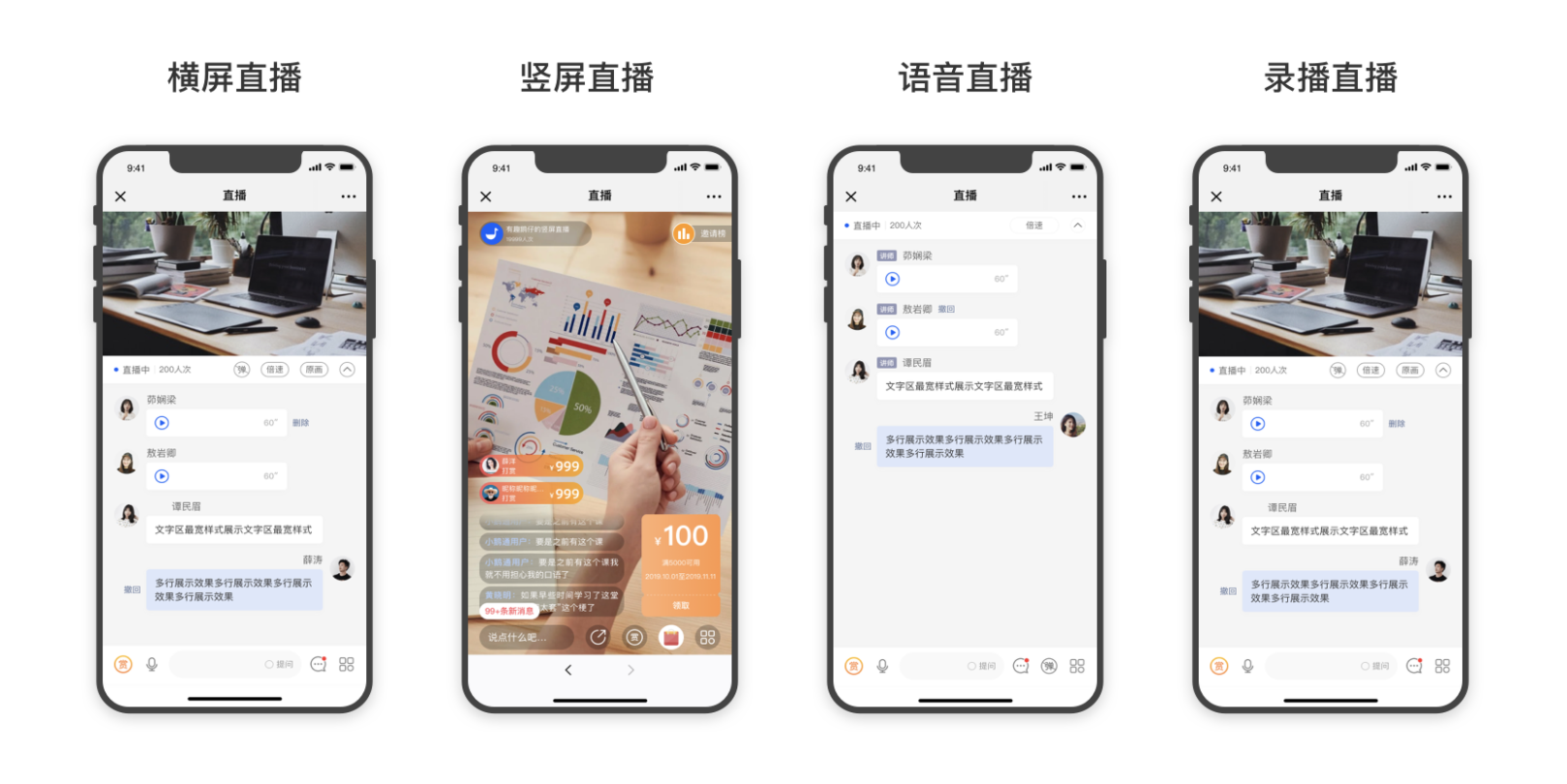
elink supports three major types of live streaming: video live streaming, audio live streaming, and pre-recorded live streaming. Among them, video live streaming is divided into two modes: [Landscape Live Streaming] and [Portrait Live Streaming].
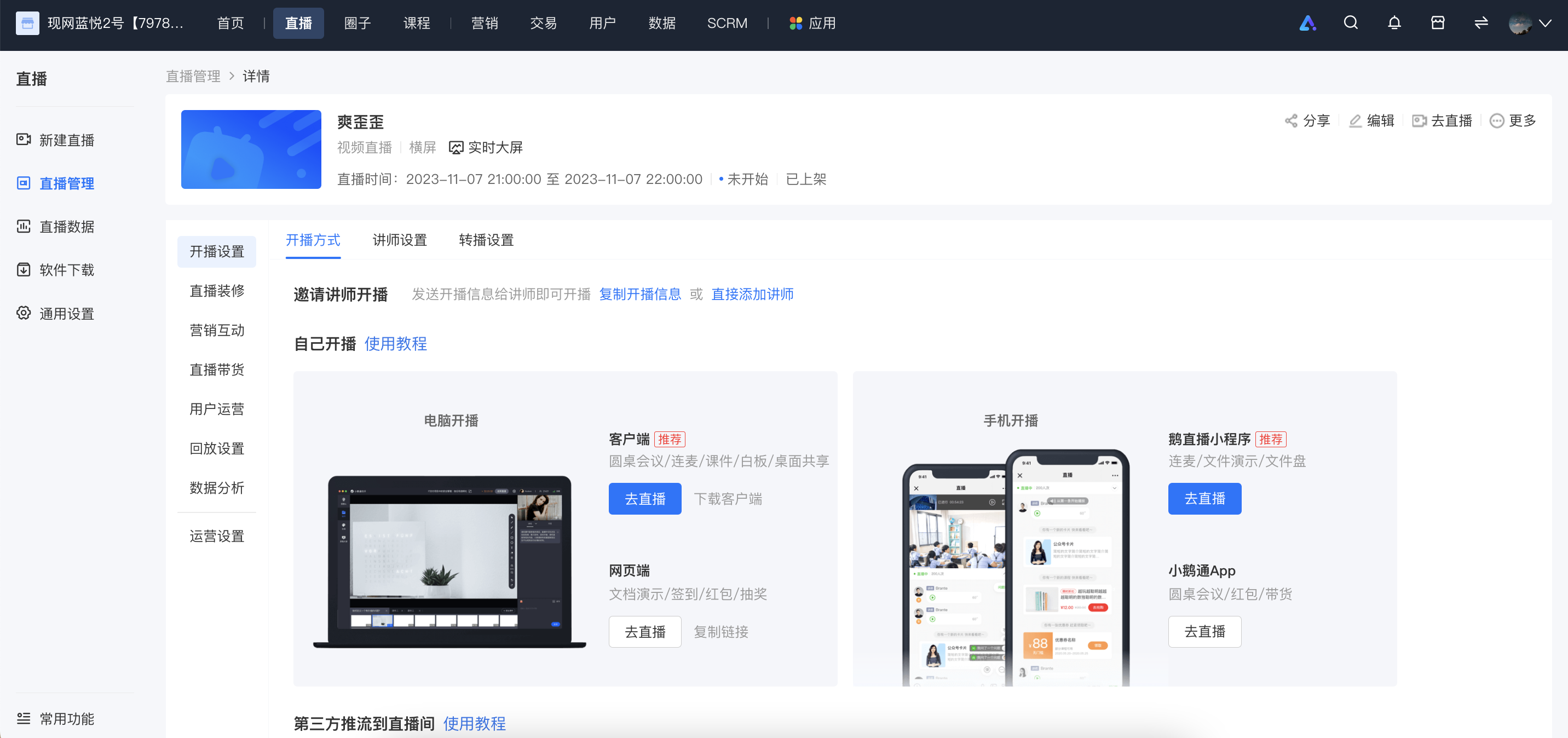
II. Video Live Streaming - Landscape Live Streaming
1. Instructor teaches on a computer
1) Computer web browser: Suitable for live streaming that requires real-time video interaction with users. It also supports teaching with videos and PPT courseware.
2) Computer client - elink Live Client, elink Assistant: Suitable for live streaming that requires displaying the computer desktop and providing real-time interactive explanations.
3) OBS: Can connect to third-party devices to deliver more professional live courses.
2. Instructor teaches on a mobile phone
elink App, elink Live Mini Program: Suitable for lightweight real-time video live streaming without the need for courseware teaching.
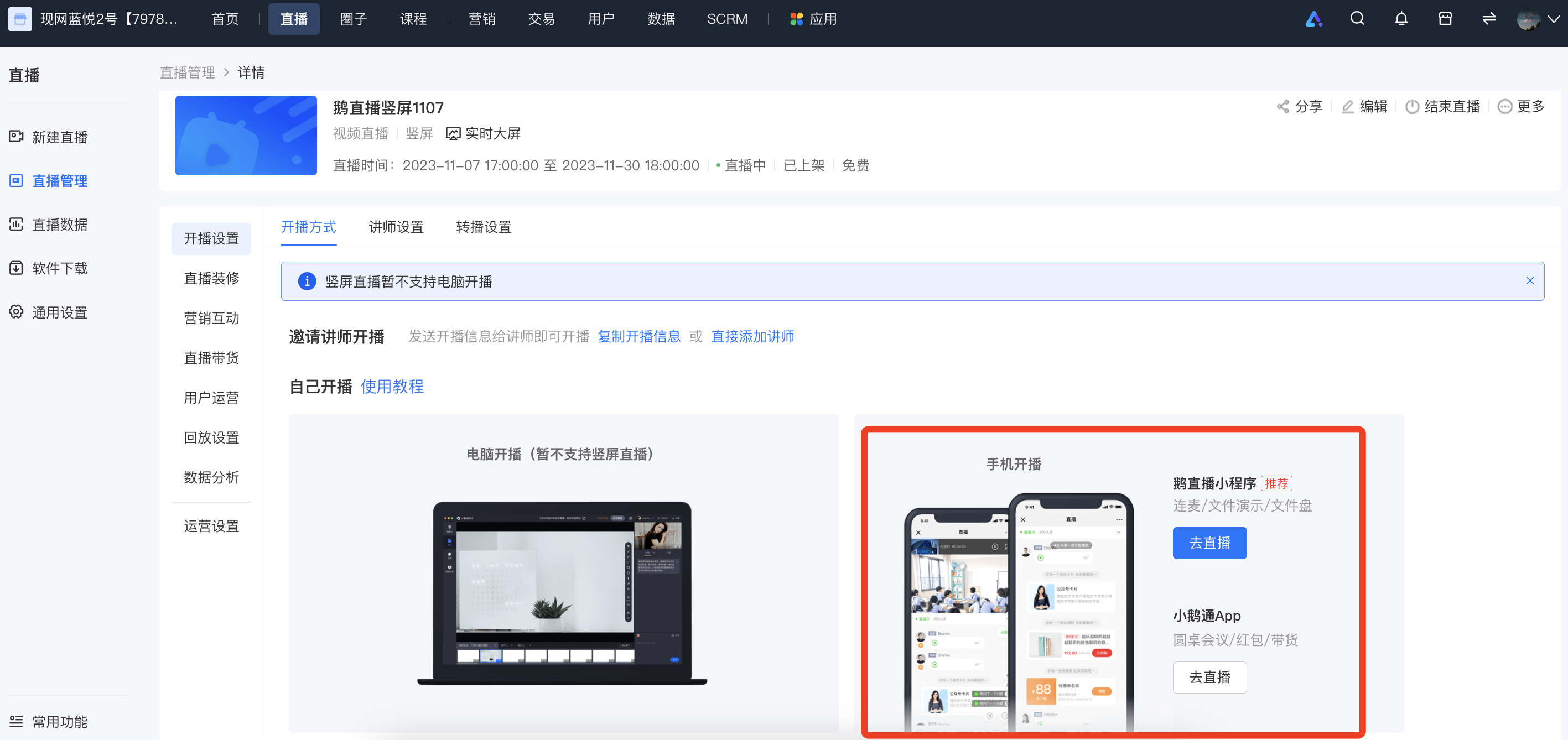
III. Video Live Streaming - Portrait Live Streaming
Portrait live streaming currently supports live streaming via the elink App, elink Live Mini Program, and third-party live streaming tools such as OBS. It is recommended to use the App for live streaming as it has more comprehensive functions, higher stability, and lower latency.
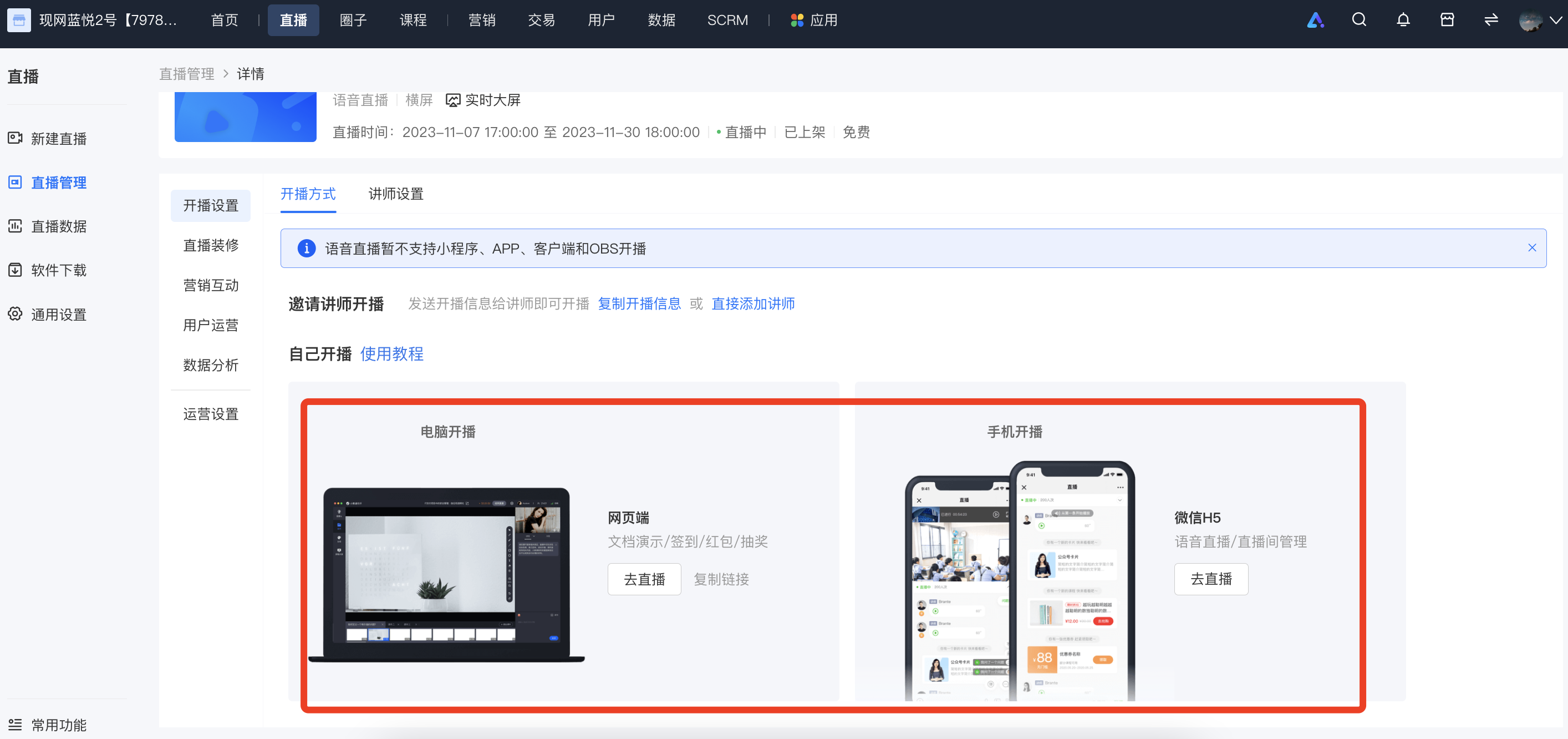
IV. Audio Live Streaming
For audio live streaming, courseware such as images, texts, and PPTs can be added. Instructors can choose to teach via the computer web browser or the mobile phone - WeChat H5 page.
1. Image/Text + Audio Live Streaming: Suitable for live streaming with a large amount of audio, text, and images.
2. PPT + Audio Live Streaming: Suitable for live streaming in the form of teaching with presentation documents and sending multiple audio messages.
*Note: Only one type of courseware can be added to a live stream.
V. Pre-recorded Live Streaming
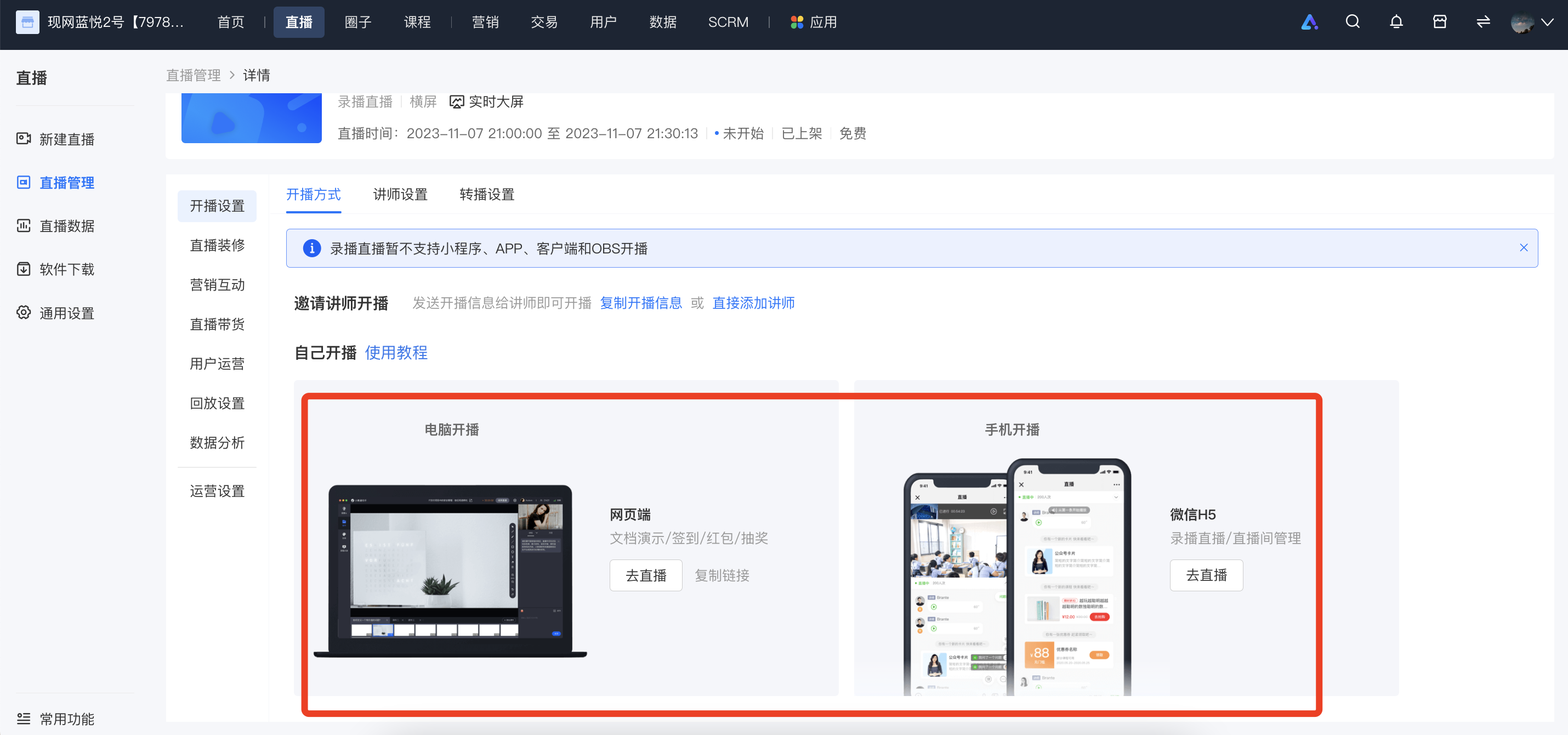
Pre-recorded live streaming supports adding videos in advance. There are the following usage scenarios:Instructors can choose to teach via the computer web browser or the mobile phone - WeChat H5 page.
Pre-recorded Video + Audio Live Streaming: Suitable for live streaming with pre-prepared recorded videos.
No comments to display
No comments to display