
How to import assignments in batches?
You can batch import assignments through the following steps:
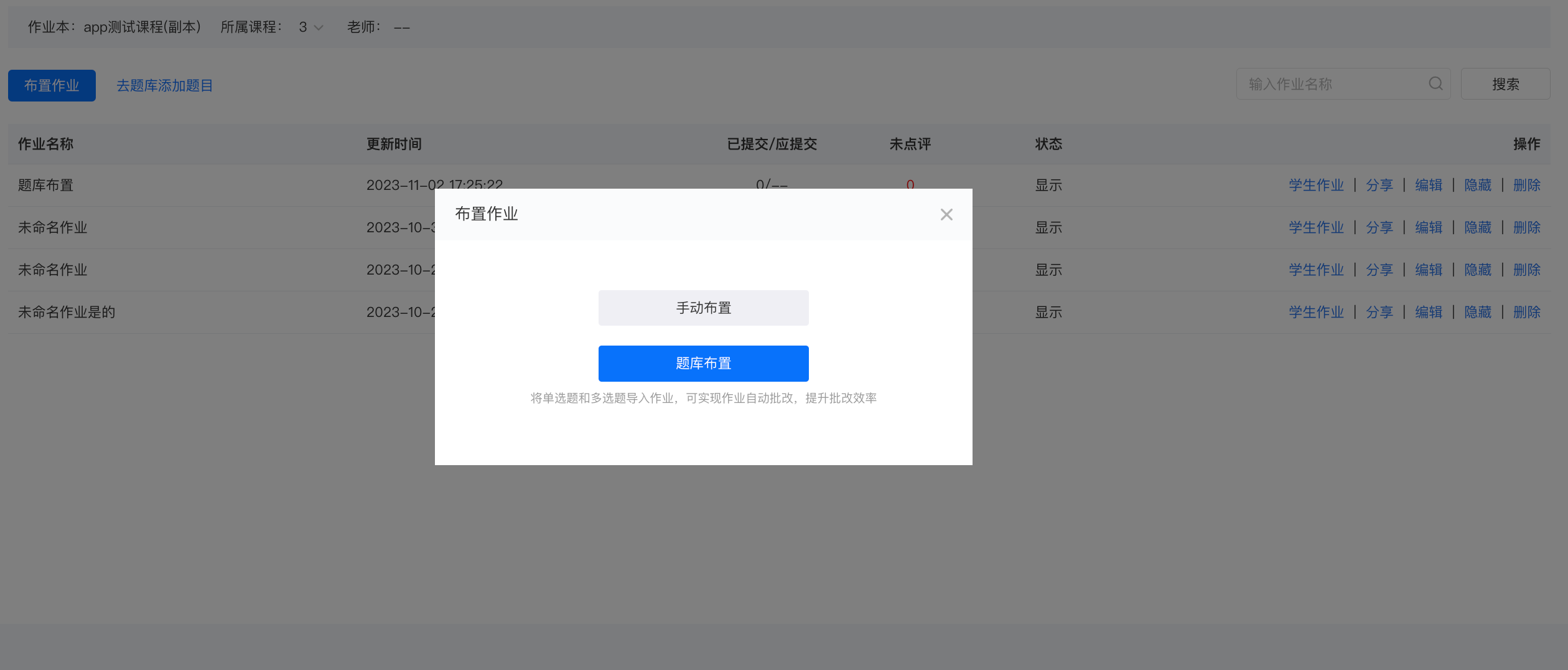
1. Select [Assign Assignments > Assign from Question Bank], and click [Import Questions from Question Bank].
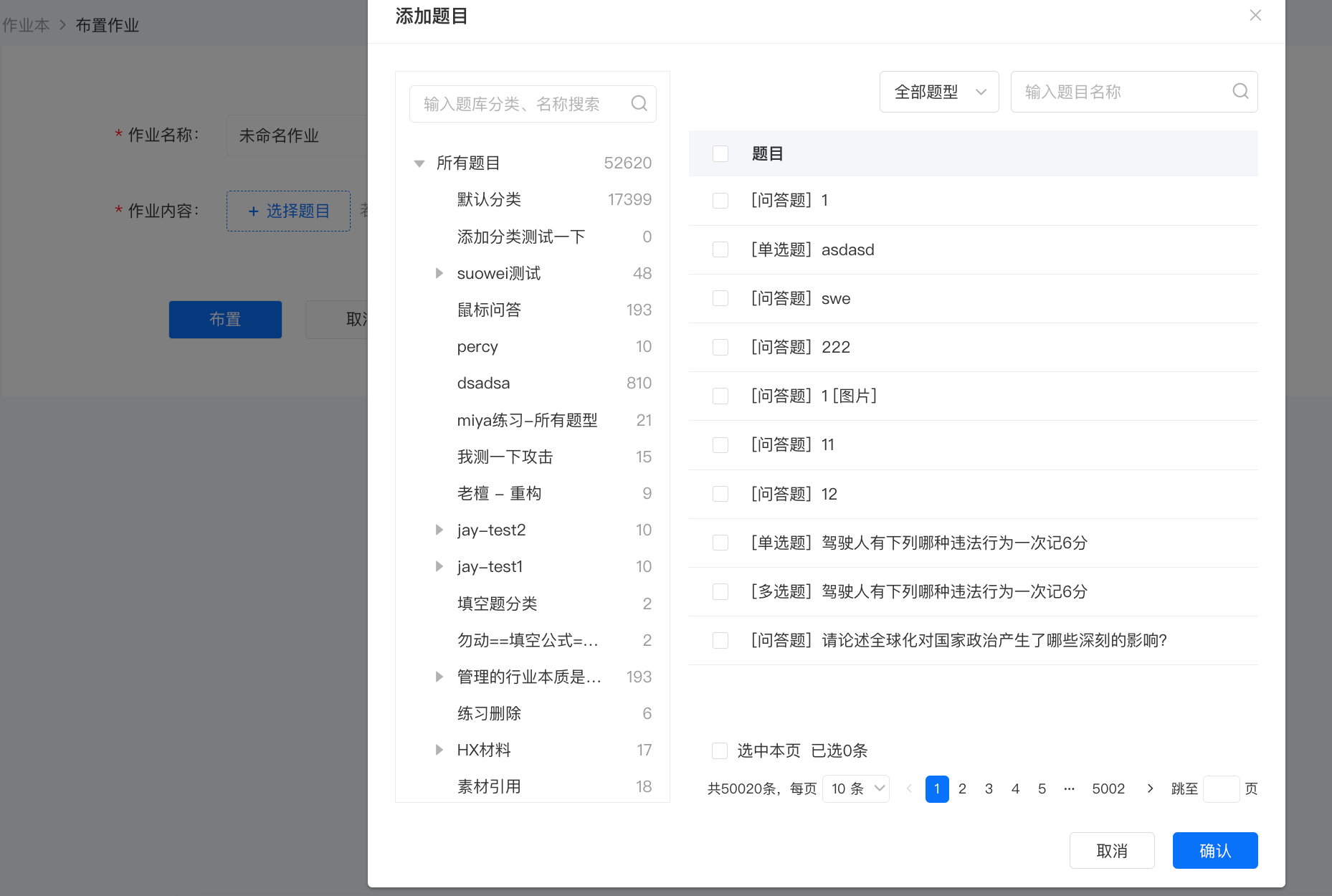
2. Select the corresponding category in the question classification on the left. All questions will be displayed on the right. Select all/multiple questions and click [Confirm Selection] to successfully complete the batch import.
No comments to display
No comments to display