
How to view store information/store link/modify store name?
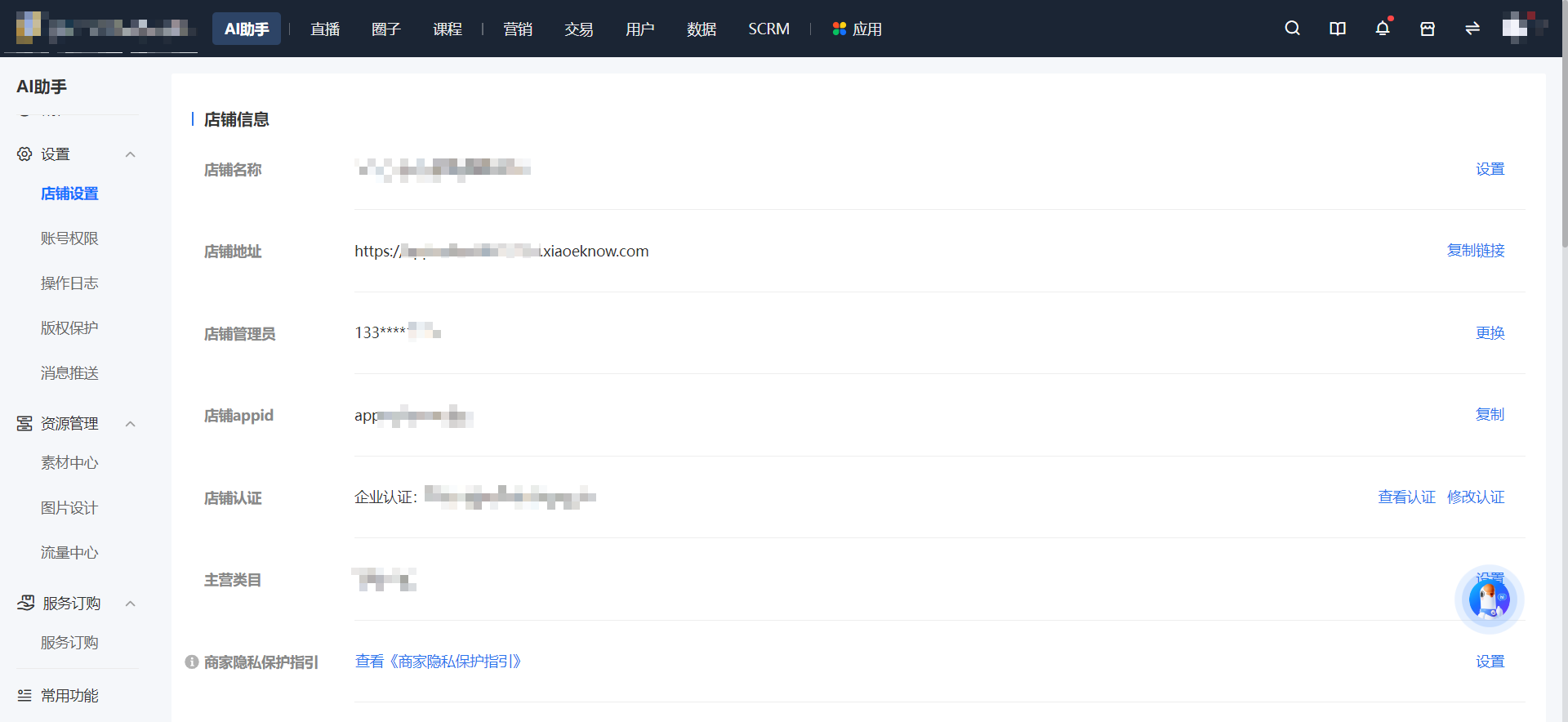
Operation path: Log in to the desktop management console, click [AI Assistant - Settings - Store Settings] to enter the store settings details page, and find [Store Name] to make modifications.
In the [Store Information] module, you can view the store name, store address, store administrator,Storeappid, store verification, and main business categories.
Click [Copy Link] to get the store address, then embed the link in the menu bar of the Official Account, or send it via WeChat in private chats, Communities, or Moments.
No comments to display
No comments to display