How to view store information/store link/modify store name?
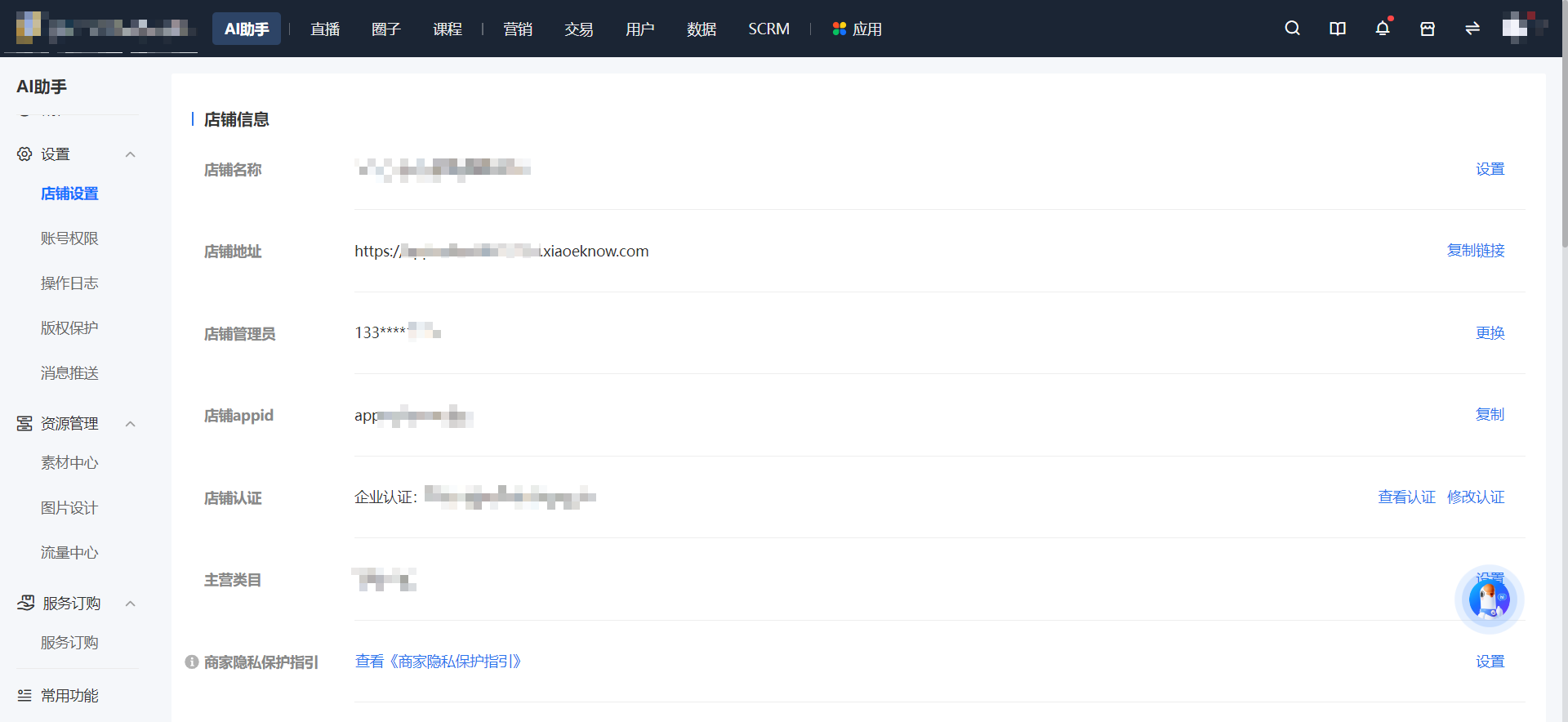
Operation path: Log in to the desktop management console, click [AI Assistant - Settings - Store Settings] to enter the store settings details page, and find [Store Name] to make modifications.
In the [Store Information] module, you can view the store name, store address, store administrator,Storeappid, store verification, and main business categories.
Click [Copy Link] to get the store address, then embed the link in the menu bar of the Official Account, or send it via WeChat in private chats, Communities, or Moments.