
How to view the data after creating a coupon?
1. Check the issuance status of coupons:
(1) Filter coupons according to your viewing needs.
Filter the activity status. The coupon activity status is classified according to the validity period:
- Not started (can be claimed but cannot be used)
- In progress (can be claimed and used)
- Stopped manually (cannot be claimed but can be used)
- Ended (cannot be claimed or used)
(2) You can directly view the coupon collection data on the coupon list page.
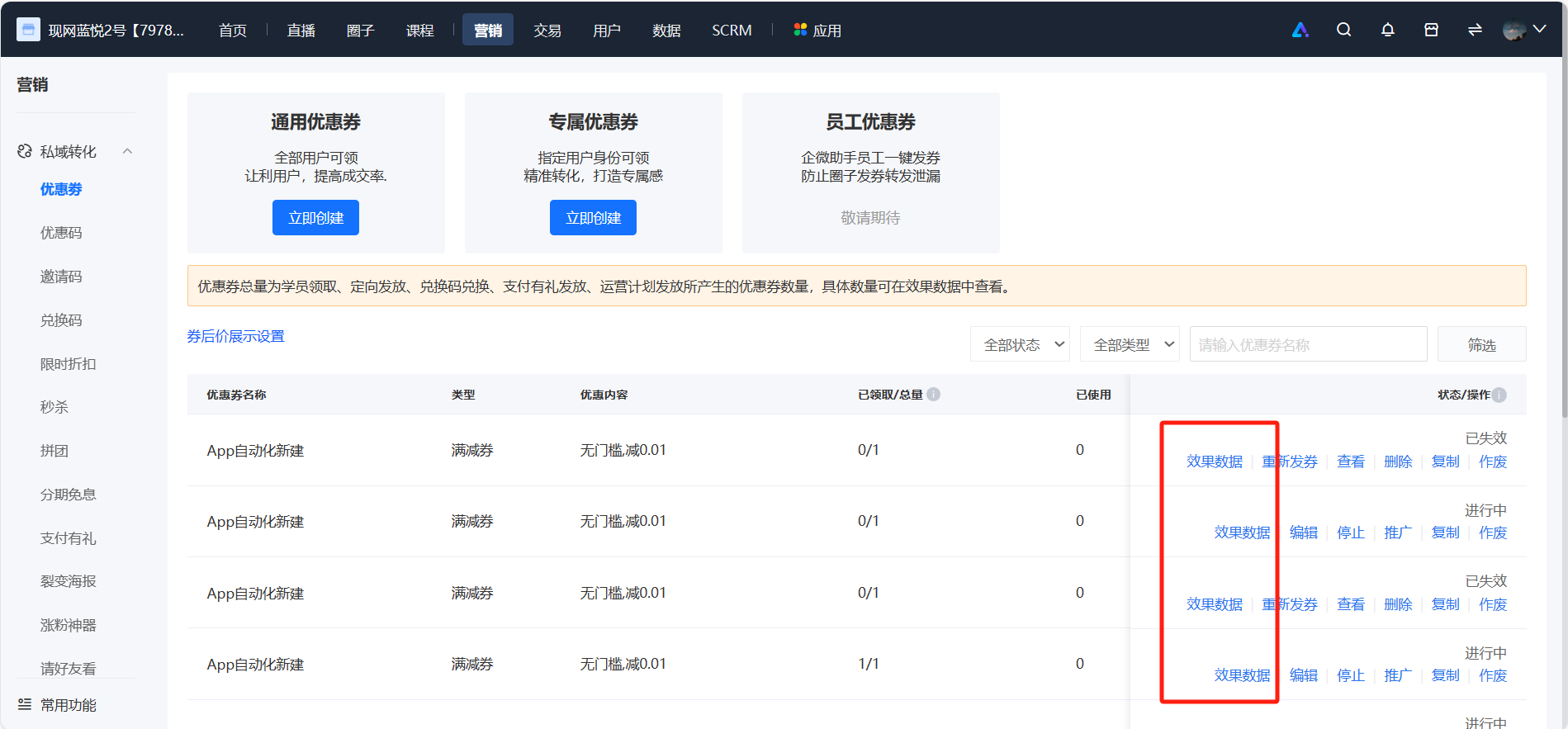
2. View the detailed data of coupons: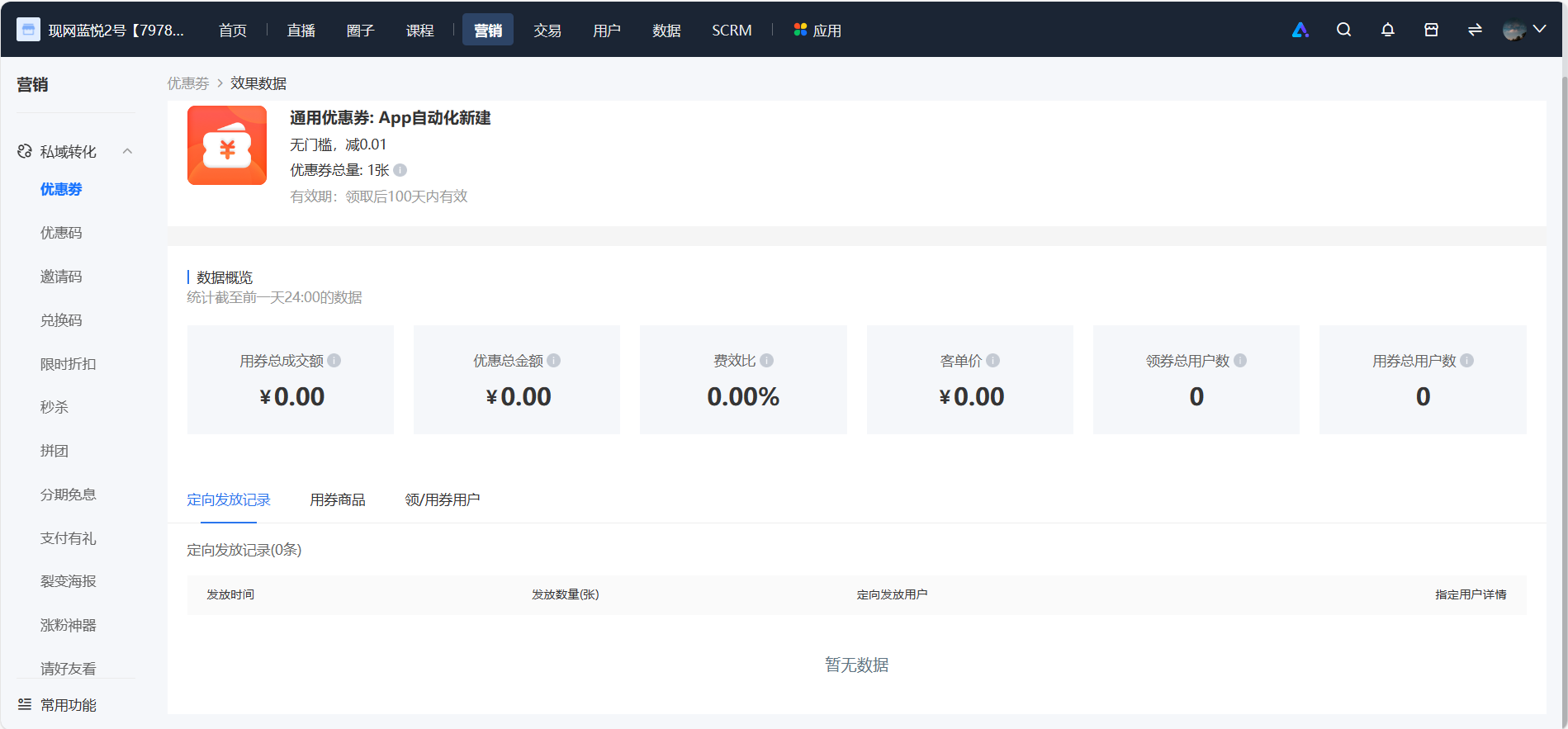
Click [Effect Data] in the coupon list to view more detailed coupon-related data (statistics up to the previous day).
No comments to display
No comments to display