
Instructions for adjusting the cover image size
I. Function Introduction
Currently, the cover ratios of various types of courses and products on elink are not unified, and the display ratios of pictures on different pages are also inconsistent. As a result, merchants need to prepare materials of multiple sizes to create content.
This adjustment will standardize the cover upload and application positions, improve the efficiency of merchants' store operations, and ensure the complete display of merchants' pictures.
II. Impact of the Adjustment
● Newly Created Courses/Content:
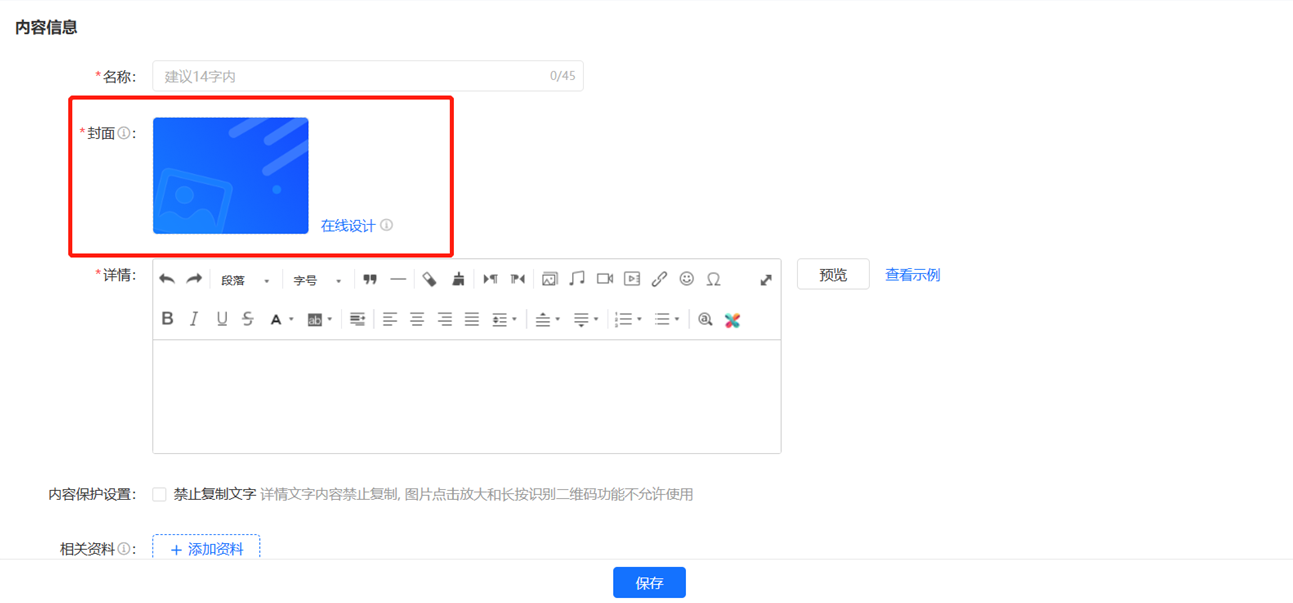
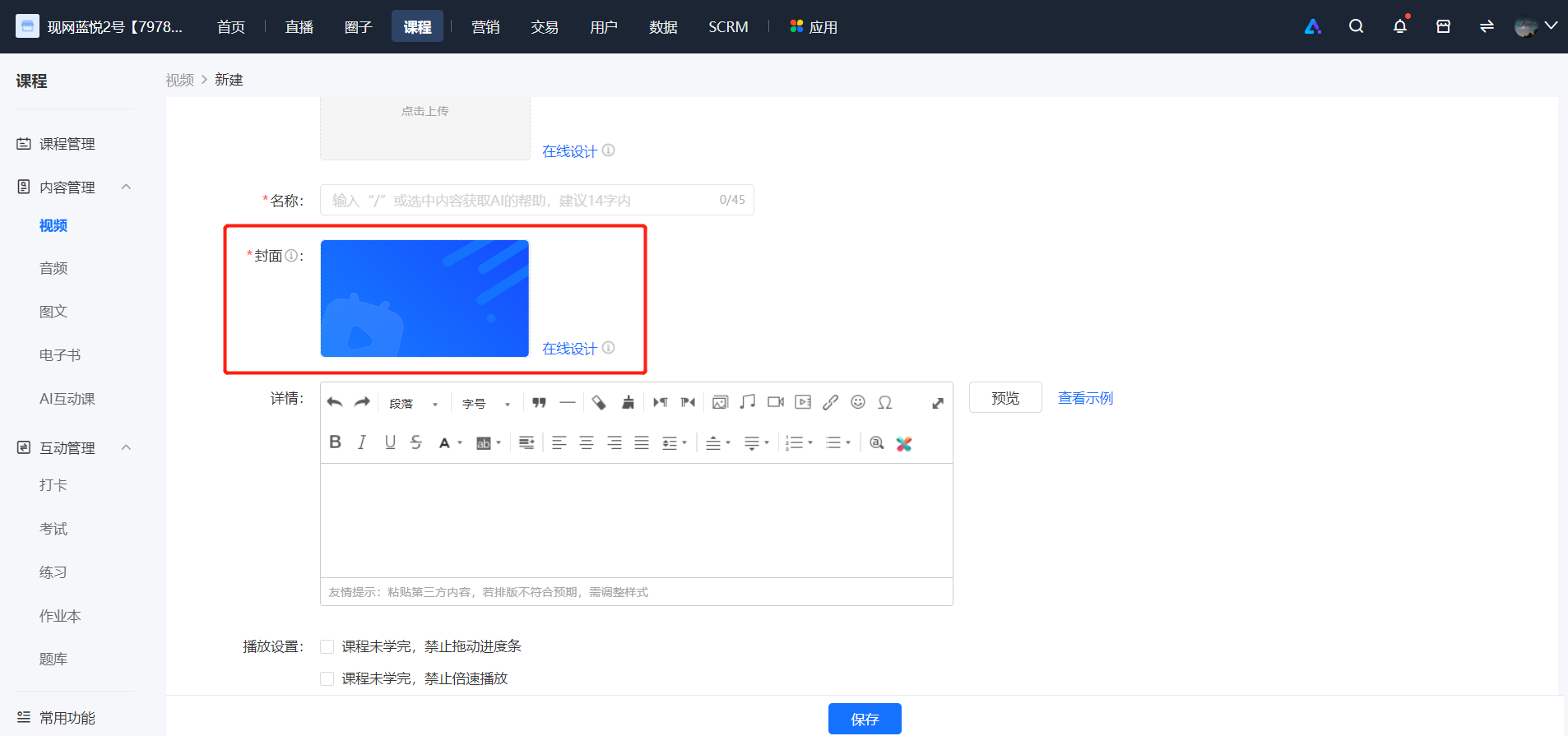
○ Adjust the picture size of [New Course/Content - Cover]. The latest recommended size is 750*422 or the ratio is 16:9. This adjustment only focuses on the picture size, and no changes will be made to the format and capacity.
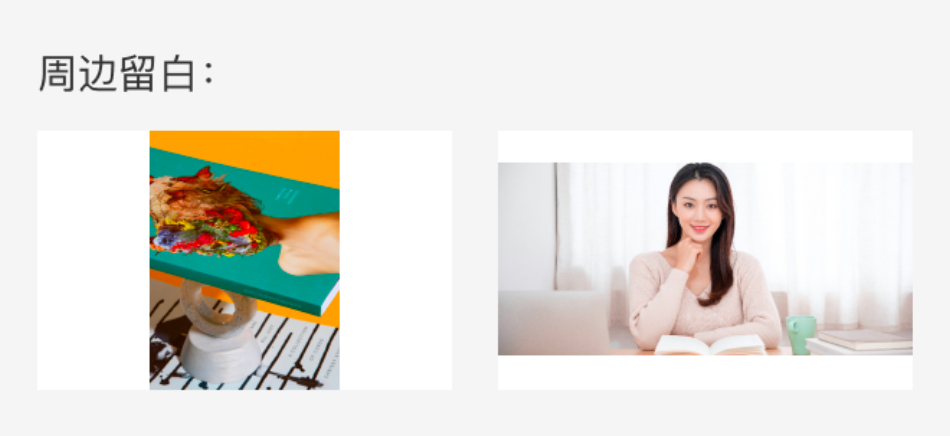
○ The cover picture of [New Course/Content - Cover] will be displayed in a 16:9 picture frame. For the cover pictures created previously, a small amount of white edges will appear on the left and right sides within the display frame.A small amount of white - edge effect
○ Path: PC Management Console - Course/Content Management - New Course/Content - Cover
Before the change:
After the change:
● Courses/Content Management List:
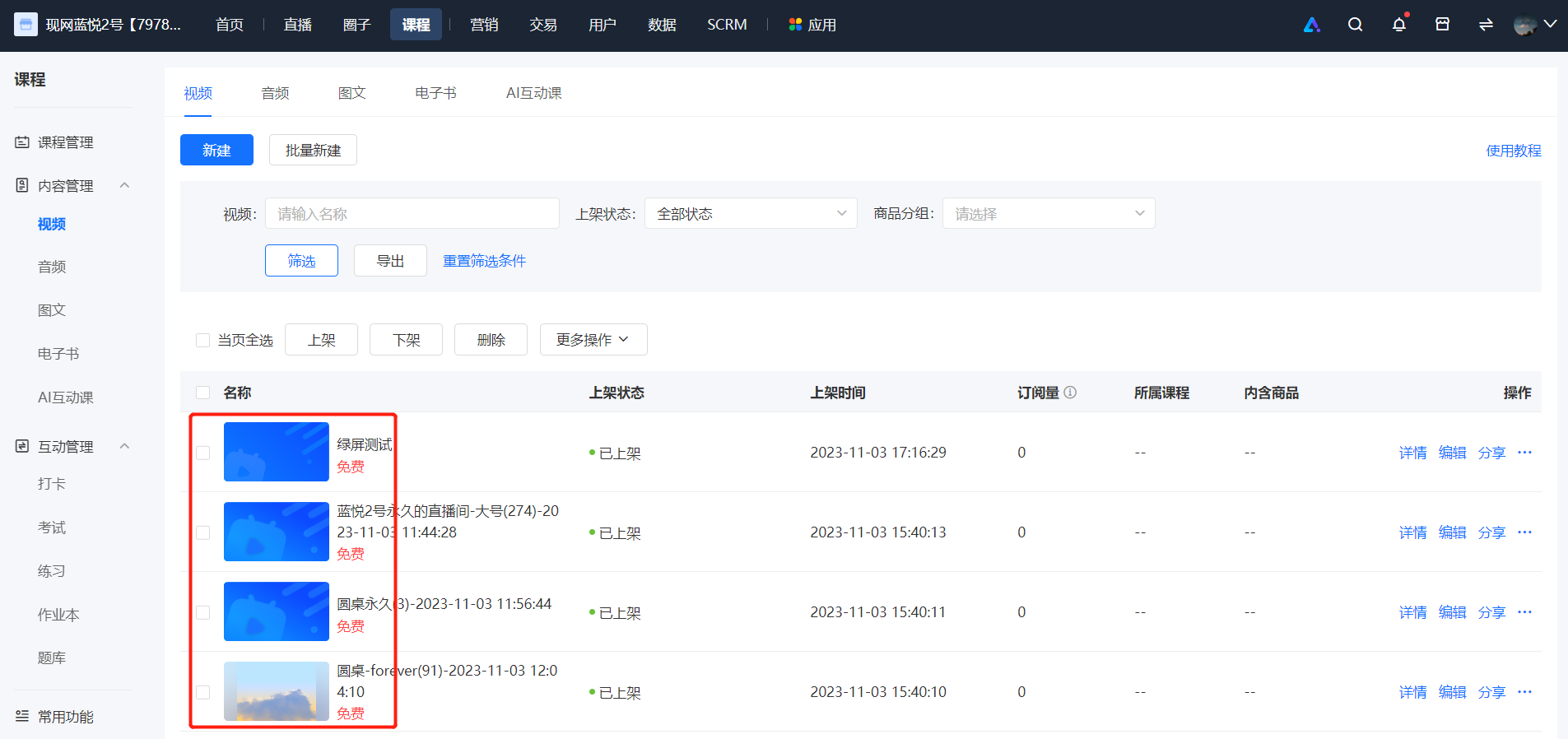
○ The cover pictures on the management list pages of various types of courses/content will be displayed in a 16:9 picture frame.
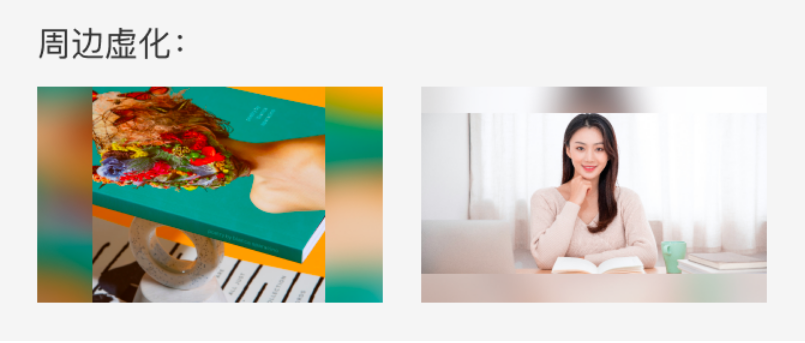
○ There is no need to modify the previously uploaded course cover pictures. The picture ratio will be automatically adjusted to 16:9 in the form ofSurrounding blurring○
○ Path: PC Management Console - Courses - Course/Content Management
● C - endCourse Details Page:
○ The cover height of the C - end course details pageDynamicallySupports the display of main pictures in 4:3 and 16:9 ratios
No comments to display
No comments to display