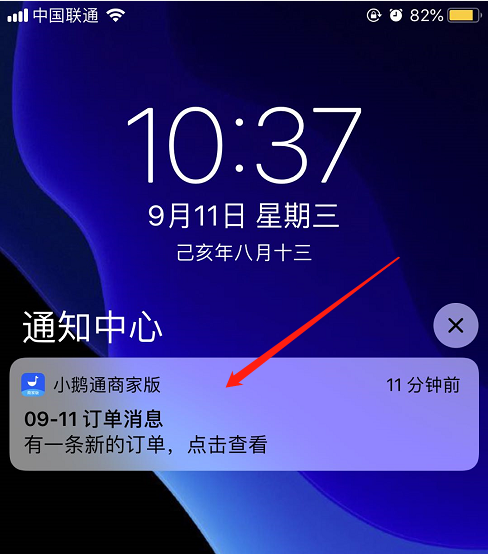
How to receive new order notifications via the APP?
1 / Scan the QR code with your mobile phone to download the APP.

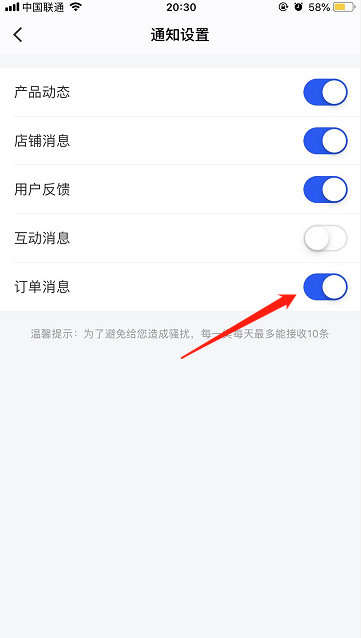
2 / Enter your Online Store and turn on the 'Order Notifications'.
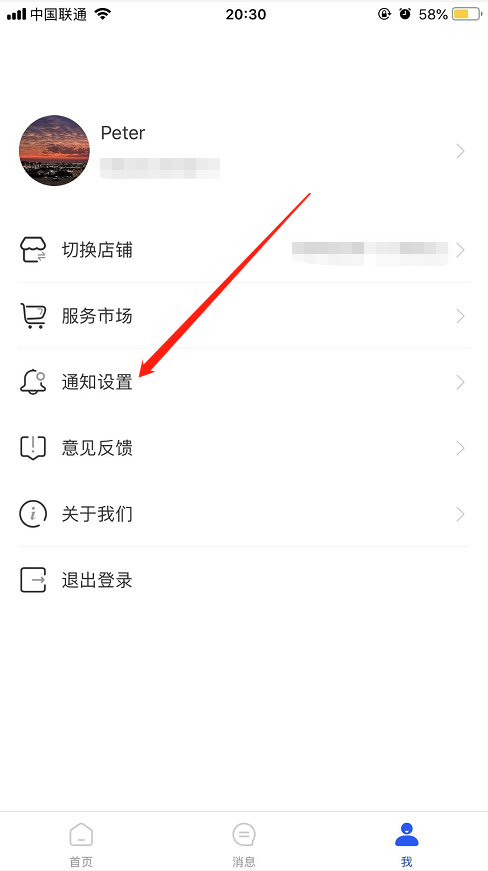
After logging in, select your Online Store, go to [Me] - [Notification Settings], and turn on the 'Order Notifications'.
3 / Receive notifications
When there is a new order in your Online Store, you will receive an in - app notification. You can click on it to open the APP and view the details.