
How to add course session access for learners?
Step 1:Log in to the desktop management console, click [Applications - Online Classroom - Class Courses], find the corresponding course, and click [Details].

Step 2:Click [Students] - [Add Students].

There are currently three methods for adding students:Single addition,Bulk import,Organization import;

Single addition

Bulk import
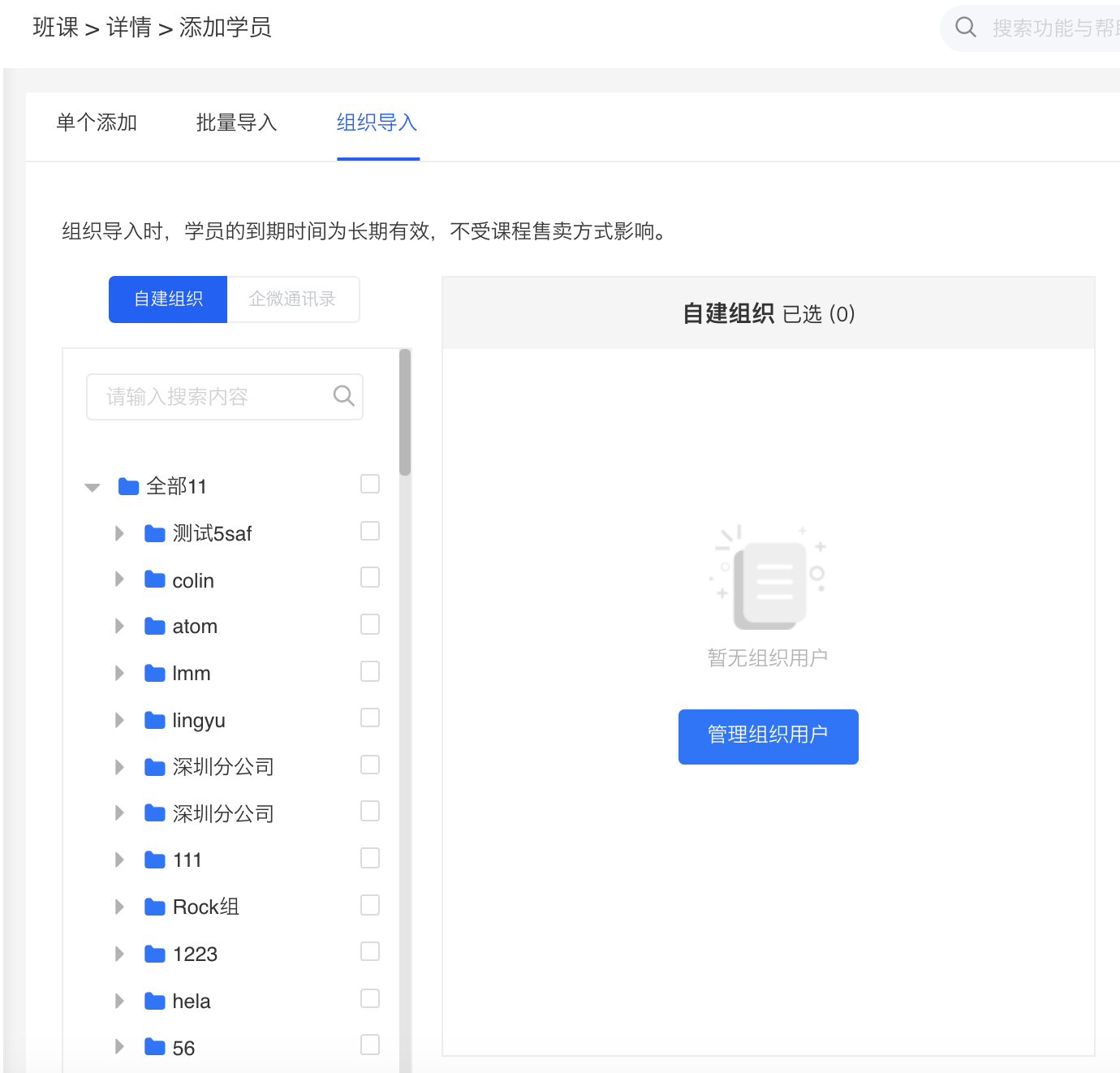
Organization import
**Notes:
1. Imported students can directly log in to theelinkAPPandelink Assistant Desktop Clientfor classes using their mobile phone numbers and verification codes.
2. If the imported students are existing users of the store, you can choose to enter the user ID or the user's mobile phone number (the mobile phone number bound to the account).
3. If the imported students are new users (who have never visited the store), please enter their mobile phone numbers. After successful import, the backend will create new accounts based on the entered mobile phone numbers. The entered mobile phone numbers will automatically be used as the mobile phone numbers bound to the user accounts.Students need to be guided to go to [Personal Center] - [Account Settings] in the store to bind their mobile phone numbers and synchronize course permissions.

No comments to display
No comments to display