
Problems and Solutions for Abnormal Live Room Access
When users encounter issues accessing the live streaming room, they can match the information on the pageand handle it with the corresponding solutions
1. Failed to enter the live streaming room due to network issues
● Scenario 1: Network issues
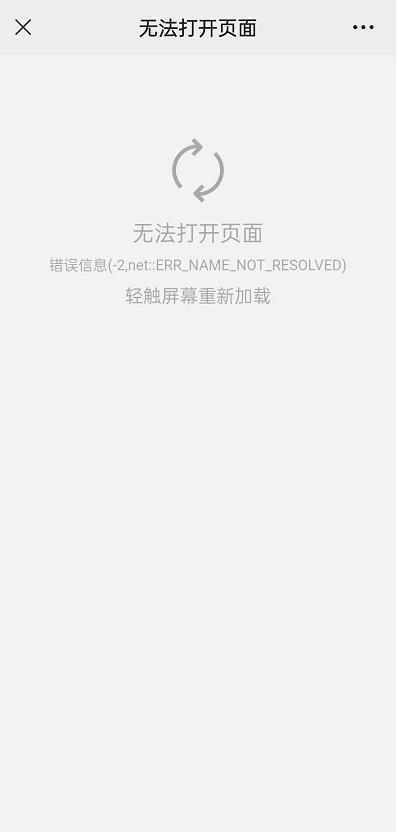
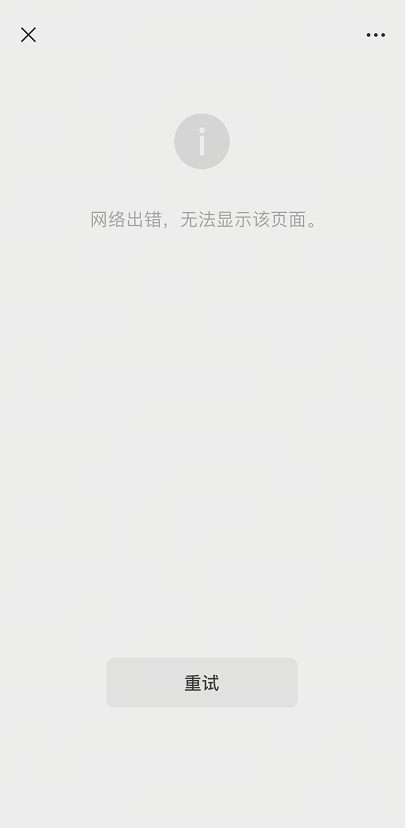
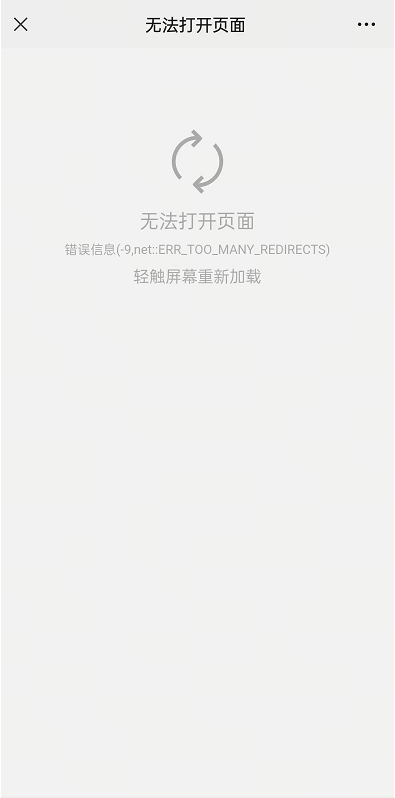
When you see the above page while accessing the live streaming room, you can follow the steps below to check if your network connection is normal:
1. Check the Wi-Fi connection: First, make sure that the Wi-Fi function of your device is turned on
a. Check if you are connected to an available Wi-Fi network
b. If you are connected to Wi-Fi but there is an exclamation mark next to the network icon, it means the network is unavailable. You can try disconnecting and reconnecting to Wi-Fi or restarting your device
2. Check the mobile data connection: If Wi-Fi is unavailable or the signal is weak, you can try using mobile data
a. Make sure that the mobile data function on your device is turned on
b. Check if the signal bar on your device shows a mobile data signal (e.g., 4G/5G)
3. Check the VPN settings: If you have used a VPN (Virtual Private Network) before, it may affect your network connection
a. You can go to the 'Settings' menu on your device and find the 'VPN' option
b. If the VPN is enabled, it is recommended to turn it off and then try to connect to the network again
4. Set the device DNS: The DNS settings of your device may affect the network connection
a. Go to the 'Settings' menu and find the 'Wi-Fi' option
b. Select the Wi-Fi network you are currently connected to and click on 'Modify Network' or a similar option
c. In the 'IP settings' or 'Advanced options', find the DNS settings and try changing the DNS address to 114.114.114.114
d. After the change, save the settings and reconnect to the Wi-Fi network
After following the steps above, most network connection issues should be resolved. If the problem persists, it is recommended that you contact your network service provider or device manufacturer for further assistance.