
Register a Store
Step 1: Register an account
1. Visit the official website of elink:www.xiaoe-tech.com
2. Click on【Create an experience now】/【Free trial】button

3. Scan the QR code with WeChat to register a store, then follow the instructions to bind your mobile phone number

Step 2: Create a store
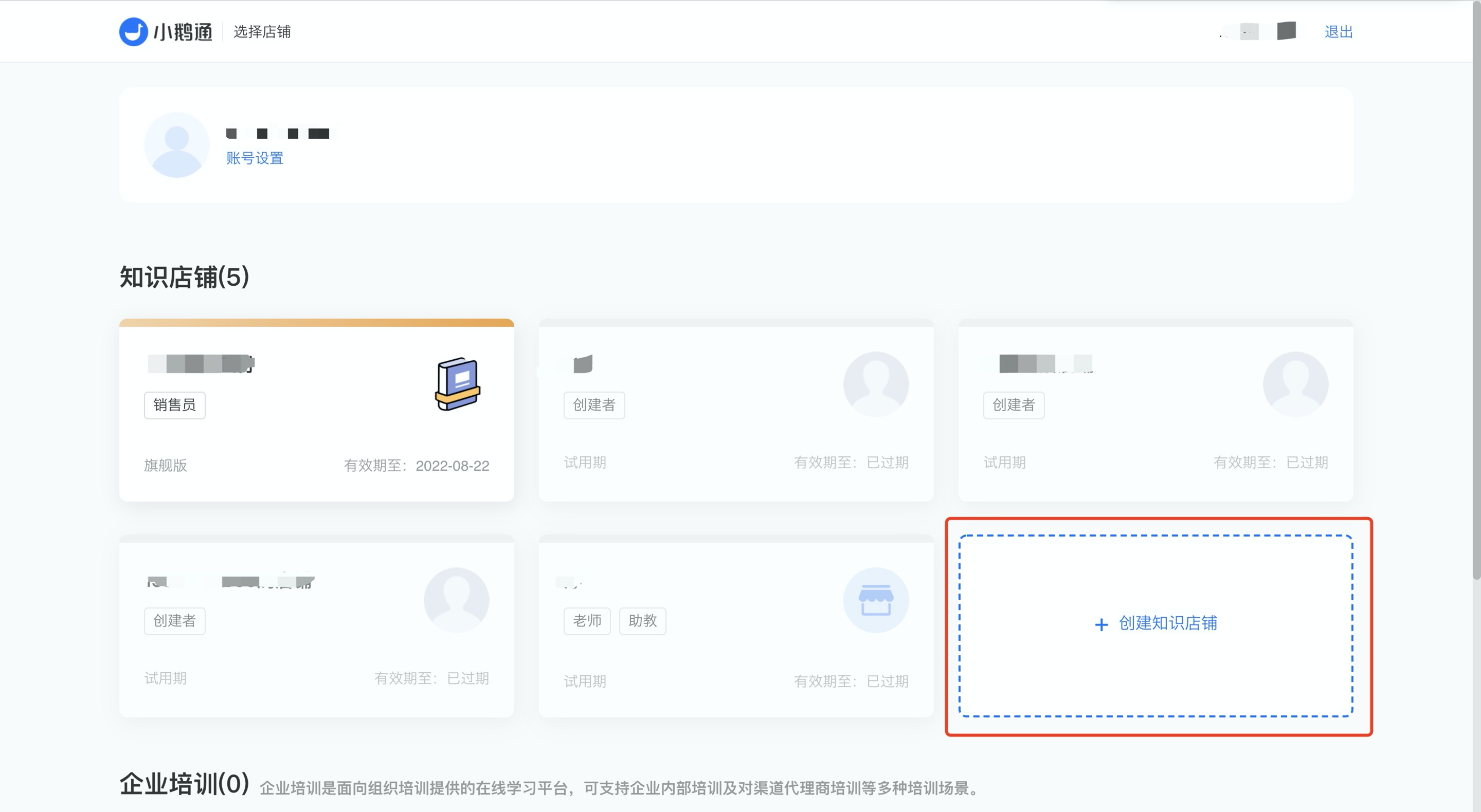
Click 【Create a Online Store】, enter the name of the Online Store, and then click the “Start creating” button. Your Online Store is now created!
After creating the store, get familiar with the functions in the desktop management console first! The main functional modules of the Online Store will be listed in the left sidebar, includingLive streaming applications, content products, marketing strategies, monetization capabilities, and user managementand other functions, which will be explained later.