Newcomer's Guide to PC Online Store
Step 1:Register a Online Store: https://admin.xiaoe-tech.com/helpCenter/problem?first_id=38&second_id=133&document_id=doc_5a100547a8b71_qai4S
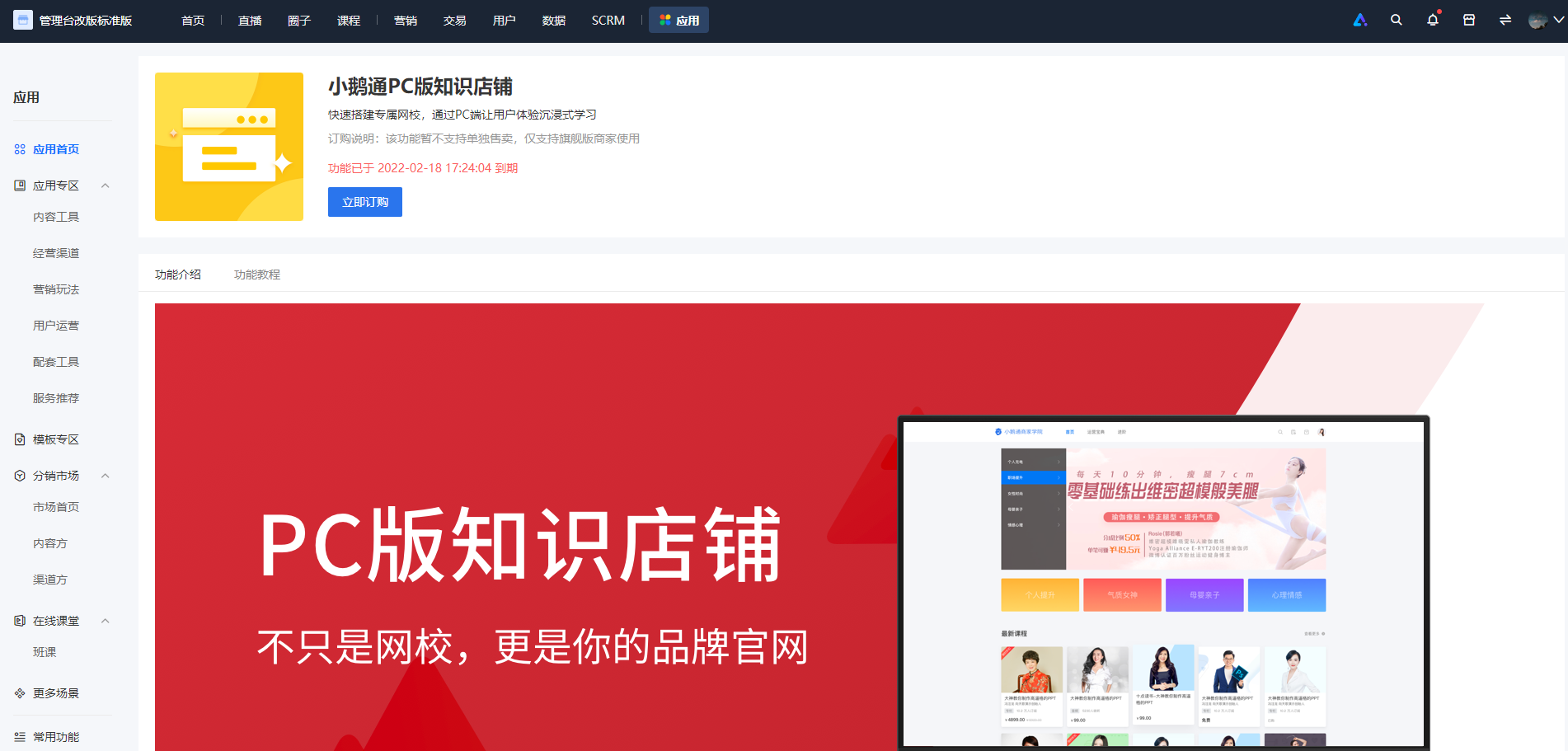
Step 2:To activate the standalone PC website, you must first subscribe/renew the Premium Edition. Navigate to Terminal Settings > PC Store to activate the PC e-learning platform.
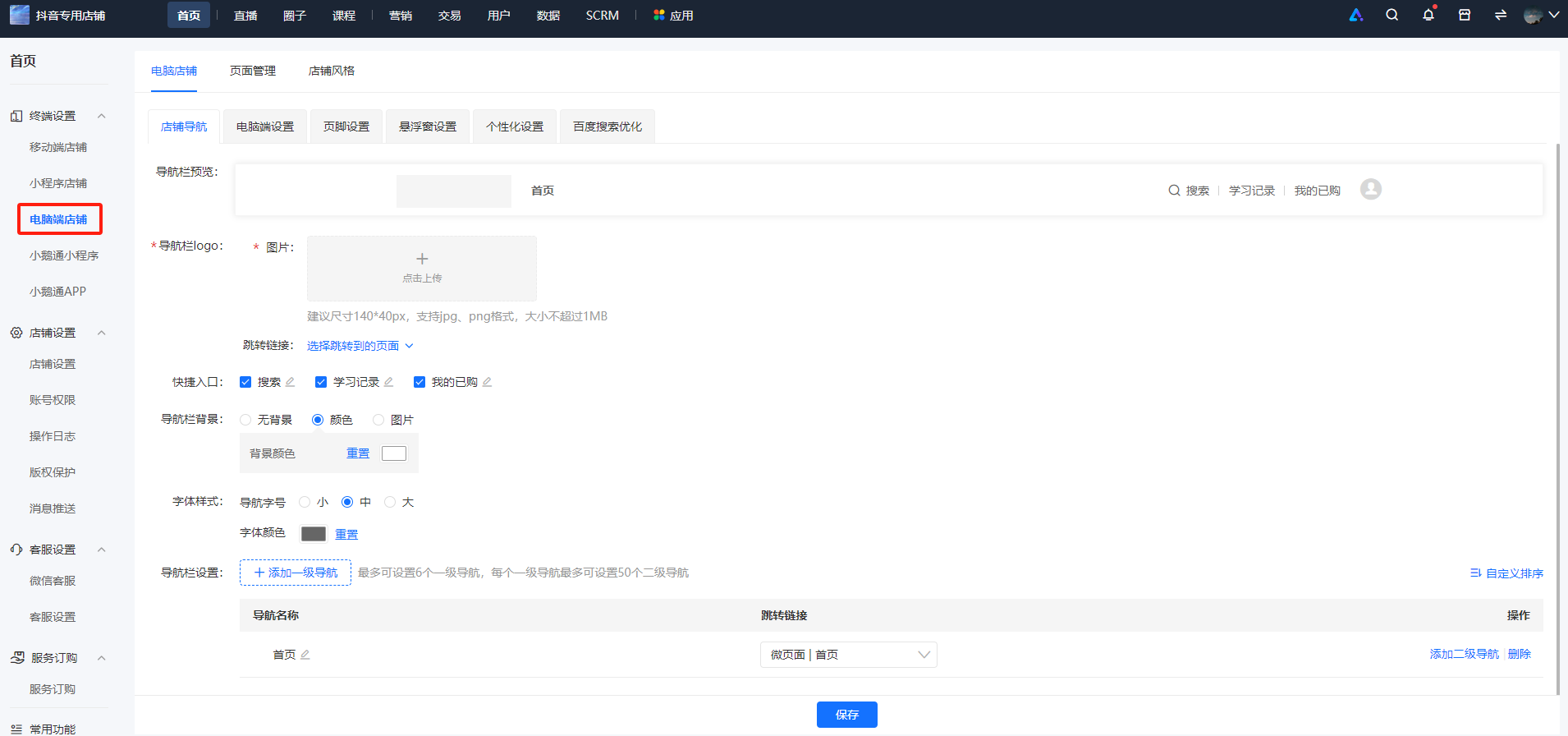
Step 3:Terminal Settings > PC Store, and configure the Mini Page, Store Navigation, PC Settings, and Footer Settings respectively.
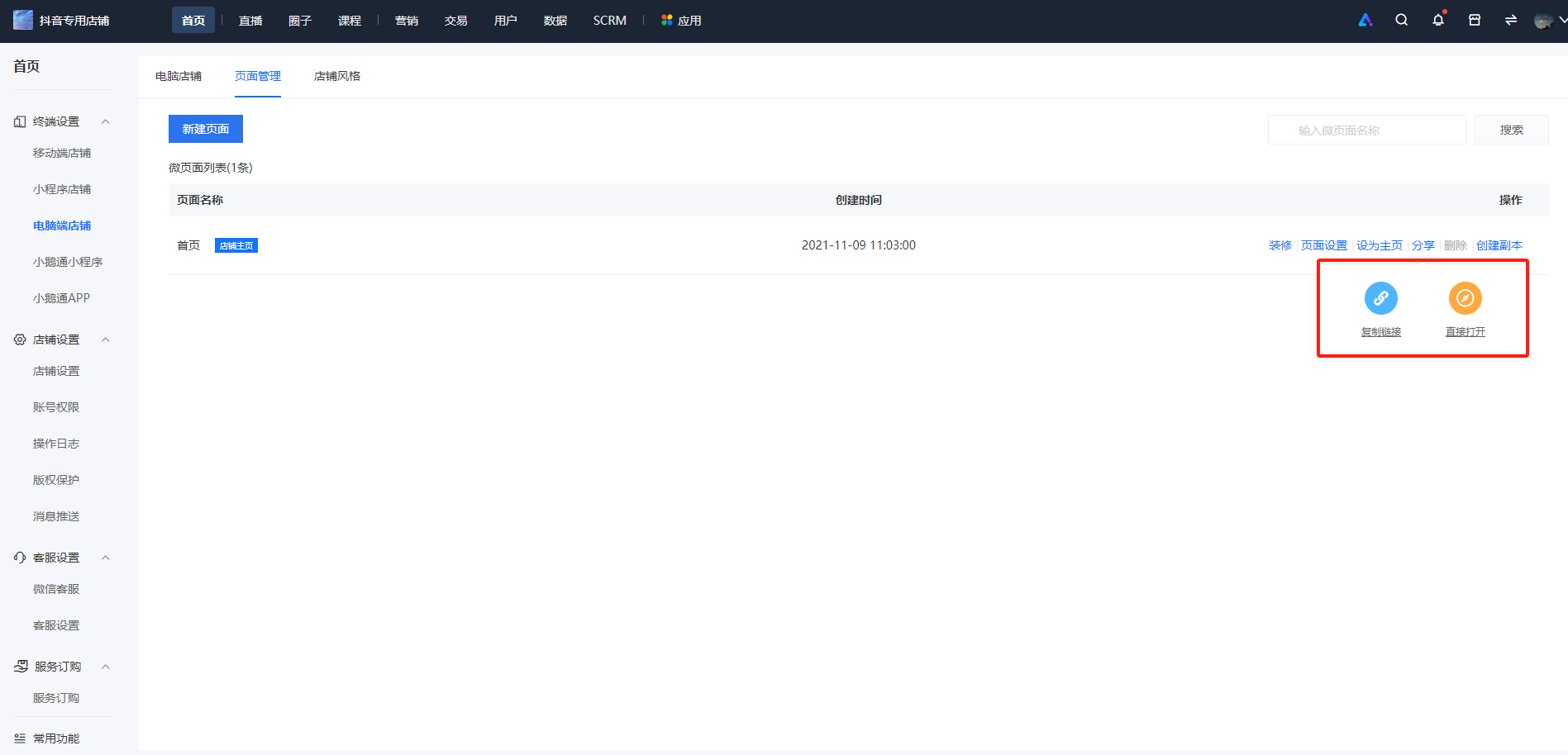
Step 4:After configuration, click [Share] on the Mini Page and choose to copy the link to the PC e-learning platform or directly open the web address.