How to set up the online store homepage?
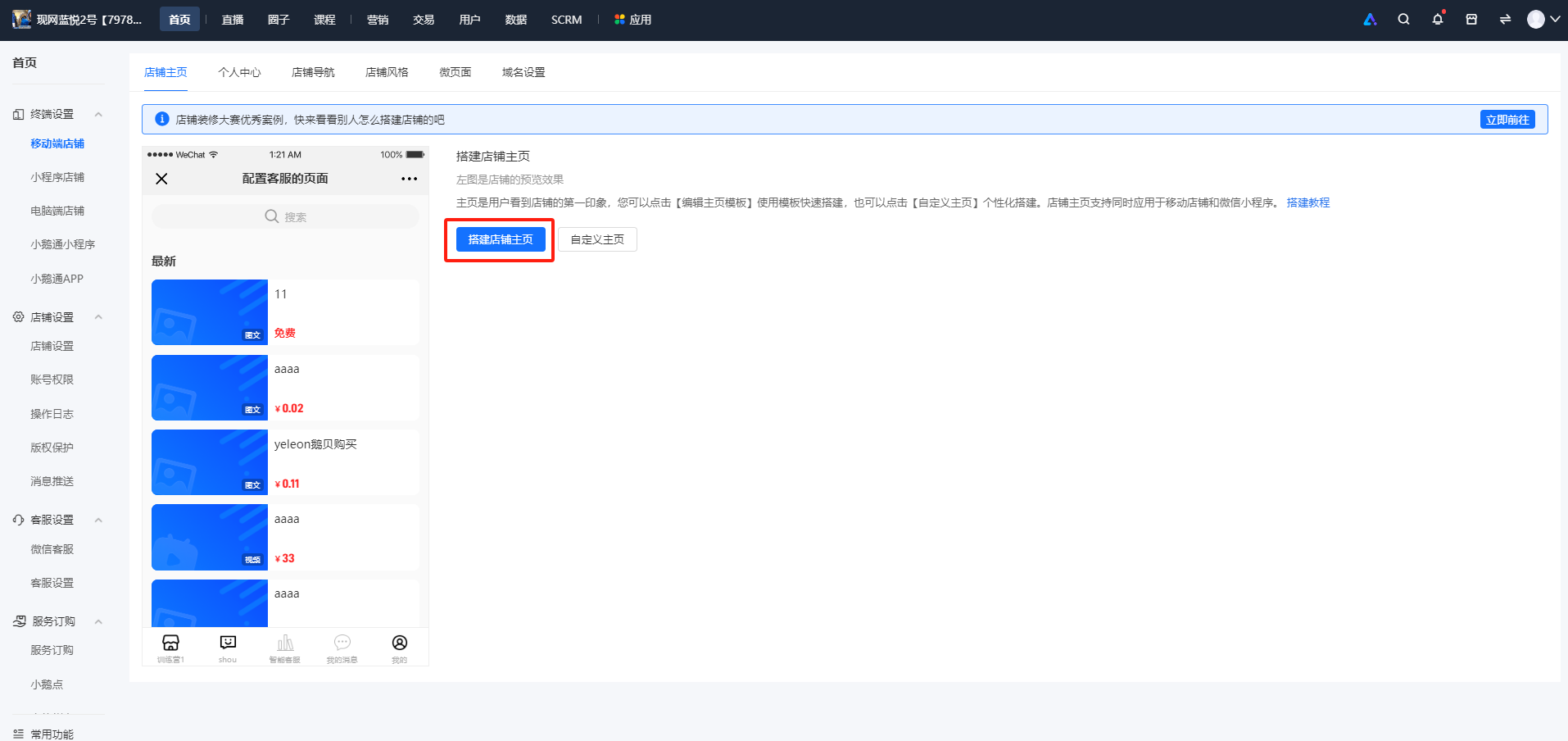
Merchants can access the [Homepage] - [Terminal Settings] - [Mobile Store] - [Build Store Homepage] in the computer - side management console. On the store homepage, with the rich component functions, it supports presenting a wide range of content and products. Components include carousel images, image - text navigation, communities, Q&A, live streams, latest products, events, punch - in, etc. You can build your store homepage in the following ways:
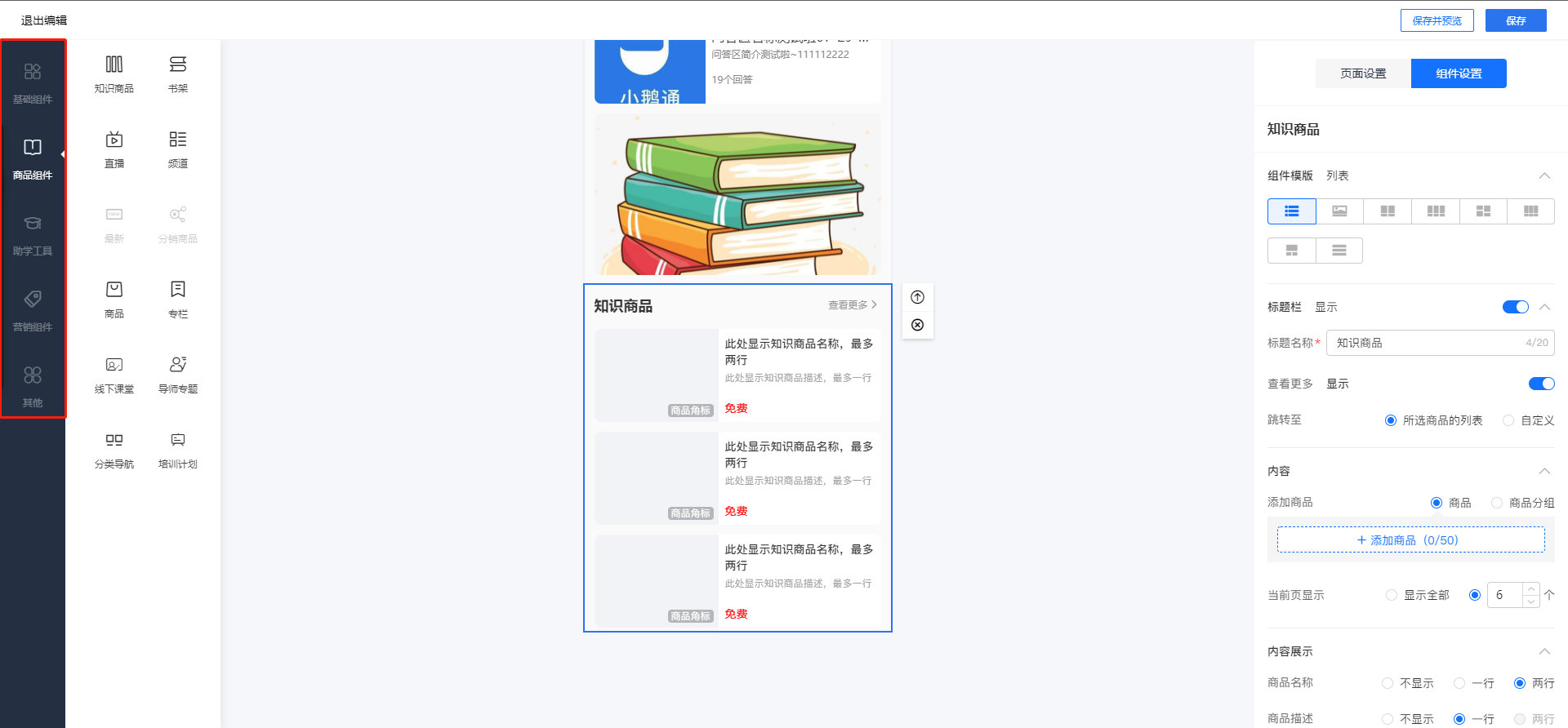
1. Add components:In the "Add Components" area, click on any component to add the corresponding module content of the component.
2. Change the order:Click on the specified component, long - press and drag it to adjust the display order of the component on the homepage.
3. Add knowledge products:In the "Add Components" area, click on "Knowledge Products". In the knowledge product editing area, you can modify the title and select the product source. You can add text - images, audio, videos, live streams, columns, major columns, memberships, affiliate products, etc. to this knowledge product component.