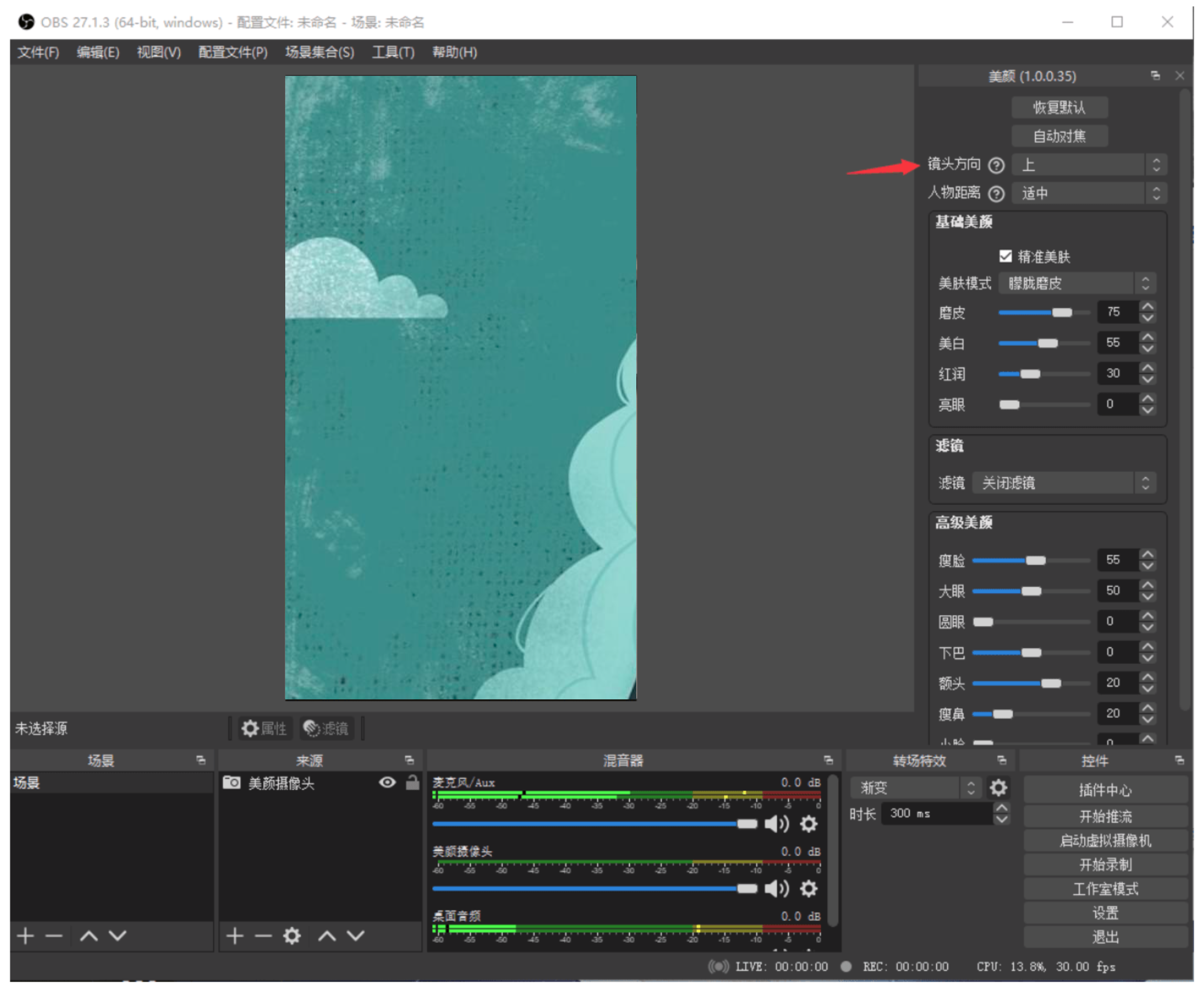
【OBS】How to Use Beauty Filters
I. Installation
1. Download the standalone installation package for the beauty camera>> Click to download <<
2. Double - click the installation package to run the installer after the download is complete

You can open OBS after the installation is complete
II. Usage
Open OBS

Add the beauty camera to the source

Select the camera device in the pop - up window, and adjust the values such as resolution, frames per second (FPS), and video format. You can also keep the default device options
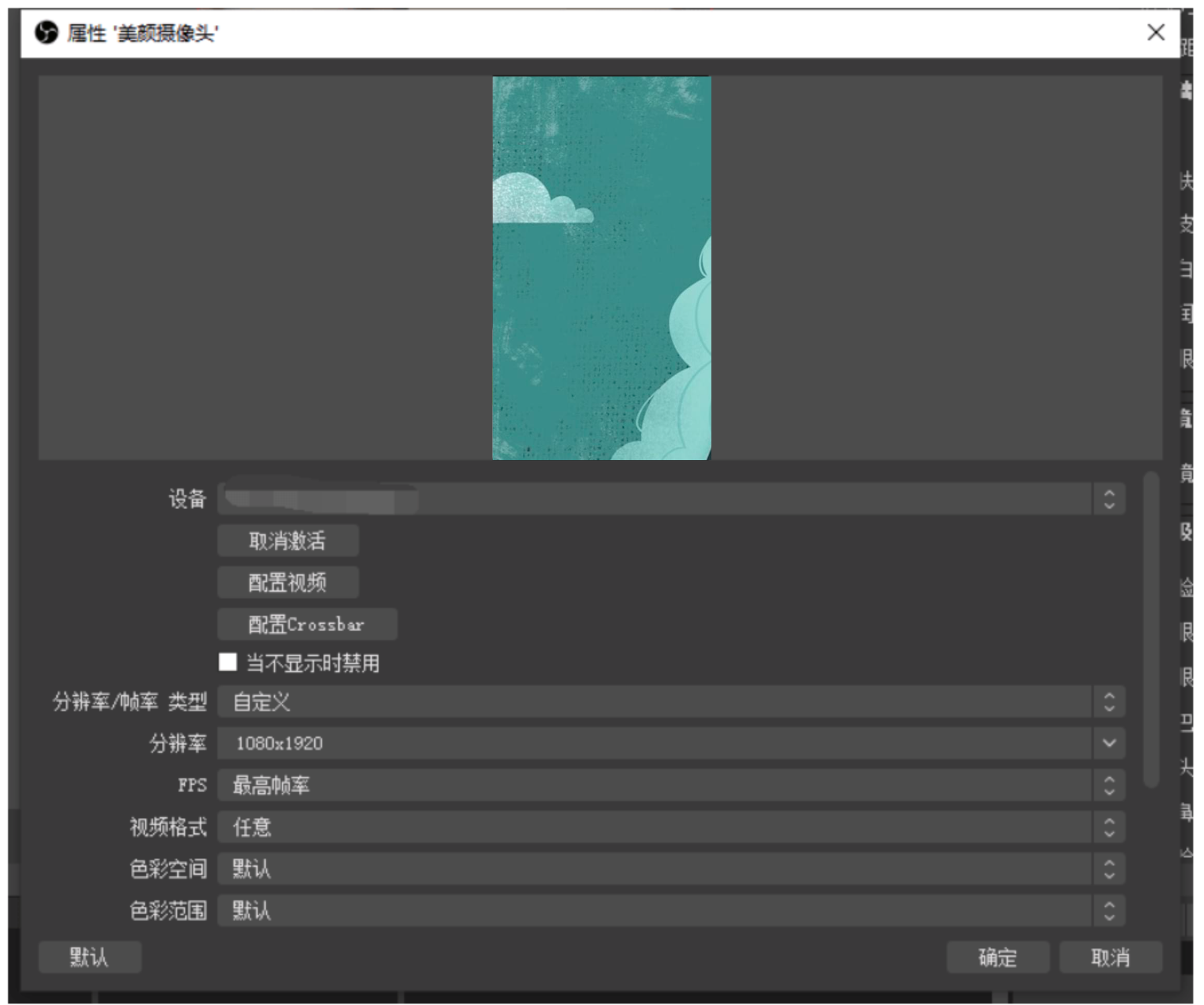
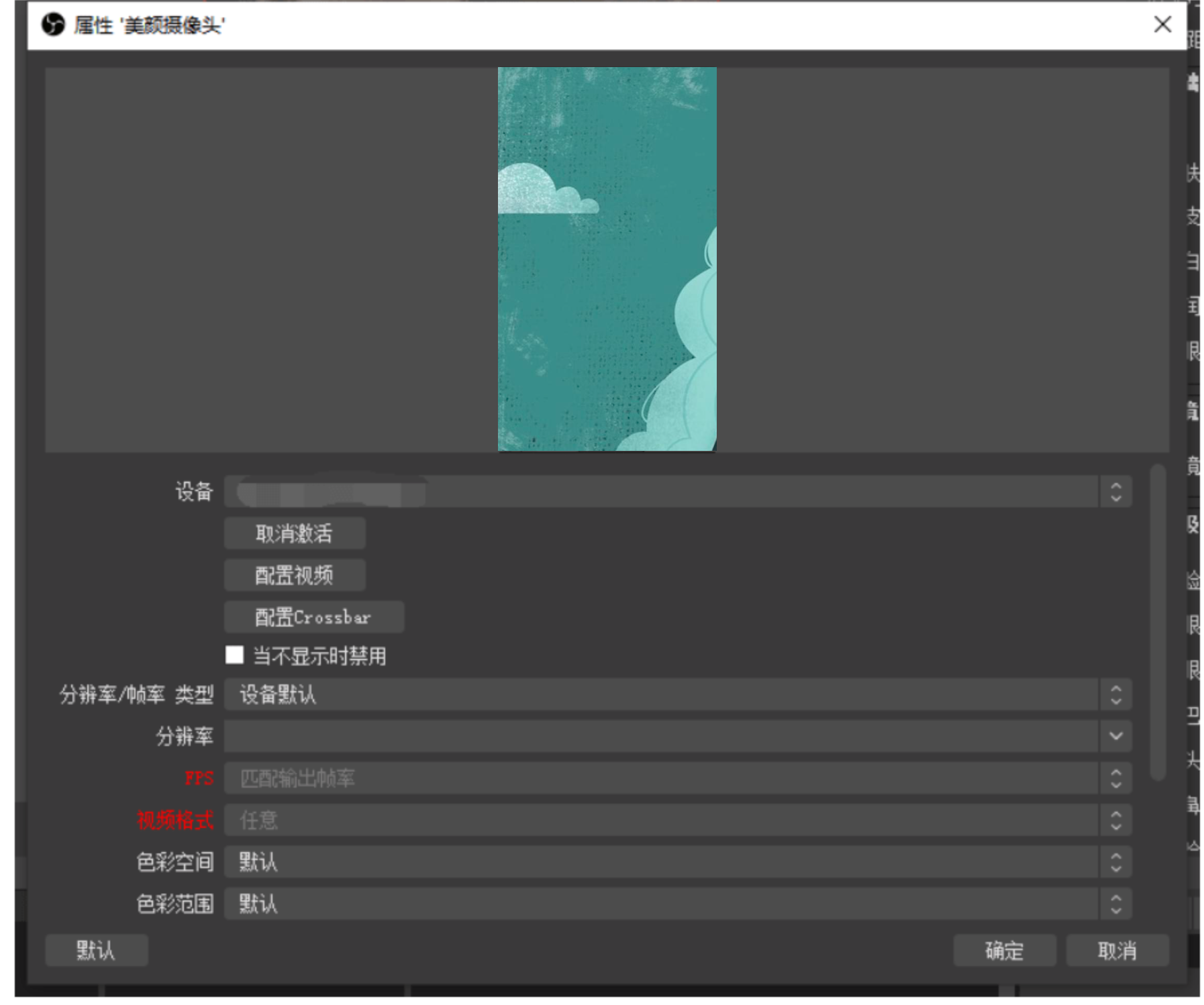
Click OK after the settings are completed to make the settings take effect and close the properties window
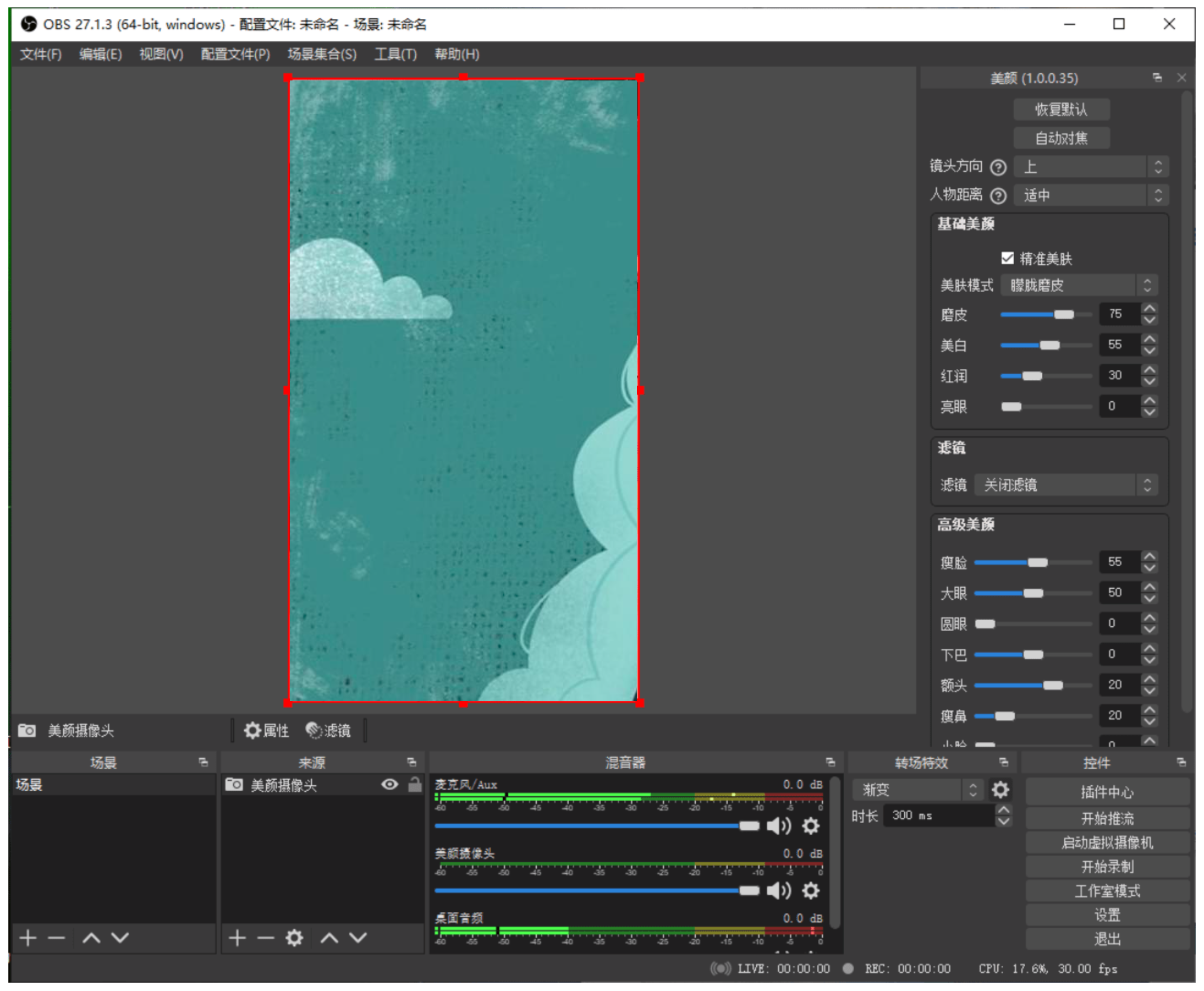
You can adjust the beauty effect by adjusting the values in the beauty settings
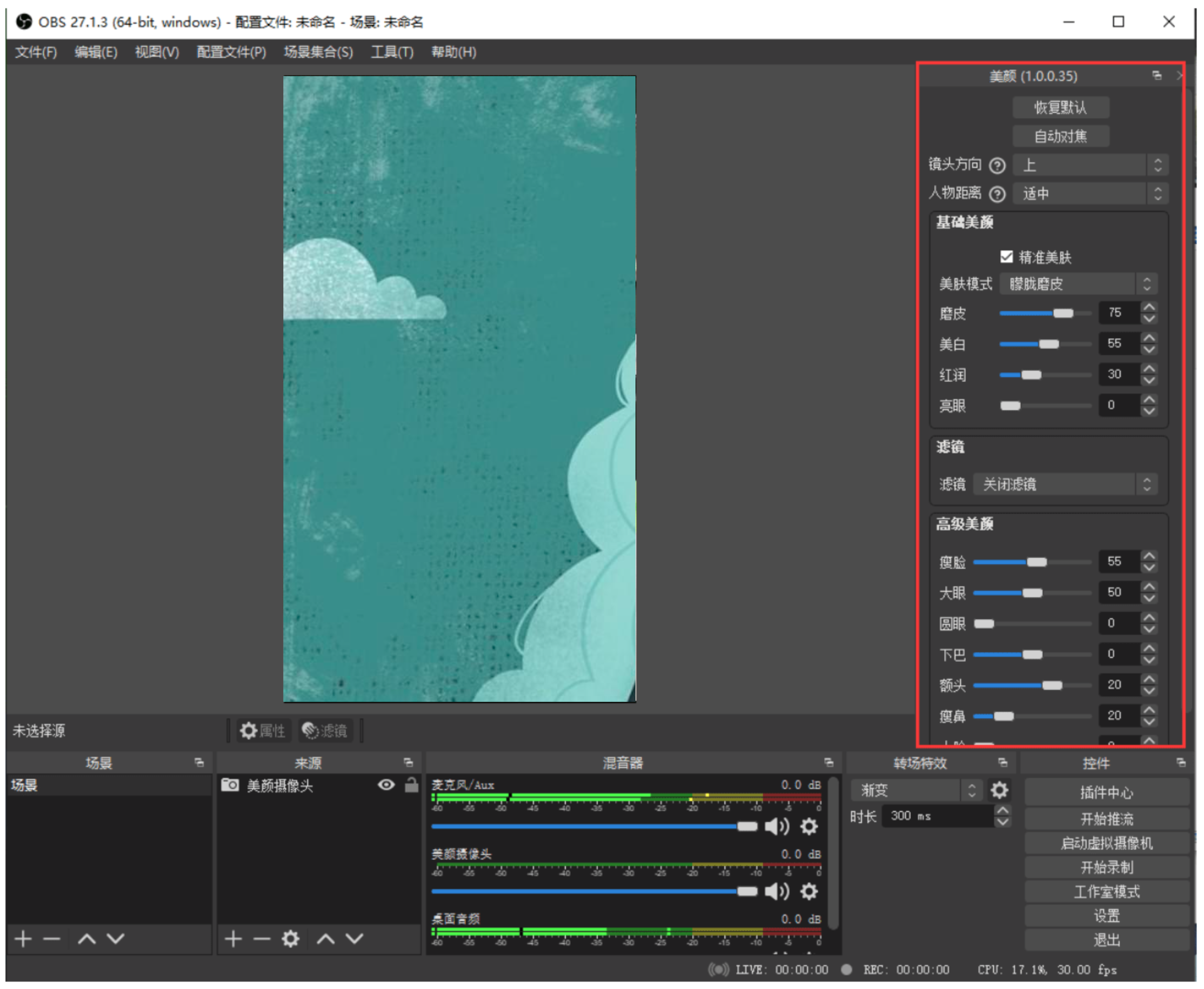
If you adjust the placement direction of the camera (for example, turn the camera vertically for vertical screen live streaming), you can help the beauty camera recognize the anchor's head and enable the beauty effect by changing the head direction