
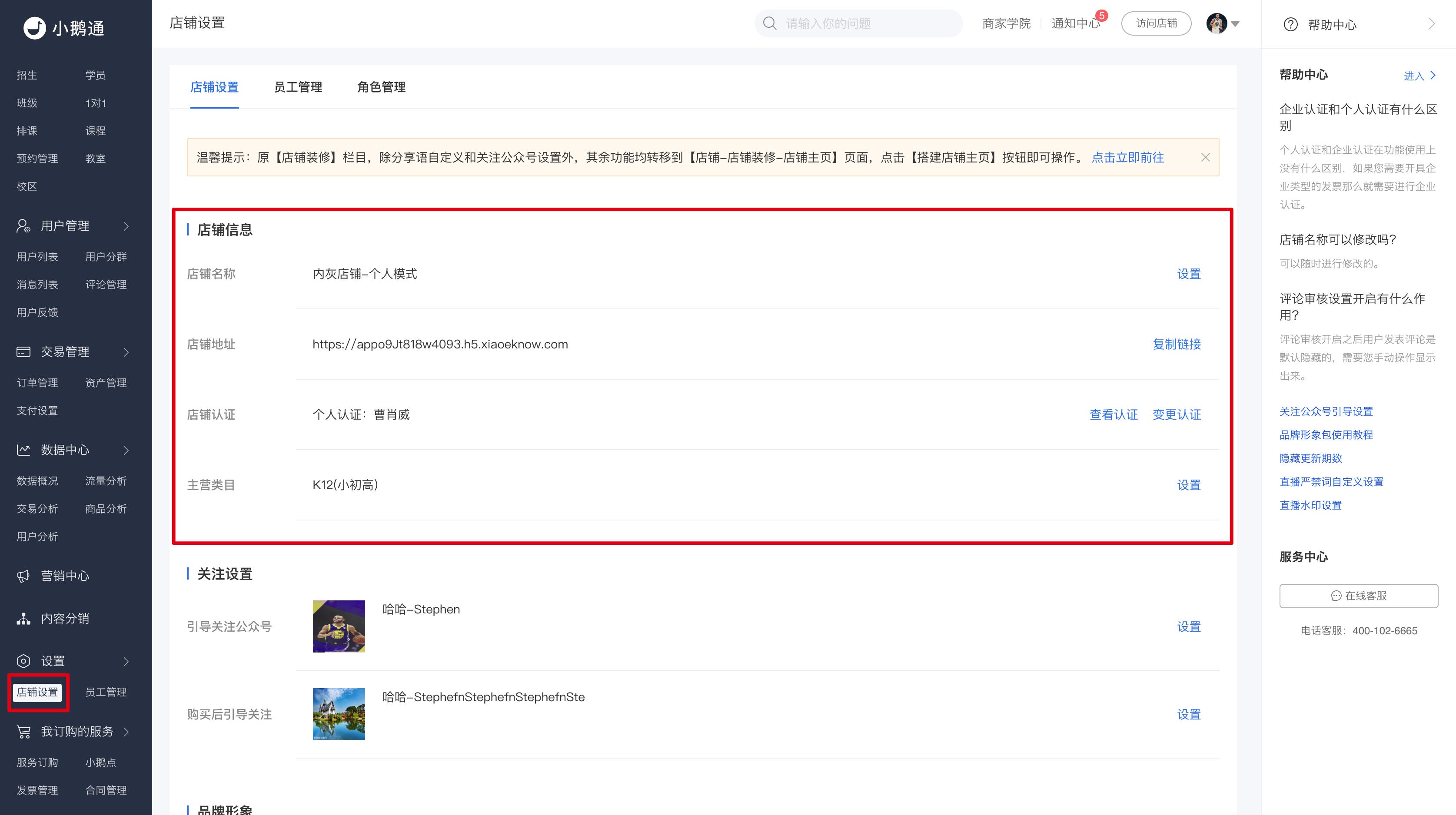
View store information/store link/Modify store name
Click 'Settings' and then 'Store Settings' in the left sidebar to enter the store settings details page..
Click 'Settings' and then 'Store Settings' in the left sidebar to enter the store settings details page..