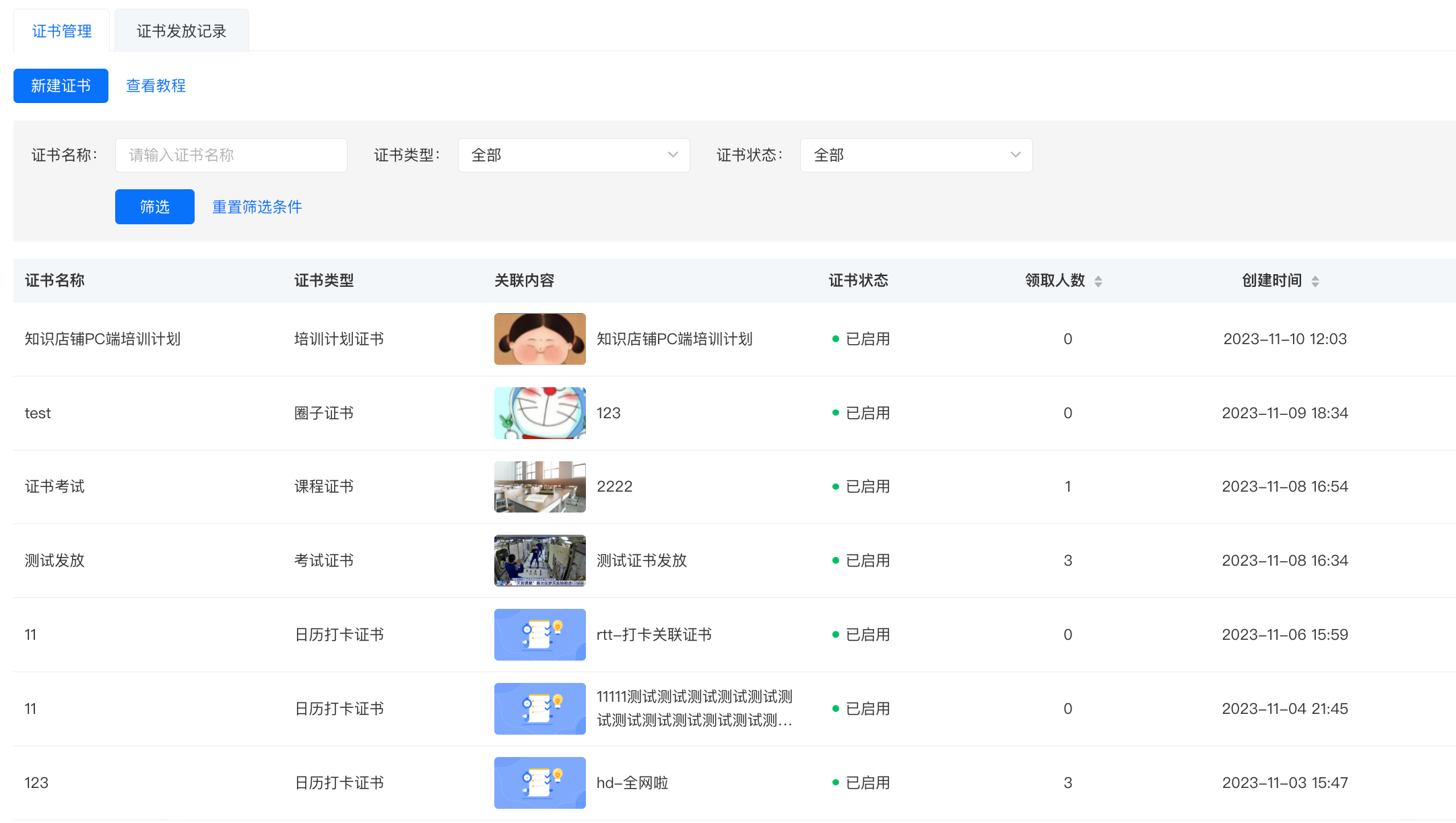
How to set up exam certificates when creating a new exam?
You can set certificates in the following three ways:
1. You can set certificates on the publishing page after successfully creating a new exam.
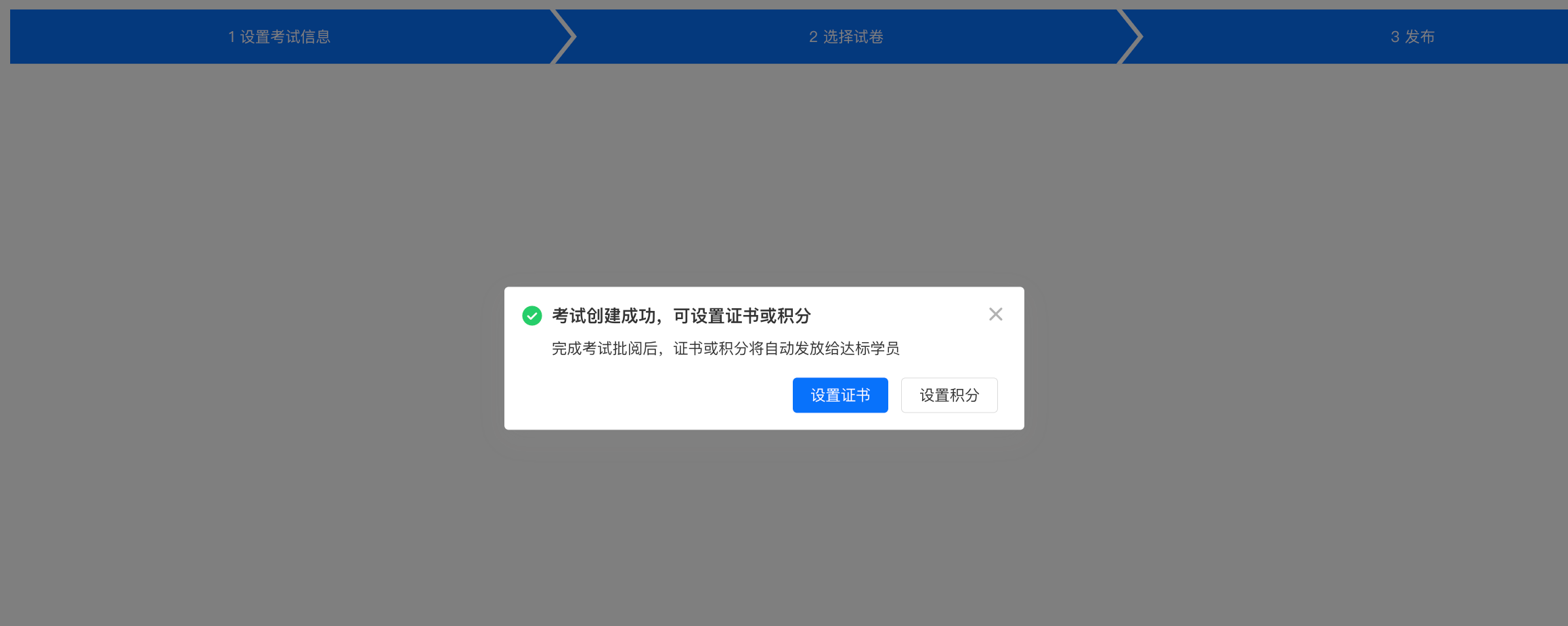
2. In the exam list, you can select the corresponding exam and click [More] - [Set Certificate] to set it.

3. In [Certificates] - [New Certificate], select the exam that has already been created to set the certificate.