How to add membership benefits?
1. Add from existing single items
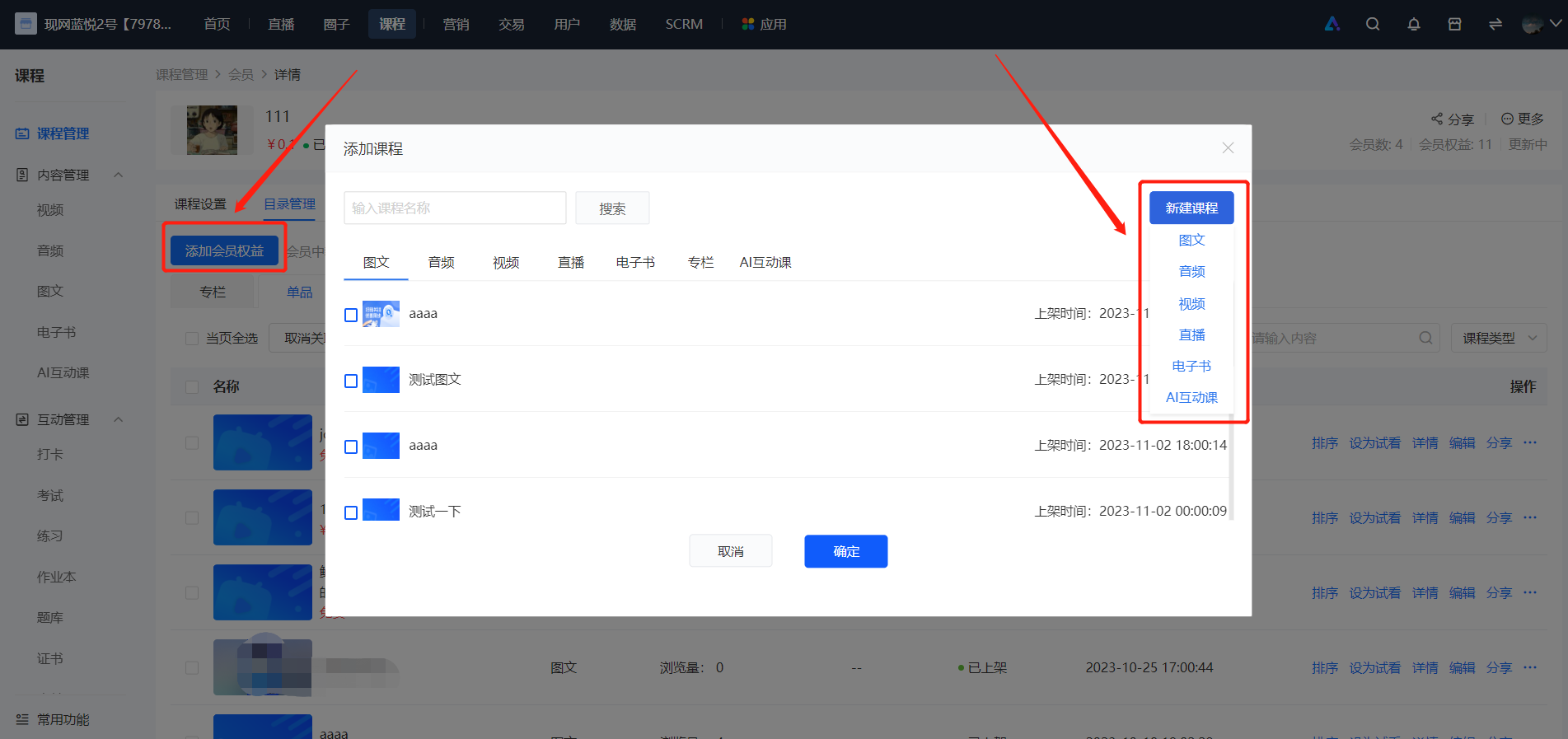
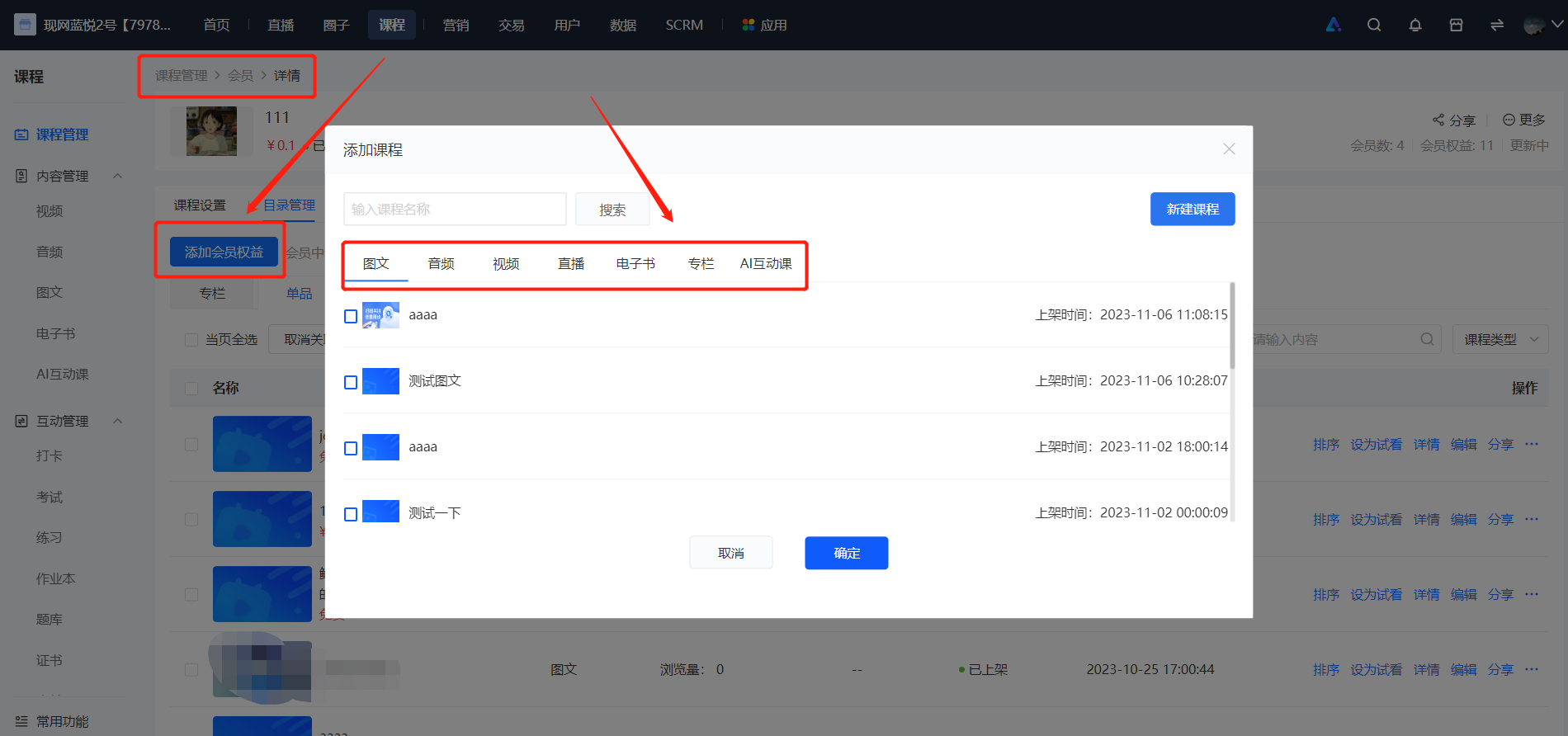
In the membership content management, click to add membership benefits, select from existing categories (articles, audios, videos, live streams, columns). After clicking 'OK', the single item will be successfully added to the membership. Users who have purchased the membership can view the single item for free within the membership validity period.
2. Create a new product
In the membership content management, click to add membership benefits, select [Create a new product], choose the single item type and fill in the corresponding information. After editing the content information, click the [Save] button, and a new single item will be successfully added to the membership.