# I can't find the shipping button on the order list. How come?
[中文](/books/d34ab/page/d67d8-cD9)
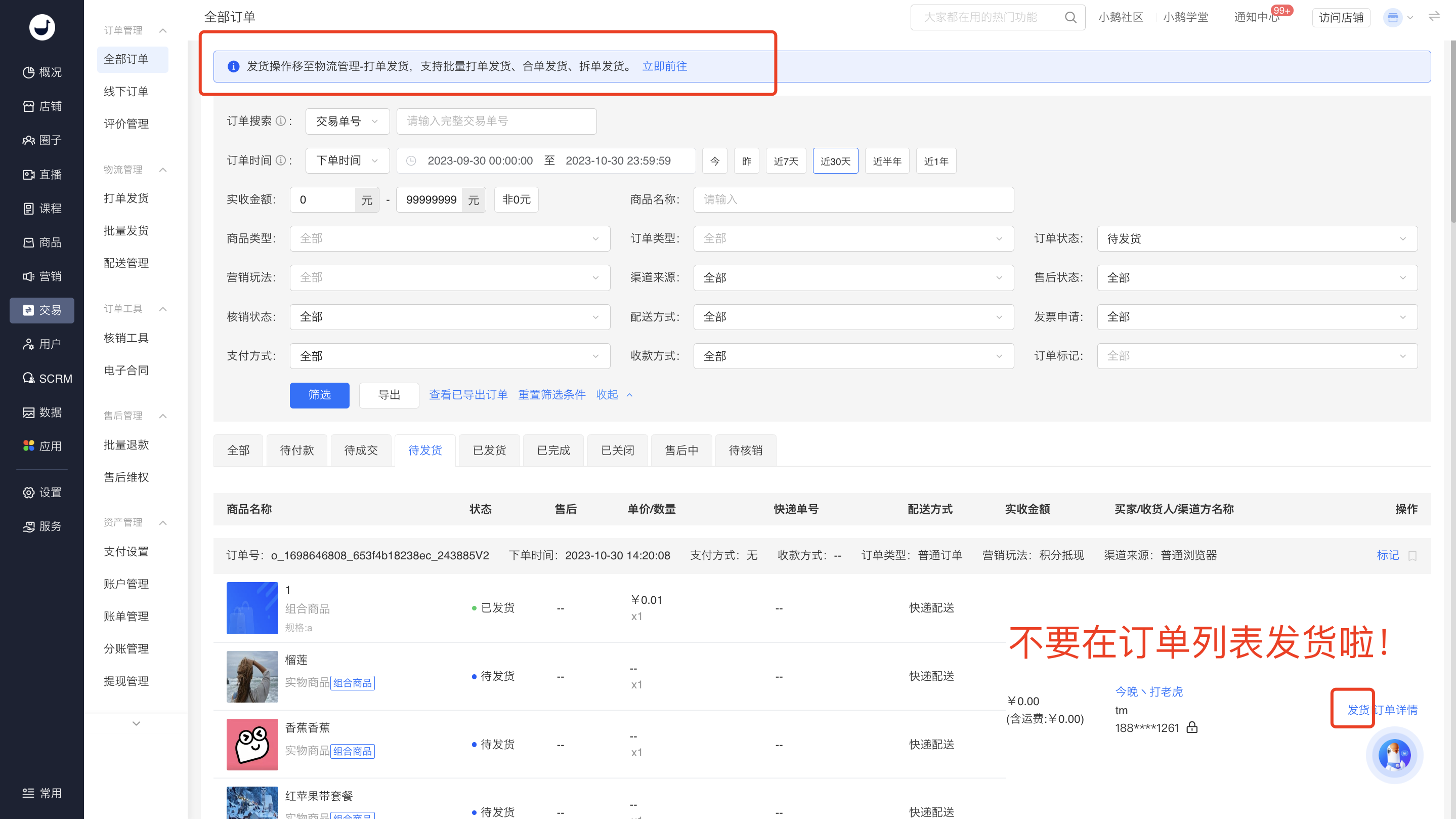
To provide customers with a better experience in order processing and shipping, the shipping operations have been centralized into a new module, and functions for combined order shipping and split order shipping are also provided. The changes are as follows:
**The \[To be shipped\] operation in the original order list has been moved to the \[Order Processing and Shipping\] module. Subsequently, you can directly perform shipping operations in the \[Order Processing and Shipping\] list.**
(Note: Currently in the transition phase, the shipping button is still retained in the order list. Clicking it will redirect you to the order processing and shipping page. The shipping button in the order list will be removed later.)
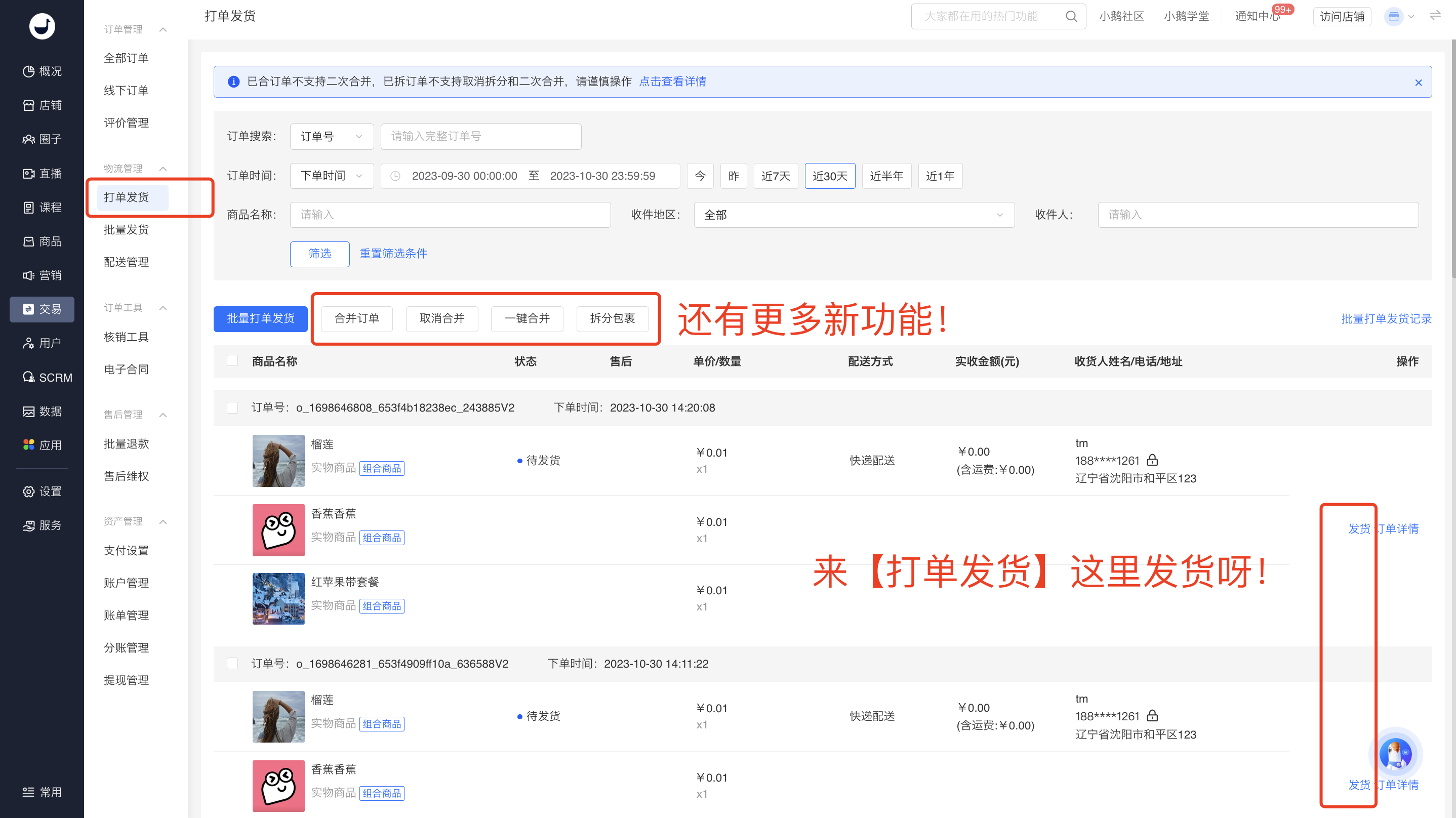
Appendix: Instructions for order processing and shipping operations:
https://admin.xiaoe-tech.com/helpCenter/problem?first\_id=600&second\_id=416&document\_id=doc\_6538c1231b8ae\_tRslw