Tutorial on using the footer settings
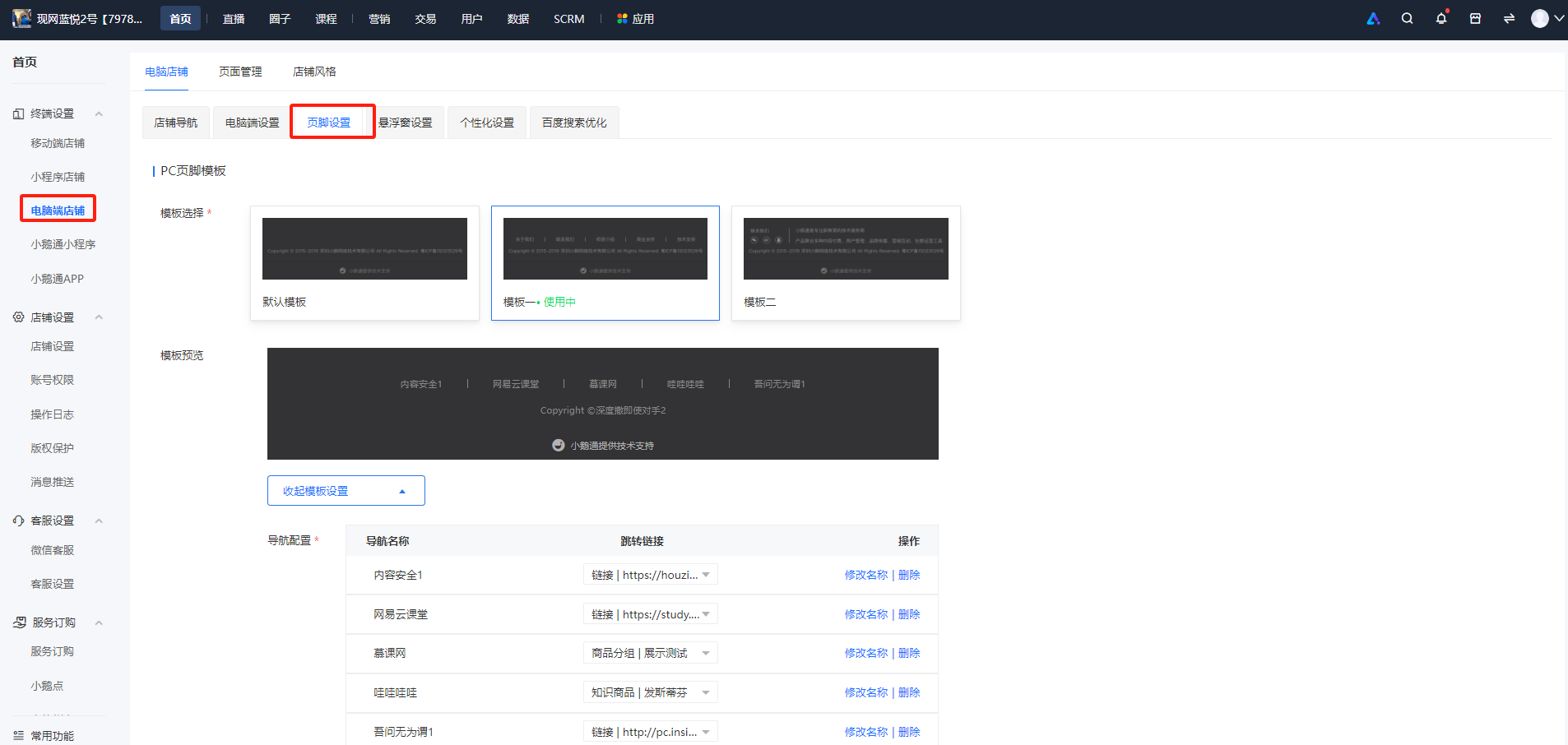
Step 1:Go to [Homepage] - [Terminal Settings] - [Desktop Store], and click [Footer Settings].
Step 2:Select an appropriate template and edit the template content.
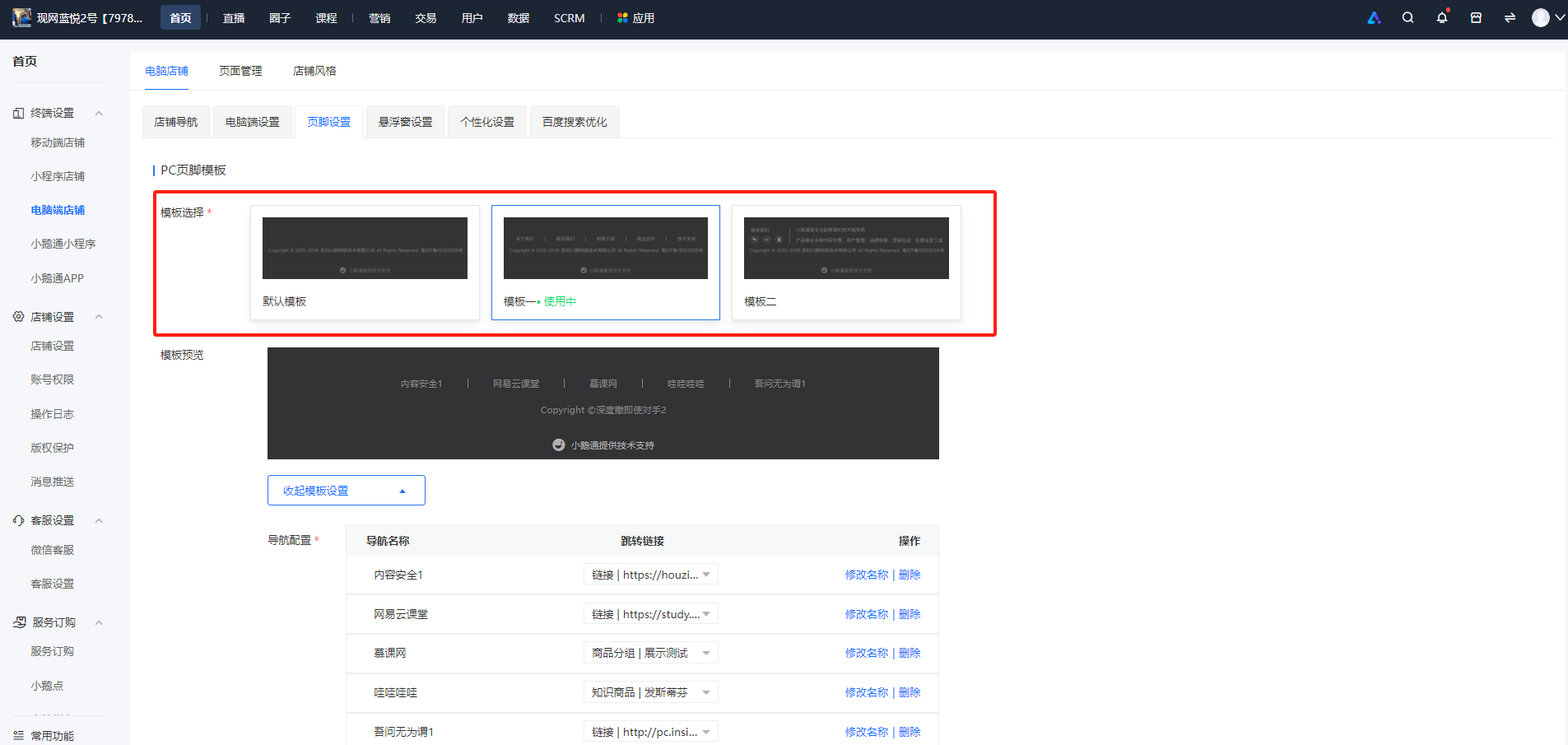
Step 3:Click Save and Enable.The template will be successfully enabled.
