Live streaming supports external graphic tablets
Function Introduction:
The live streaming client supports connecting to a graphics tablet, suitable for courseware annotation and drawing board scenarios.
Usage Conditions:
① The latest version of the eLive client or elink Assistant
② A graphics tablet
How to Connect an External Graphics Tablet:
① Connect the graphics tablet device to your computer
(When connecting a graphics tablet device to your computer for the first time, you need to install the driver. Just follow the prompts to install it.)
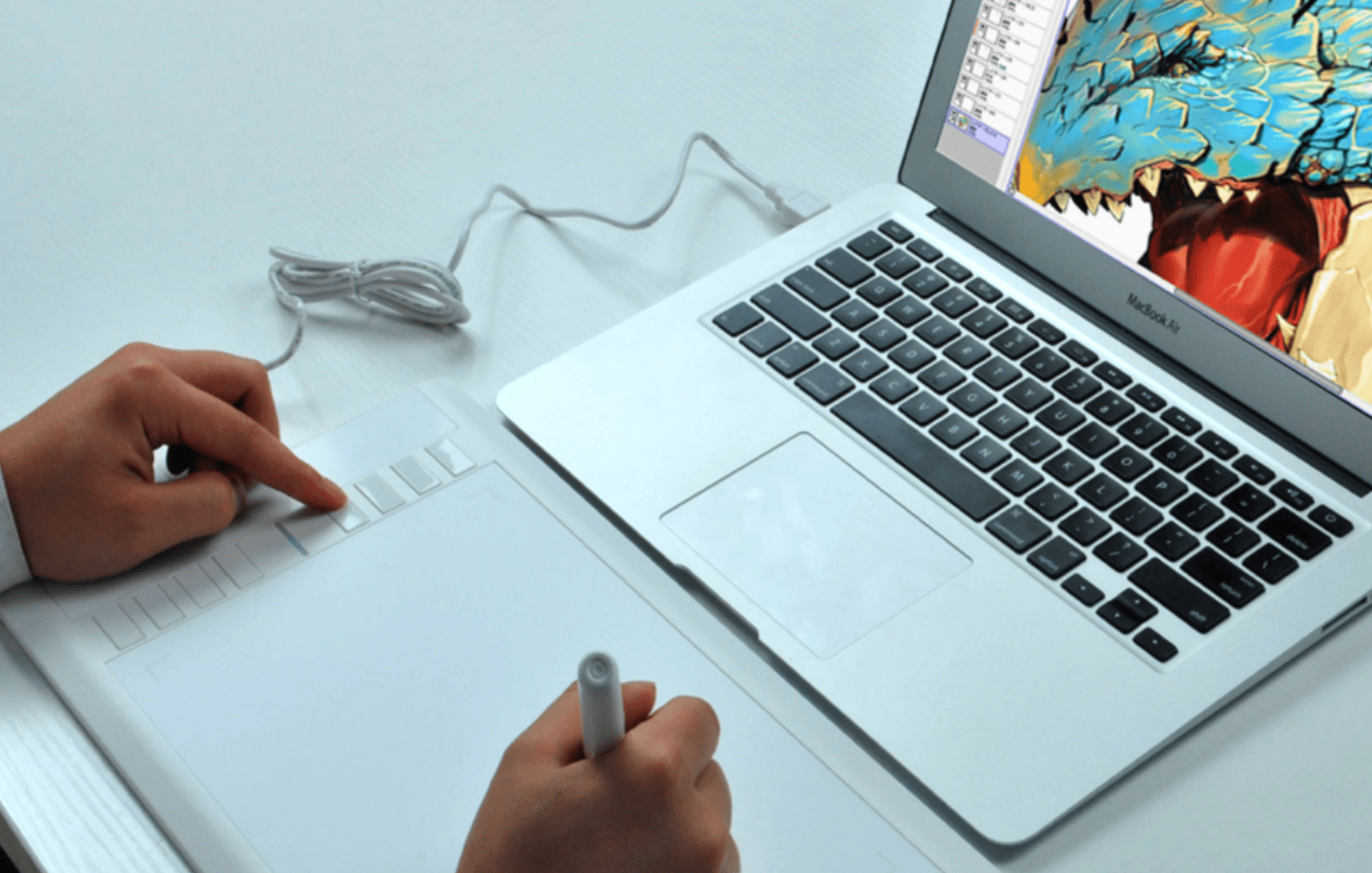
② Enter the live streaming room (eLive client/elink Assistant)
All operations on the graphics tablet are treated as mouse operations.
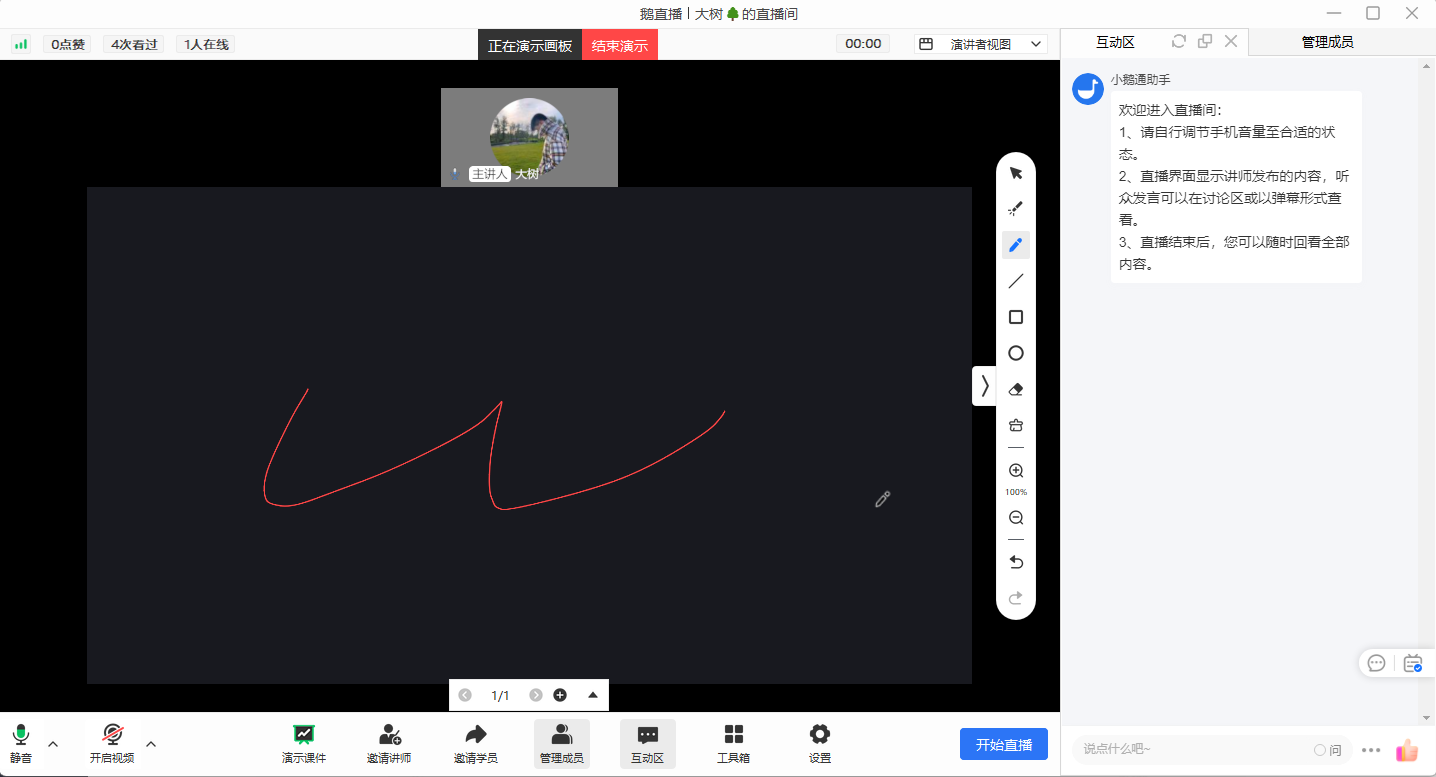
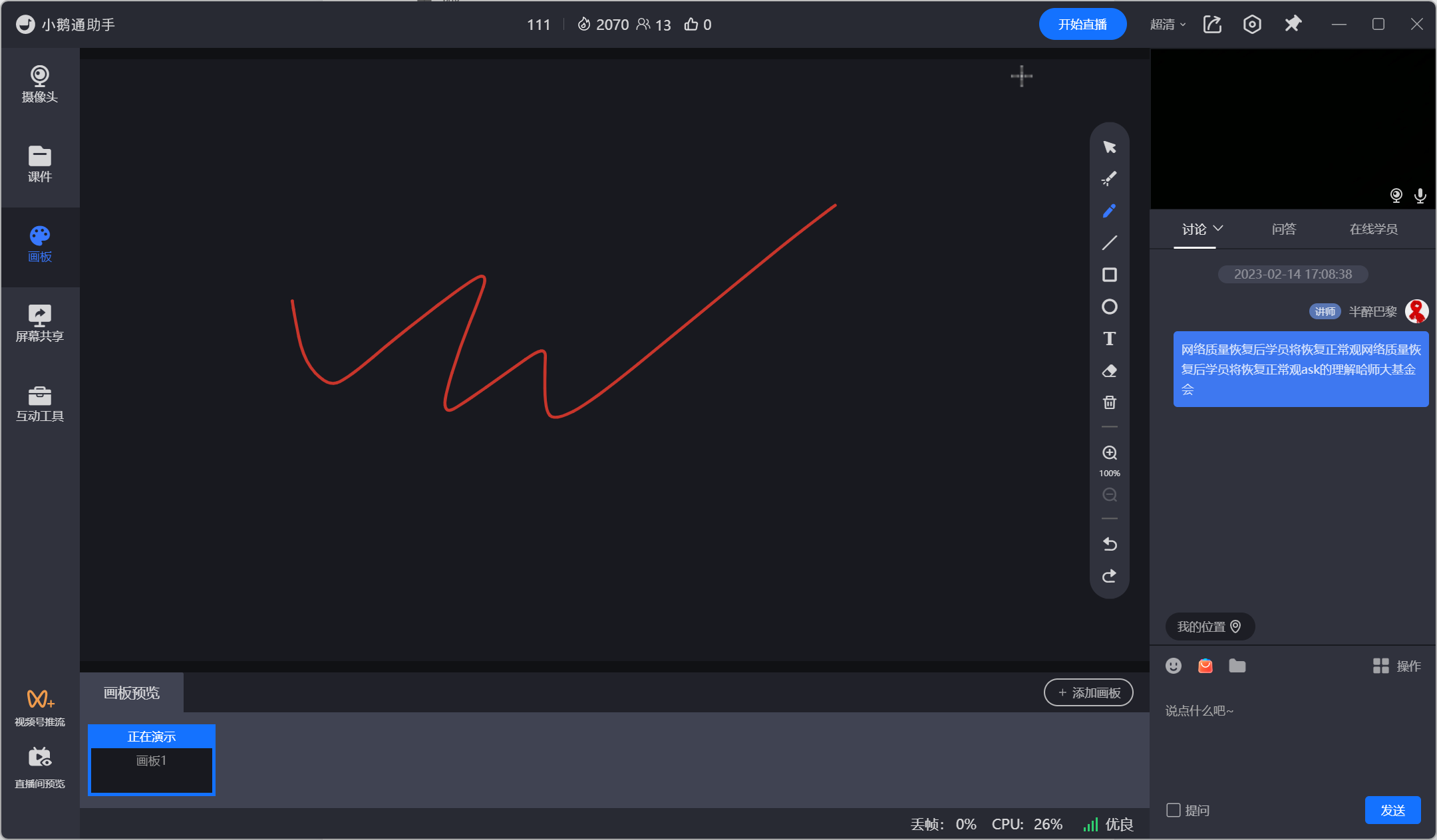
Precautions:
① After the graphics tablet is successfully connected, the operations of the stylus are equivalent to those of the mouse.
Frequently Asked Questions:
1、 The writing area of the graphics tablet does not match the drawing board.
Answer: The graphics tabletis only used as a mouse. The drawing area is based on the drawing board area of elink Assistant.