How to authorize the camera on a Mac computer?
1. On your computer, click the Apple icon and then click System Preferences.
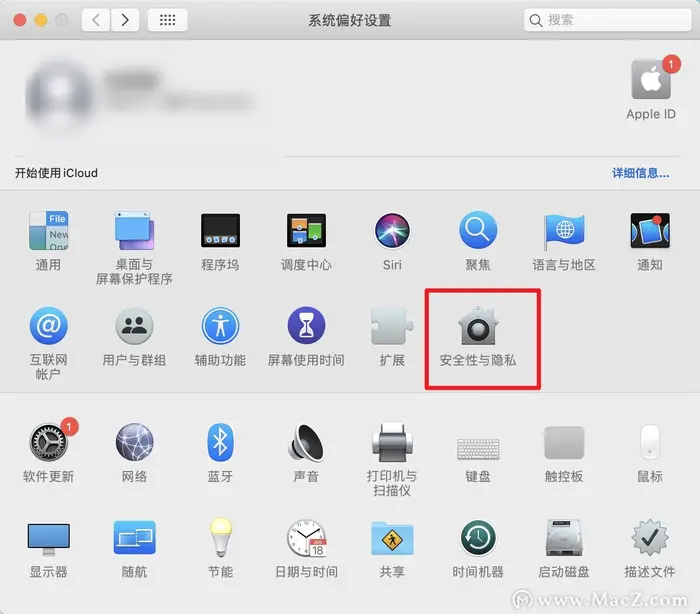
2. Click Security & Privacy.
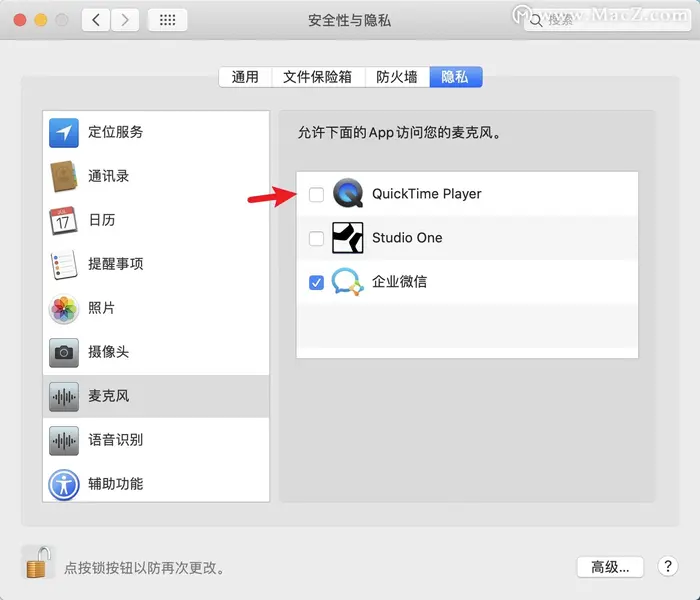
3. Click Privacy, find Camera on the left side, and click the small lock icon at the bottom left.
4. Enter your password to allow changes, and then select the program you want to use the camera with (here, select the eLink Live app or eLink Assistant).