How to get the store name/link?
After registering and opening an elink Online Store, merchants can obtain it through the following two channels:
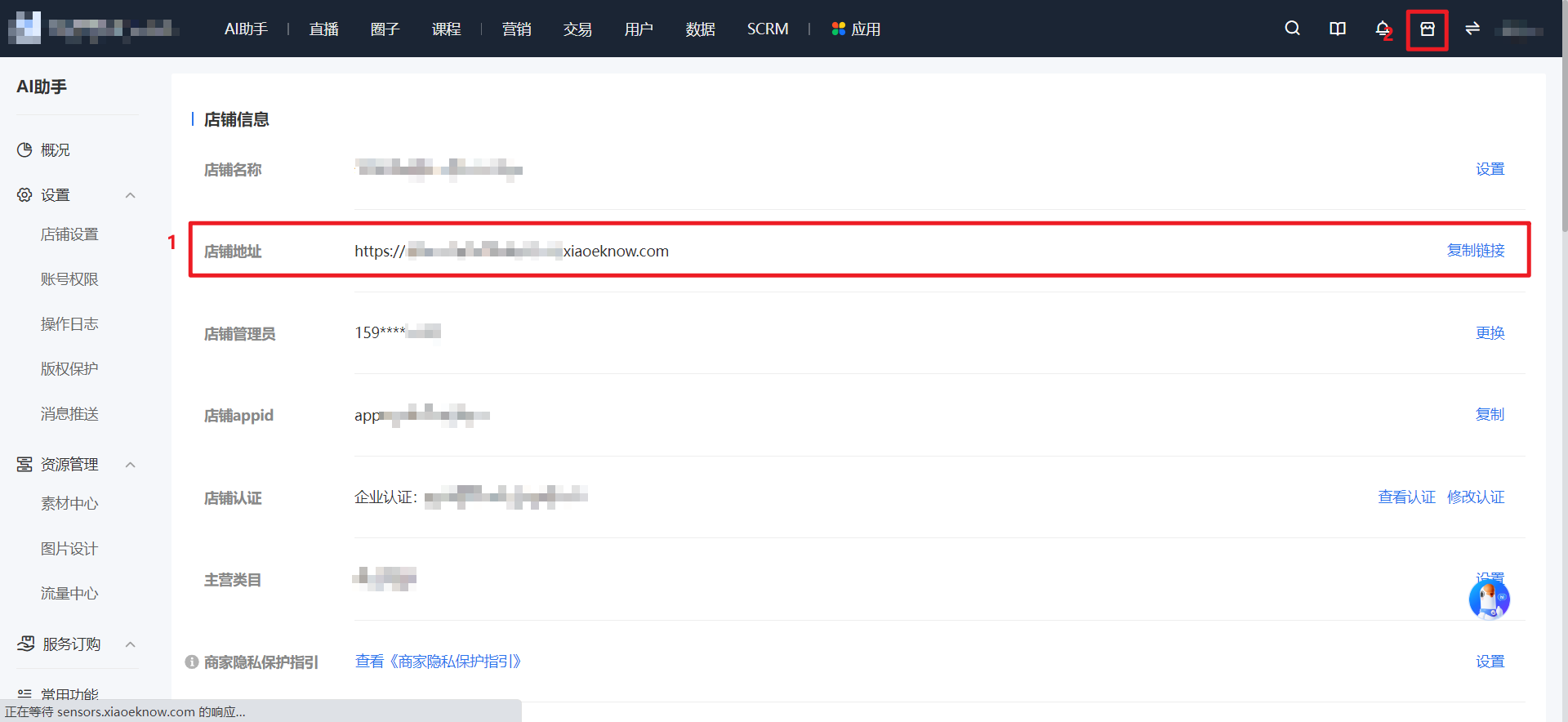
Option 1: Click [AI Assistant - Settings - Store Settings] and copy the link in [Store Information] to get the store address.
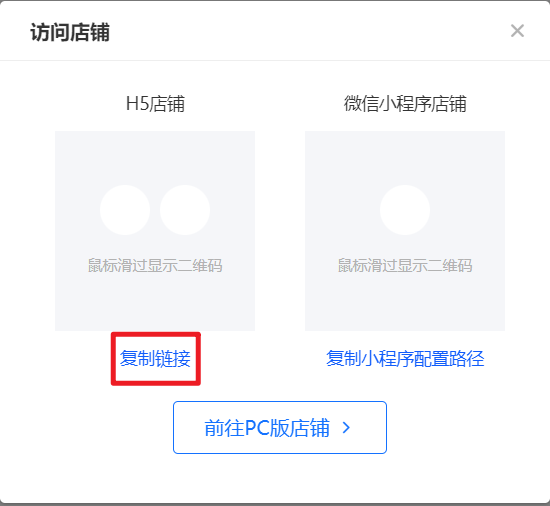
Option 2: After entering the store management console, click the [Visit Store] icon in the upper right corner and obtain it from the pop - up window for visiting the store.