# How to set the data viewing permissions for the overview page?
[中文](/books/9be40/page/b6d76)
Store data on the overview page of the merchant management backend can be directly viewed by the store creator upon login. However, store employees (sub-accounts) need to have the relevant permissions enabled to view it.
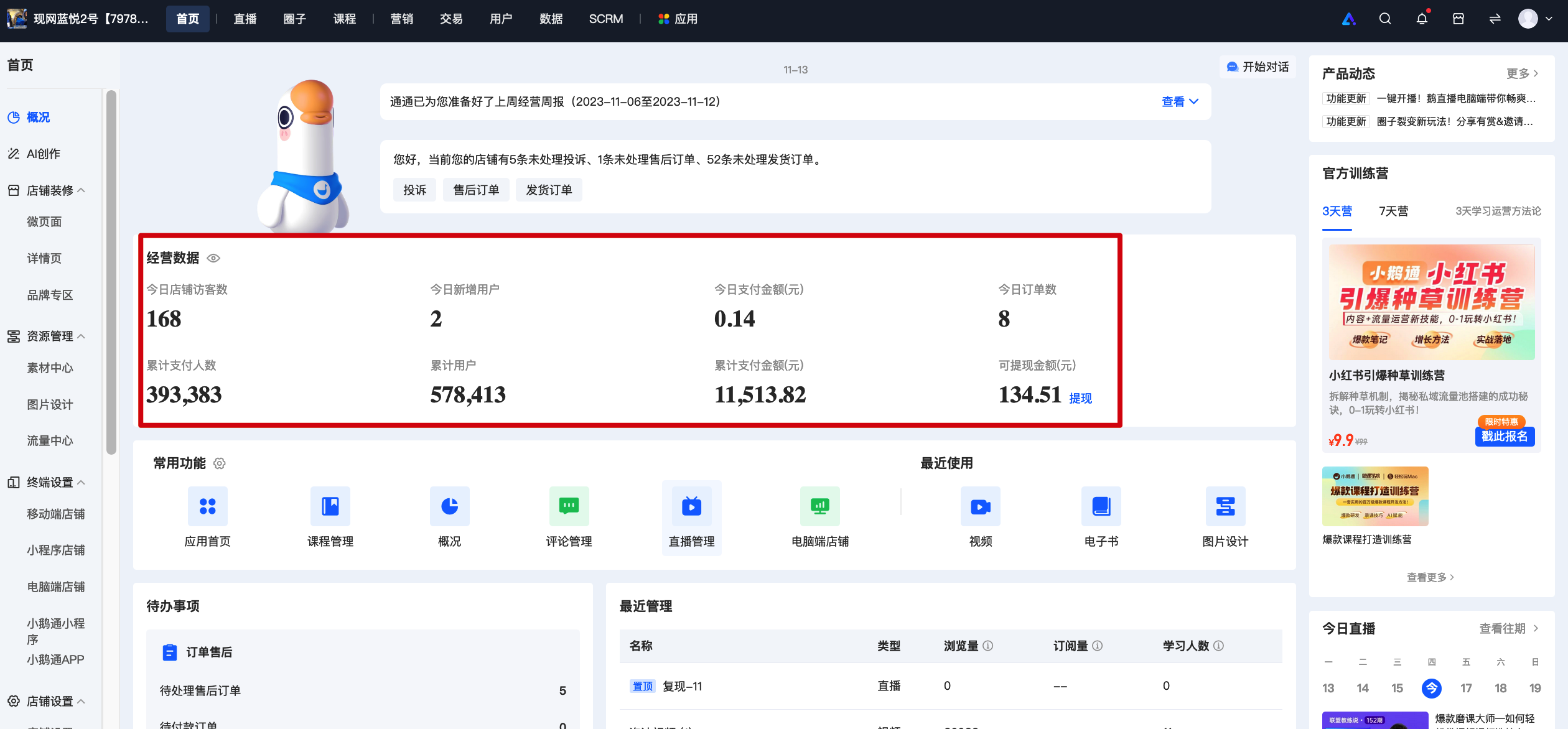
When the accounthas no relevant permissions, the corresponding data will display 'No permission. Please contact the administrator to apply' and appear in gray.
The steps to enable permissions are as follows:
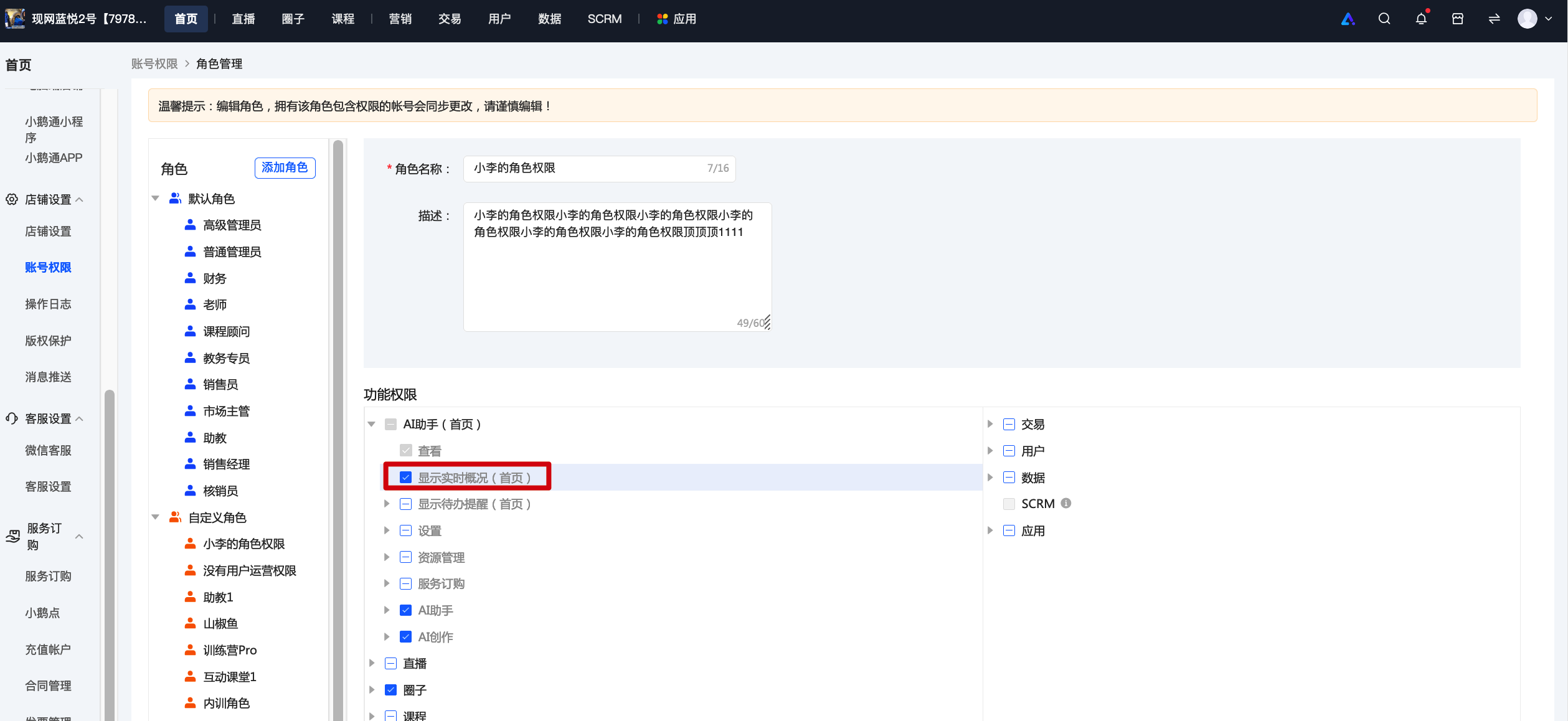
1. Click \[Settings\] - \[Account Permissions\]. You can set sub-account permissions on the new creation or editing page.
2. Check the 'Homepage - Display Real-time Overview' permission and assign it to the sub-account to view the corresponding data.