How can teachers comment on students' assignments?
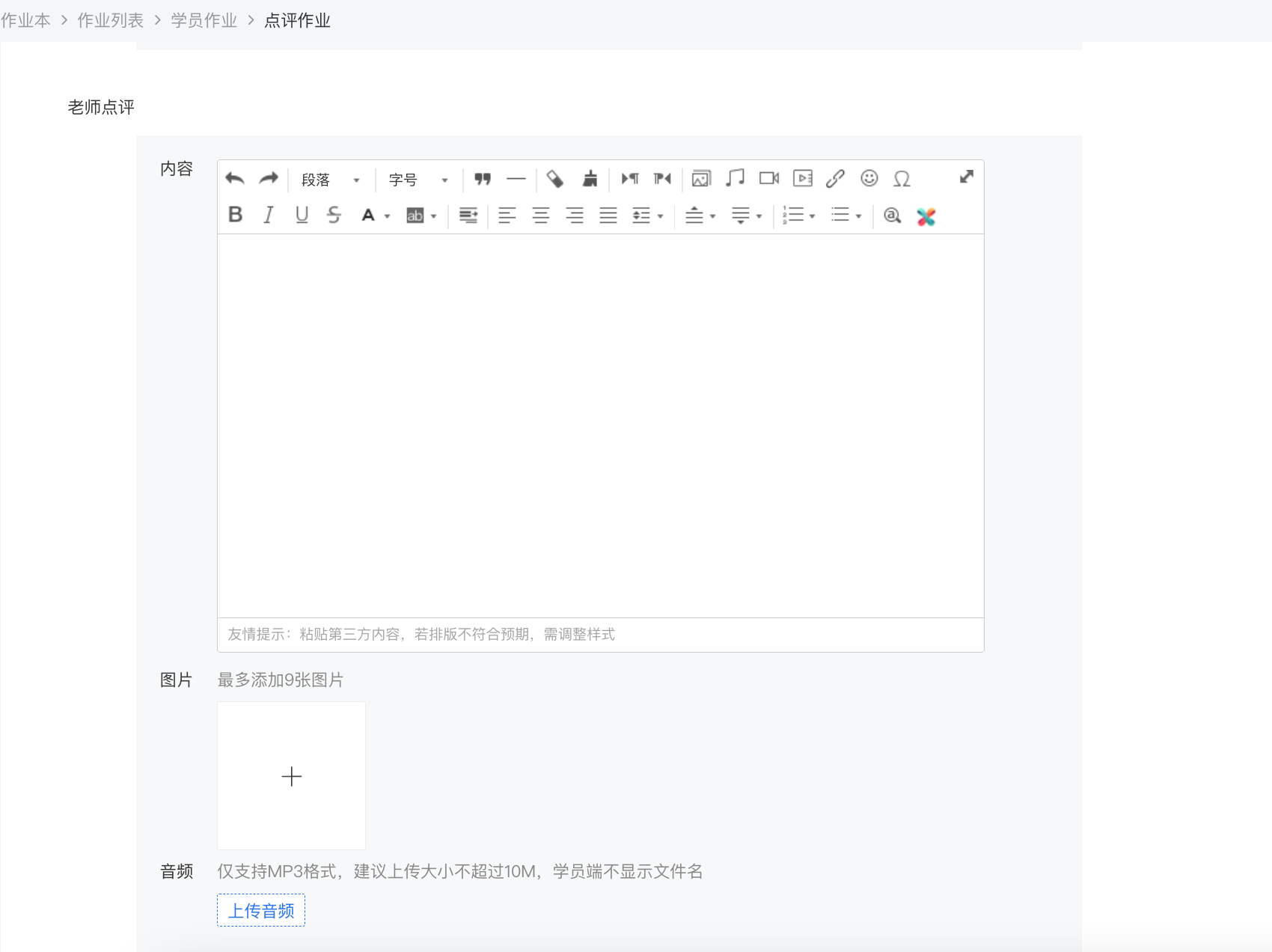
1. On the PC, teachers can view the submission status of students' assignments in [Assignment List] - [Students' Assignments]. Click [Review Assignment] for an individual student to view the assignment details and leave a review.
2. In the H5 Online Store, teachers can view the details of students' assignments in [My] - [Assignments]. Click [Review] to leave a review for the assignment.
Note: Reviews support text, images, and voice. Each voice message should not exceed 60 seconds, and a maximum of 5 voice messages can be sent; a maximum of 9 images can be sent; there is no limit on the number of characters for text.