# Can I modify the punch-in settings after the punch-in starts?

<div data-elink-language-switch="1" id="bkmrk-%E4%B8%AD%E6%96%87" style="border:1px solid #d6d9de;border-radius:6px;padding:10px 12px;margin:0 0 18px 0;background:#f8fafc;font-size:14px;">[中文](/books/bcbe3/page/5878a)</div><span style="font-size:15px;">The following describes three types of punch-in modes: calendar punch-in, assignment punch-in, and challenge punch-in:  
</span>

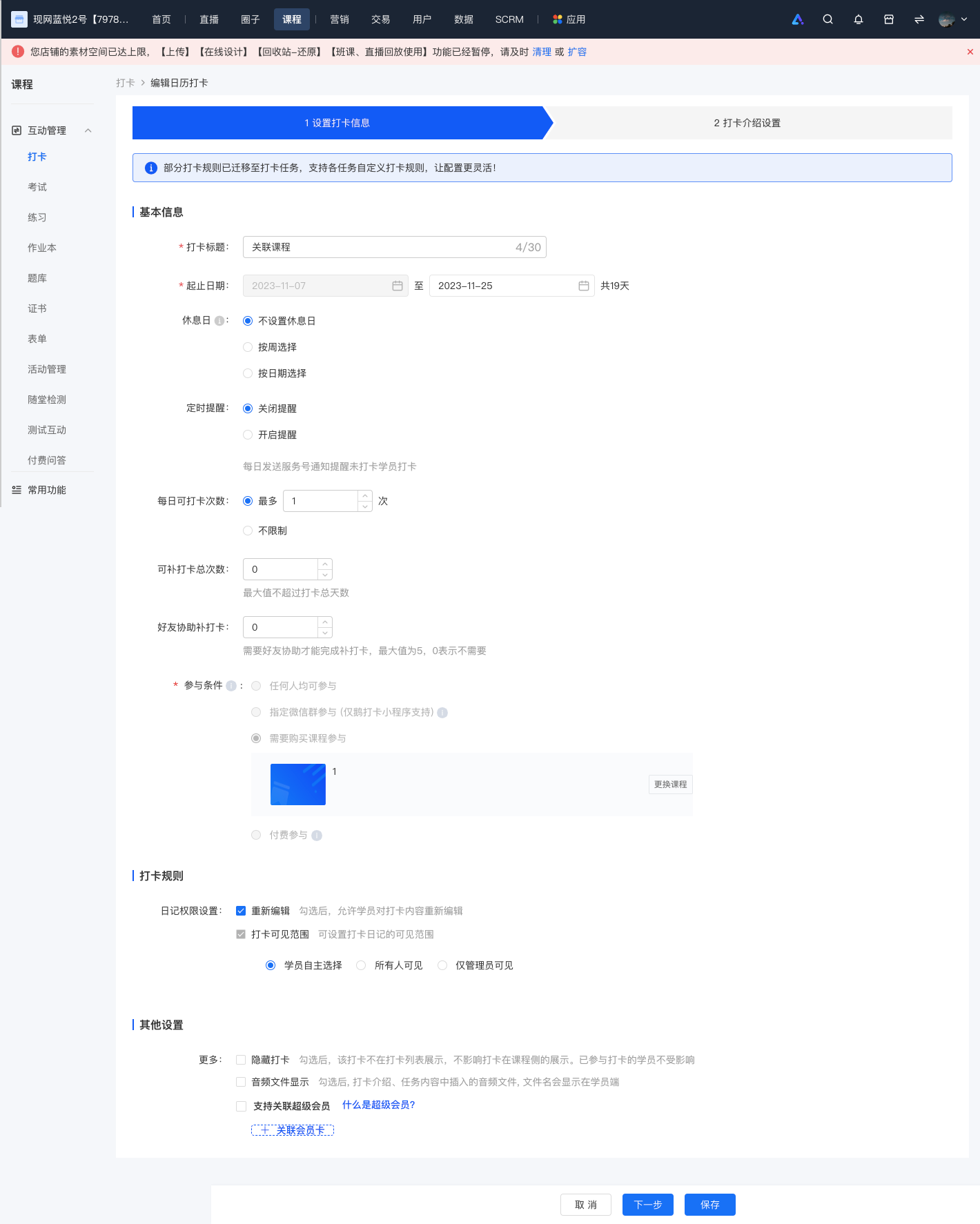
<span style="font-size:15px;">1. For calendar punch-in, after the punch-in starts, all settings except the start date and participation conditions can be modified.</span>

<span style="font-size:15px;">![screencapture-admin-xiaoe-tech-t-clock-admin-index-2023-11-07-18_42_11.png](https://wechatapppro-1252524126.file.myqcloud.com/help_document/image/ueditor/56588900_1699353749.png ".png")</span>

<span style="font-size:15px;">  
</span>

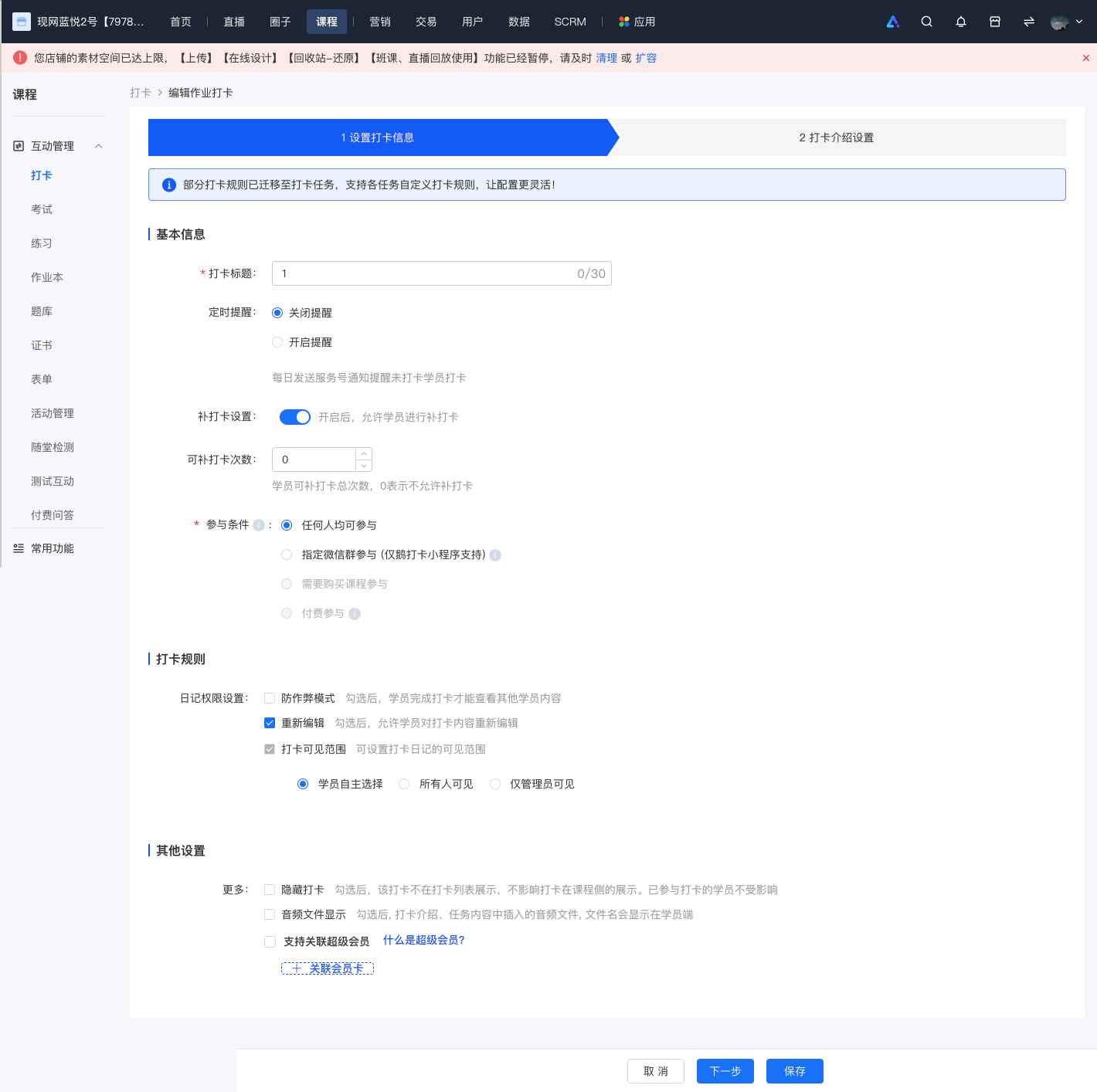
2\. For assignment punch-in, all settings except the participation conditions can be modified.
![screencapture-admin-xiaoe-tech-t-clock-admin-index-2023-11-07-18_42_56.png](https://wechatapppro-1252524126.file.myqcloud.com/help_document/image/ueditor/45515400_1699353811.png ".png")

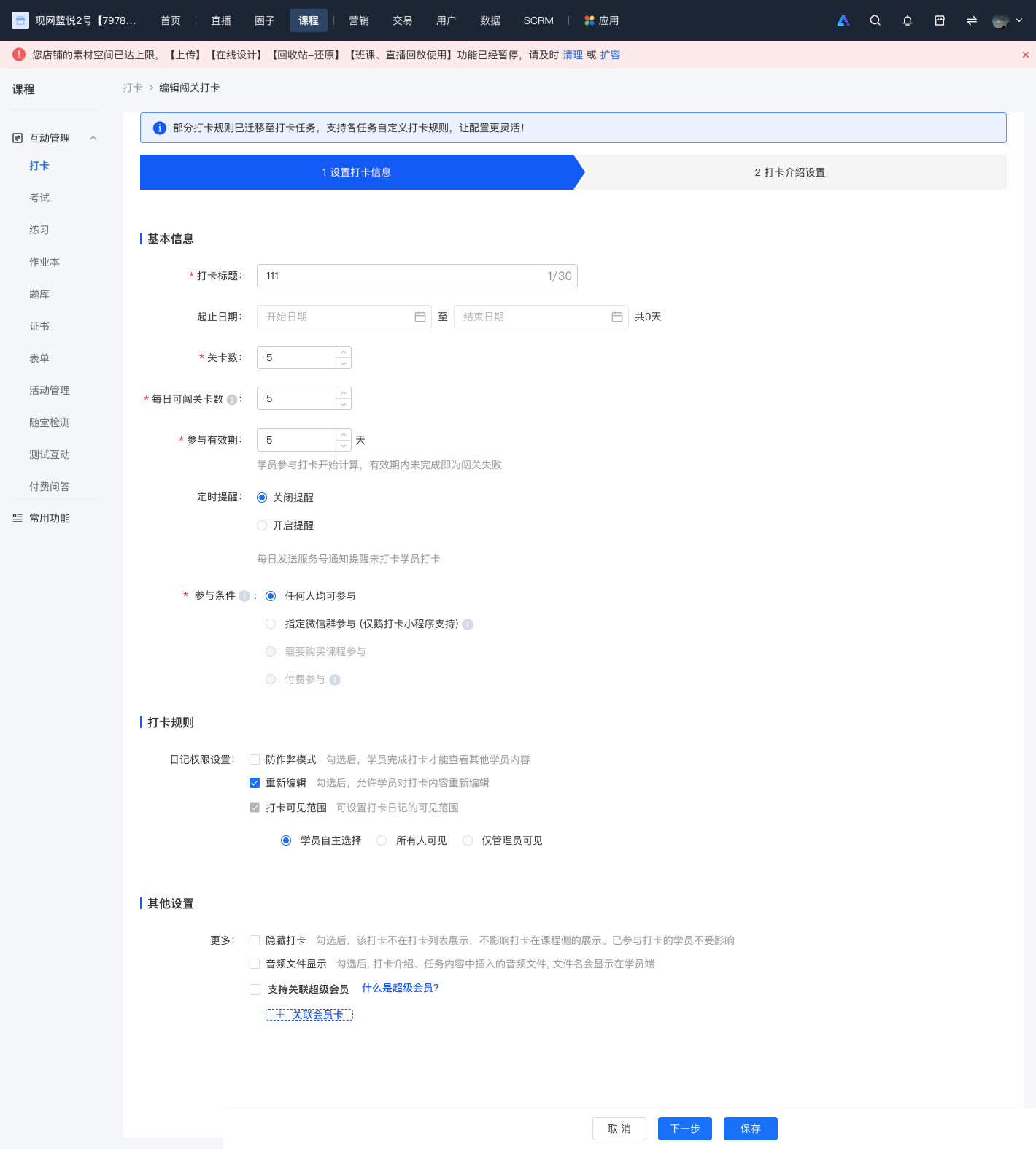
<span style="background:rgb(255,255,255);letter-spacing:0pt;vertical-align:baseline;font-size:15px;">3. For challenge punch-in, all settings except the start time can be modified. It should be noted that the valid participation period for students can only be extended, not shortened.</span>

![screencapture-admin-xiaoe-tech-t-clock-admin-index-2023-11-07-18_44_02.png](https://wechatapppro-1252524126.file.myqcloud.com/help_document/image/ueditor/34476200_1699353854.png ".png")

<span class="image-wrapper" style="display:inline-block;overflow:hidden;width:550px;height:639px;"></span>