Question bank
- How to move questions to different categories?
- Does the question support adding/deleting question answers?
- What methods are supported for adding questions to the question bank?
- Can the question banks entered in batches be classified separately?
- Will the answers to associated questions be updated synchronously after modifying the questions in an exam?
- What types of questions does the question bank support adding?
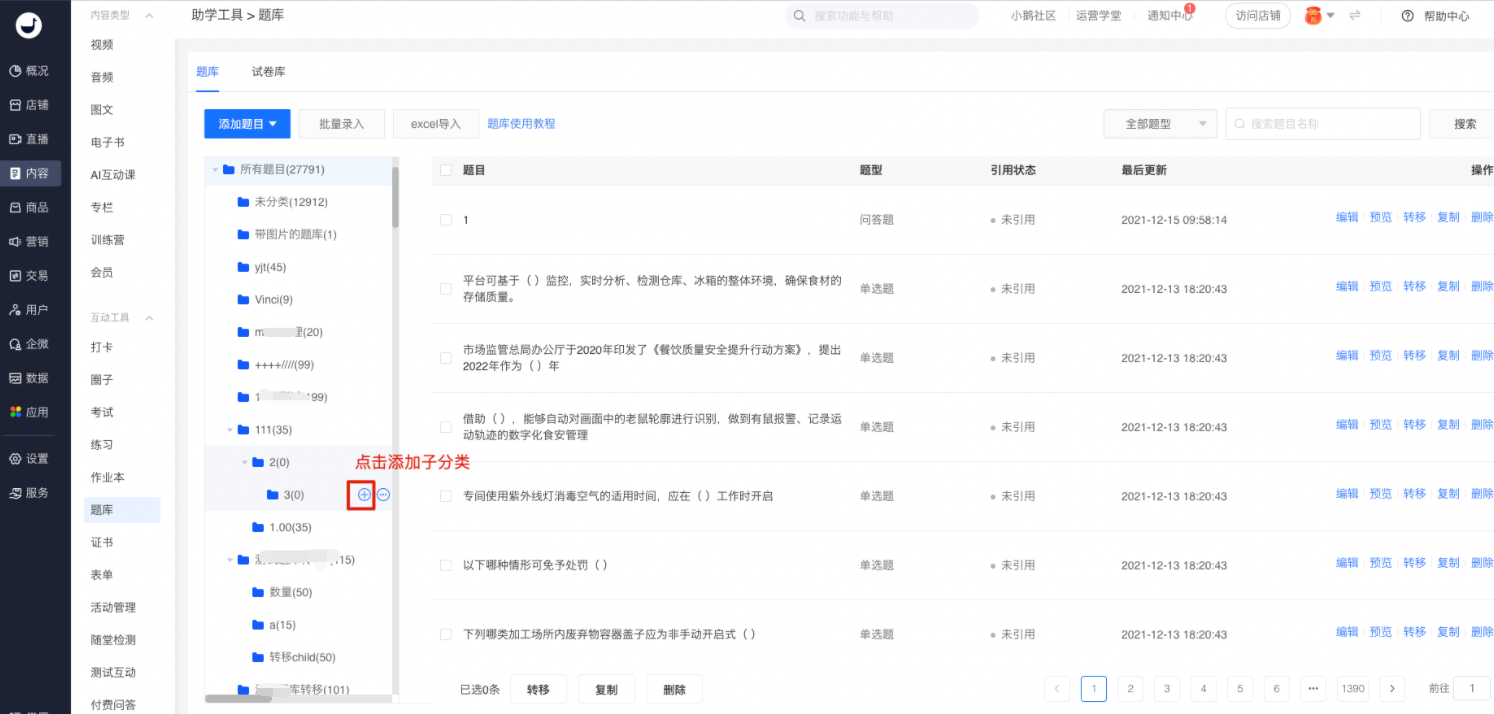
- How many levels of classification does the category management in the question bank support?
How to move questions to different categories?
After selecting the questions (multiple selection is allowed), click [Transfer]. Select the corresponding category, confirm and save to complete the transfer successfully.
Does the question support adding/deleting question answers?
Yes, it is supported. You can add or delete answer options as needed when creating new questions.
What methods are supported for adding questions to the question bank?
The question bank supports three ways to add questions:
1. Manual creation:Suitable for creating a small number of questions;
2. Batch entry via Word:Supports uploading Word files or manual entry;
3. Import from Excel:Suitable for quickly entering questions stored in Excel documents into the system.
Can the question banks entered in batches be classified separately?
Yes, you can categorize questions when batch - entering them into the question bank. If you want to add a new category, you can create one in the category management section.
Will the answers to associated questions be updated synchronously after modifying the questions in an exam?
If a question has been cited in a test paper, the edited content will be synchronized to the test paper. When someone has already answered the test paper, only editing the question content and modifying the correct answer of the question are supported. Operations such as 'adding/removing questions, editing the order, editing the scores, and editing the random test paper' are not allowed.
When modifying a question that has been cited in a test paper, the backend will give corresponding prompts.
What types of questions does the question bank support adding?
The question bank currently supports 7 types of questions:Single-choice questions, multiple-choice questions, multiple-answer questions, true-false questions, fill-in-the-blank questions, short-answer questions, and material-based questions.The following are examples of various question types. Teachers can set corresponding question types according to different needs.
Examples of question types:
1. Material-based questions:You can first provide a piece of material information (supporting text, pictures, videos, audios, etc.). After the material, you can add one or more questions to test the learners' understanding and thinking of the material.
The questions that can be added to material-based questions include: single-choice questions, multiple-choice questions, multiple-answer questions, true-false questions, fill-in-the-blank questions, and short-answer questions. Generally speaking, material-based questions are a combined question type.
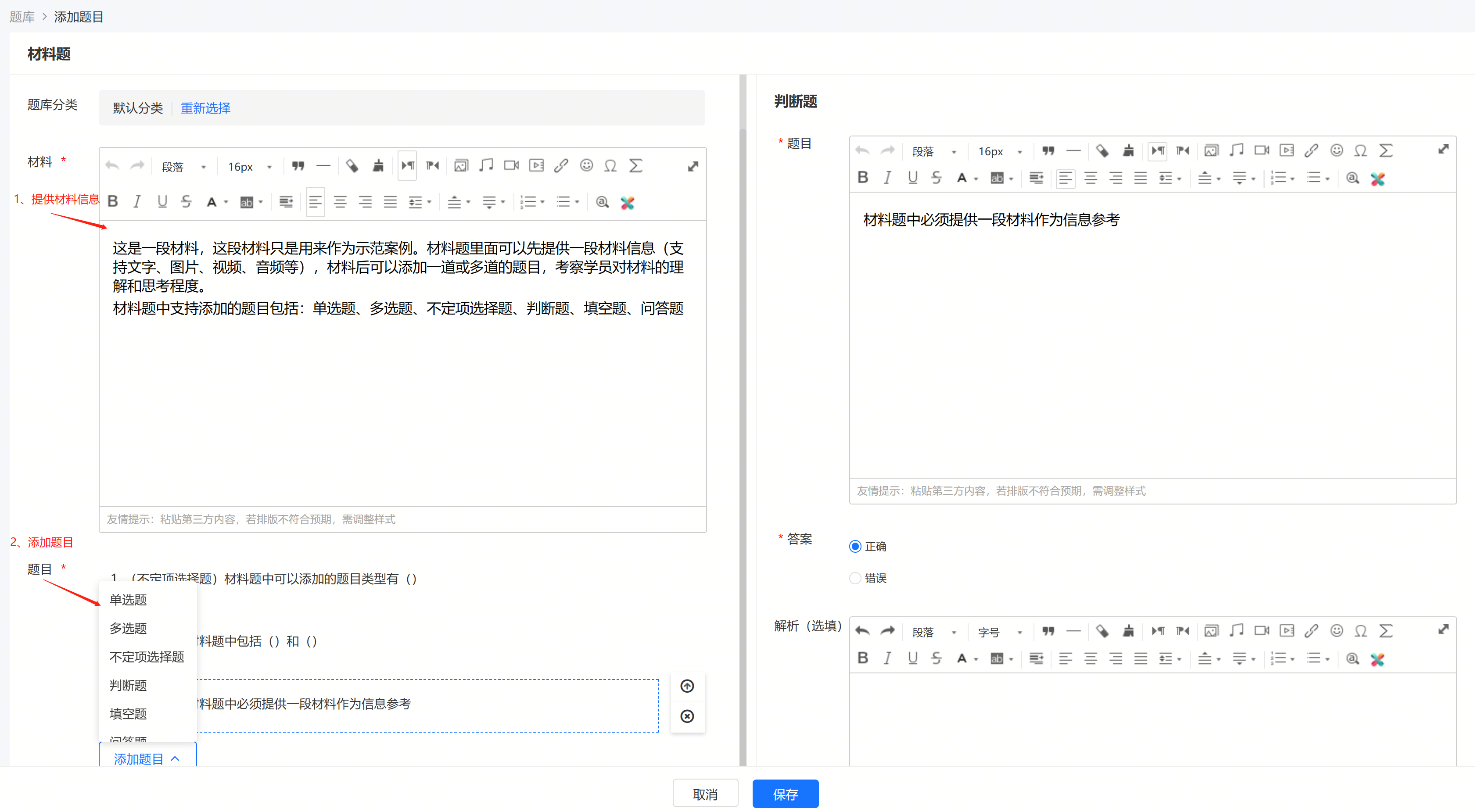
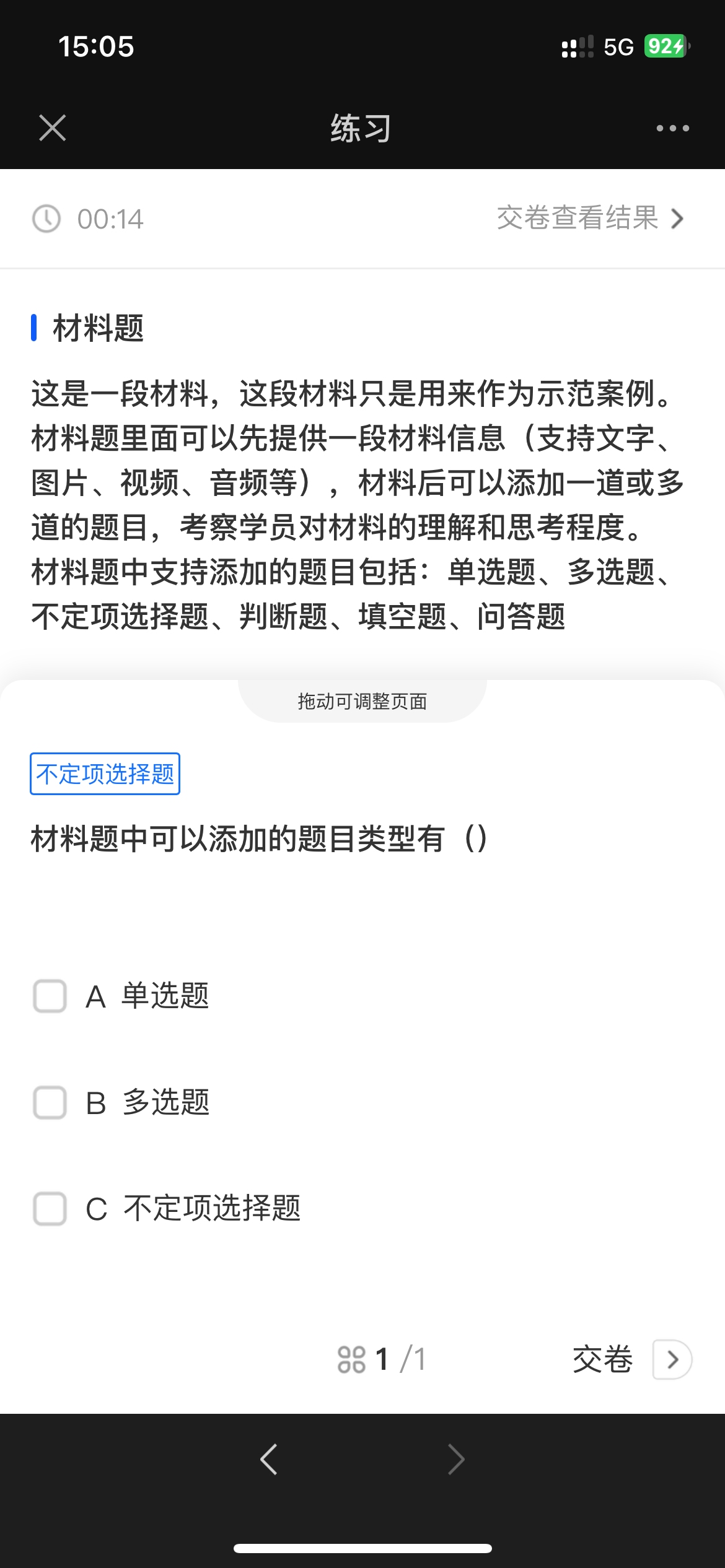
(Management console - Add material-based questions) (Display on the learner's end)
2. Short-answer questions:Ask questions and require learners to answer according to the requirements, testing the learners' understanding, analysis, and application abilities of specific knowledge or concepts.
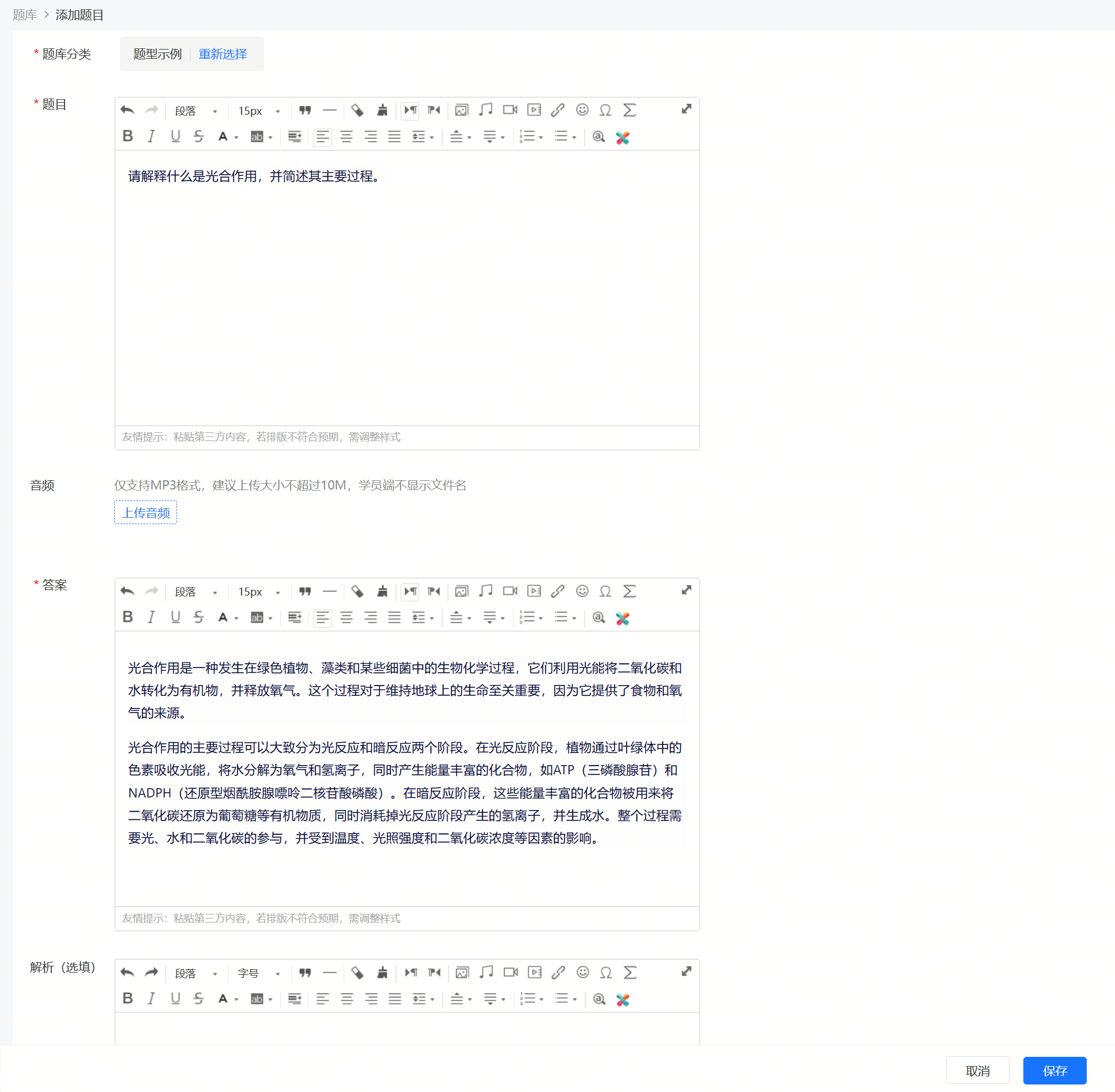

(Management console - Add short-answer questions) (Display on the learner's end)
3. Fill-in-the-blank questions:In the question,ProvideIncludeA sentence or paragraph containing one or more blanks. Learners are required to fill in one or more appropriate words, phrases, or sentences according to the context of the question and the given information to complete the entire sentence or paragraph, making its meaning complete and grammatically correct.
Fill-in-the-blank questions can appear in various subjects and exams, such as language learning (English, Chinese, etc.), mathematics, science, social science, etc. In language exams, fill-in-the-blank questions are usually used to test the candidates' vocabulary, grammar, understanding, and expression abilities. In mathematics and science exams, fill-in-the-blank questions may be used to test the candidates' mastery of concepts, formulas, or experimental procedures.
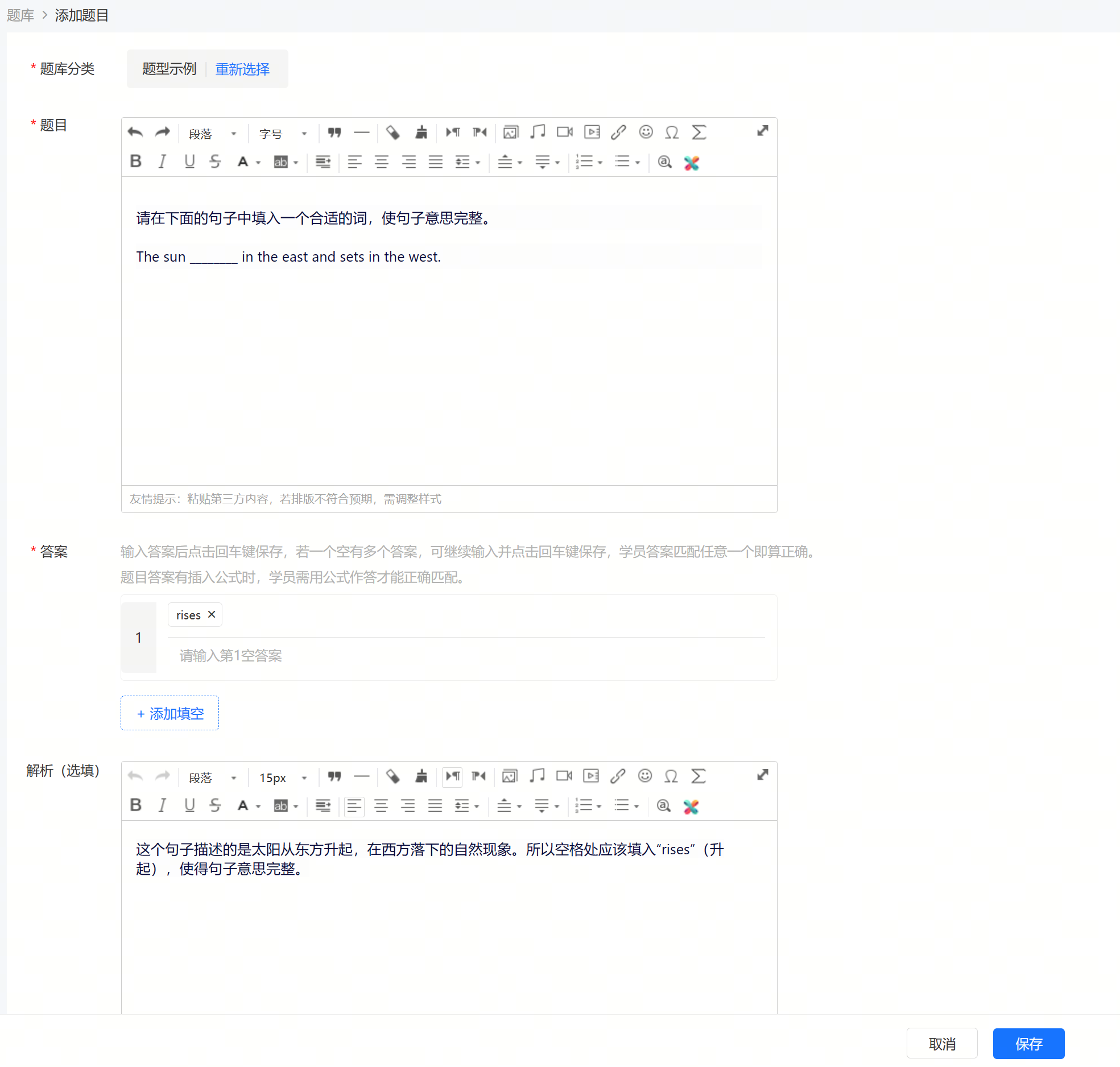
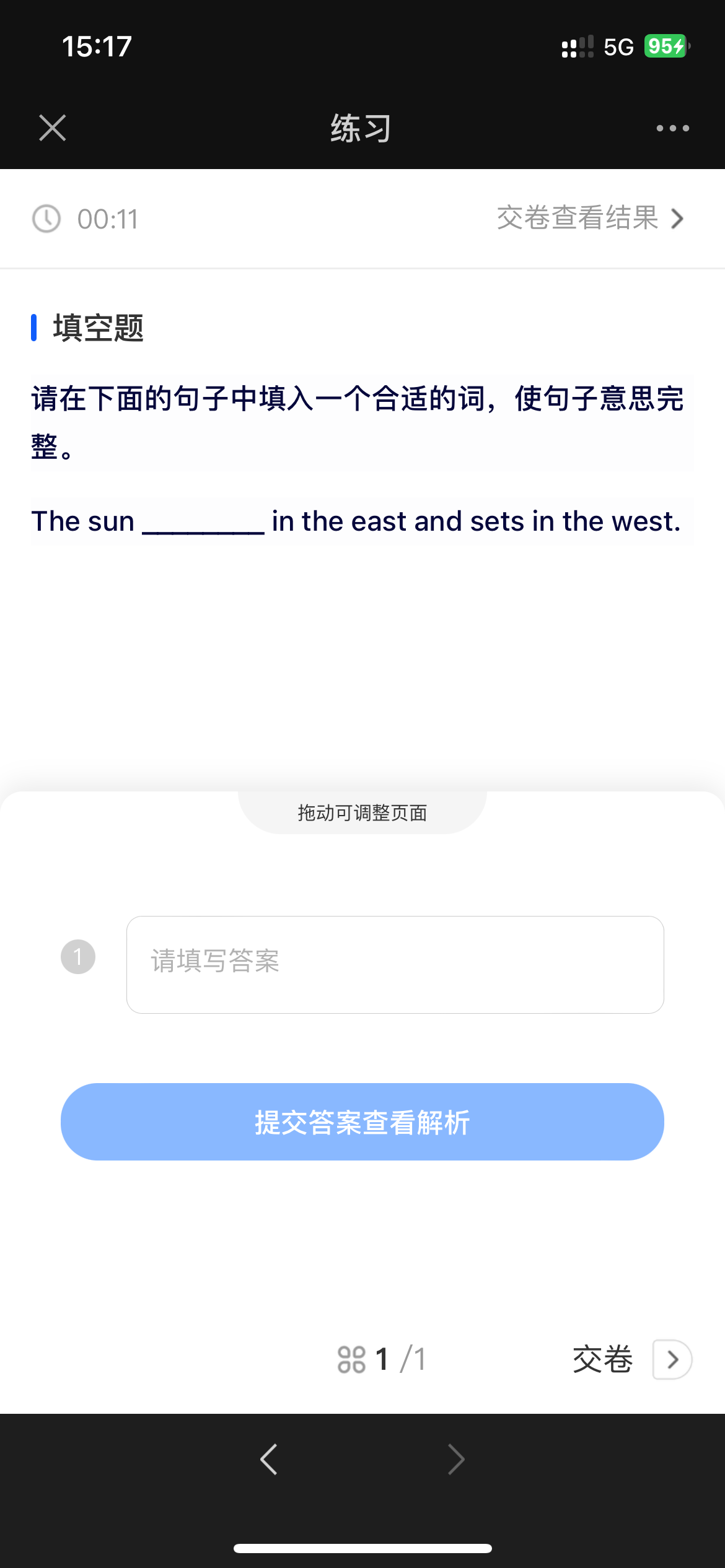
(Management console - Add fill-in-the-blank questions) (Display on the learner's end)
4. True-false questions:A question type that requires learners to judge whether the content described in the question is correct based on the knowledge they have mastered.
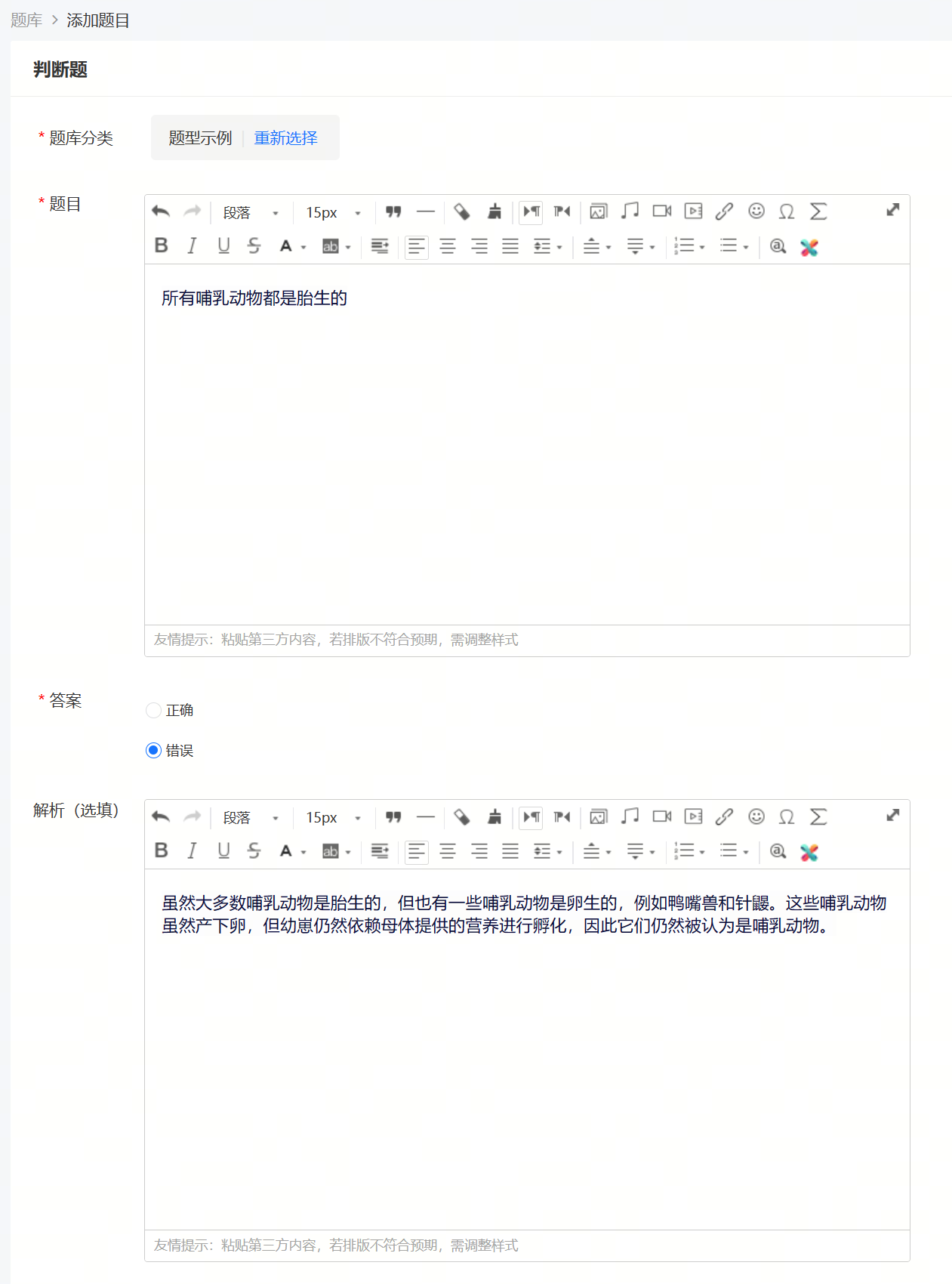

(Management console - Add true-false questions) (Display on the learner's end)
5. Multiple-answer questions:Among the several options given in the question, there is at least one correct option and may also include multiple correct options. Learners need to select all the correct options according to the question requirements. This question type is usually used to test the candidates' comprehensive understanding and analysis abilities of knowledge, requiring learners to be able to accurately judge the correctness of each option and notice the possible multiple correct answers.
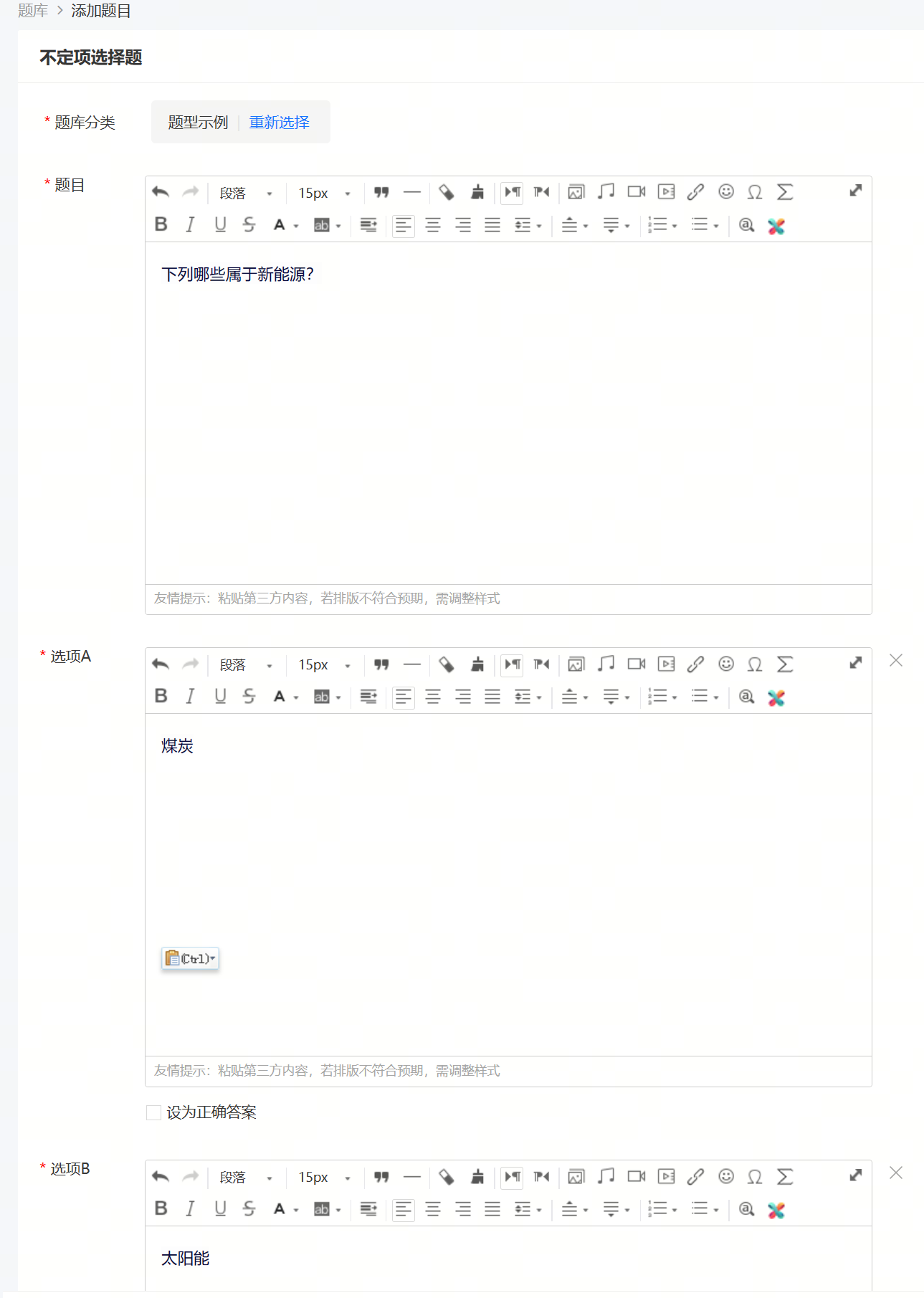

(Management console - Add multiple-answer questions) (Display on the learner's end)
6. Multiple-choice questions:A type of question with multiple correct options.
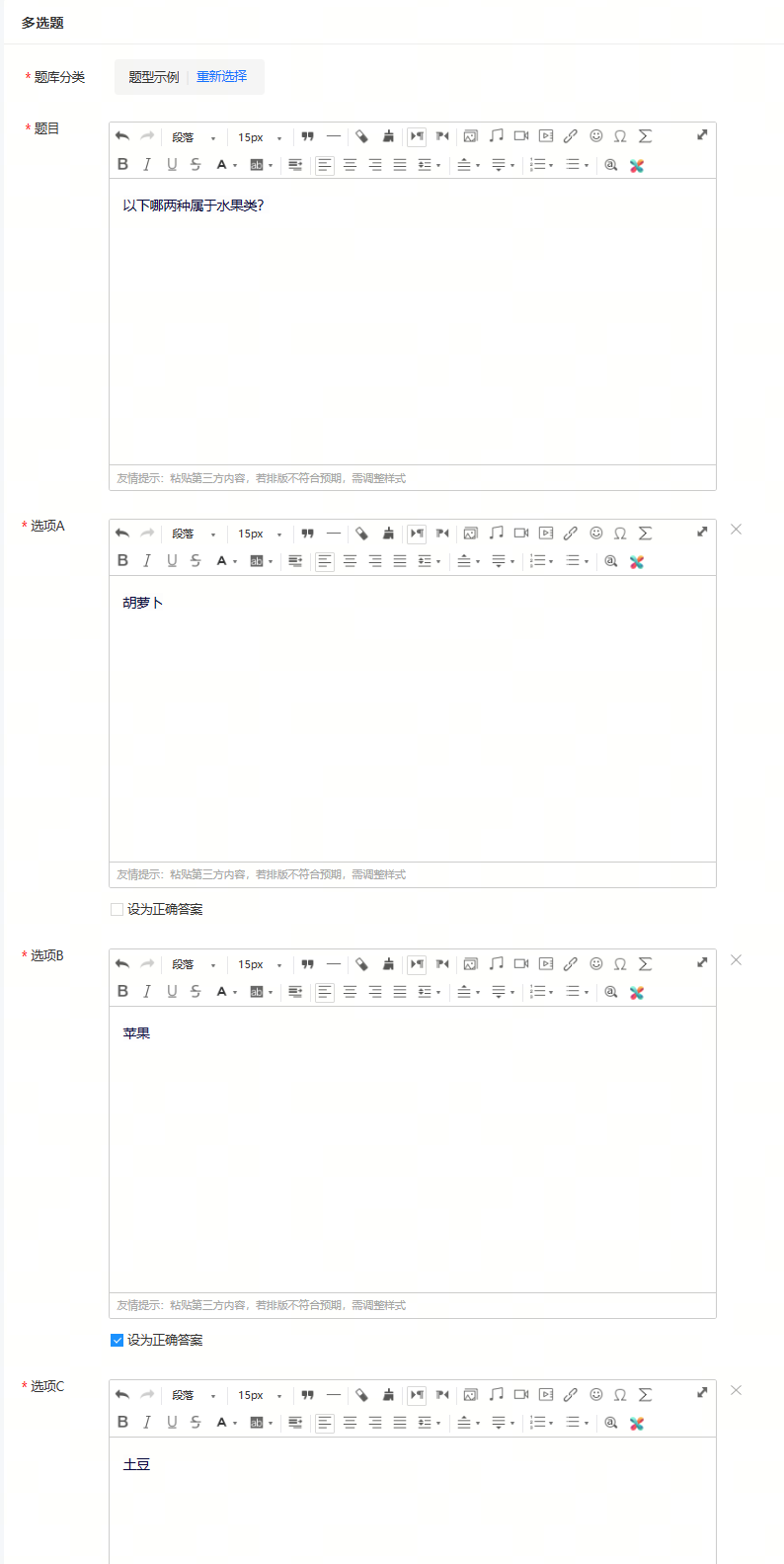
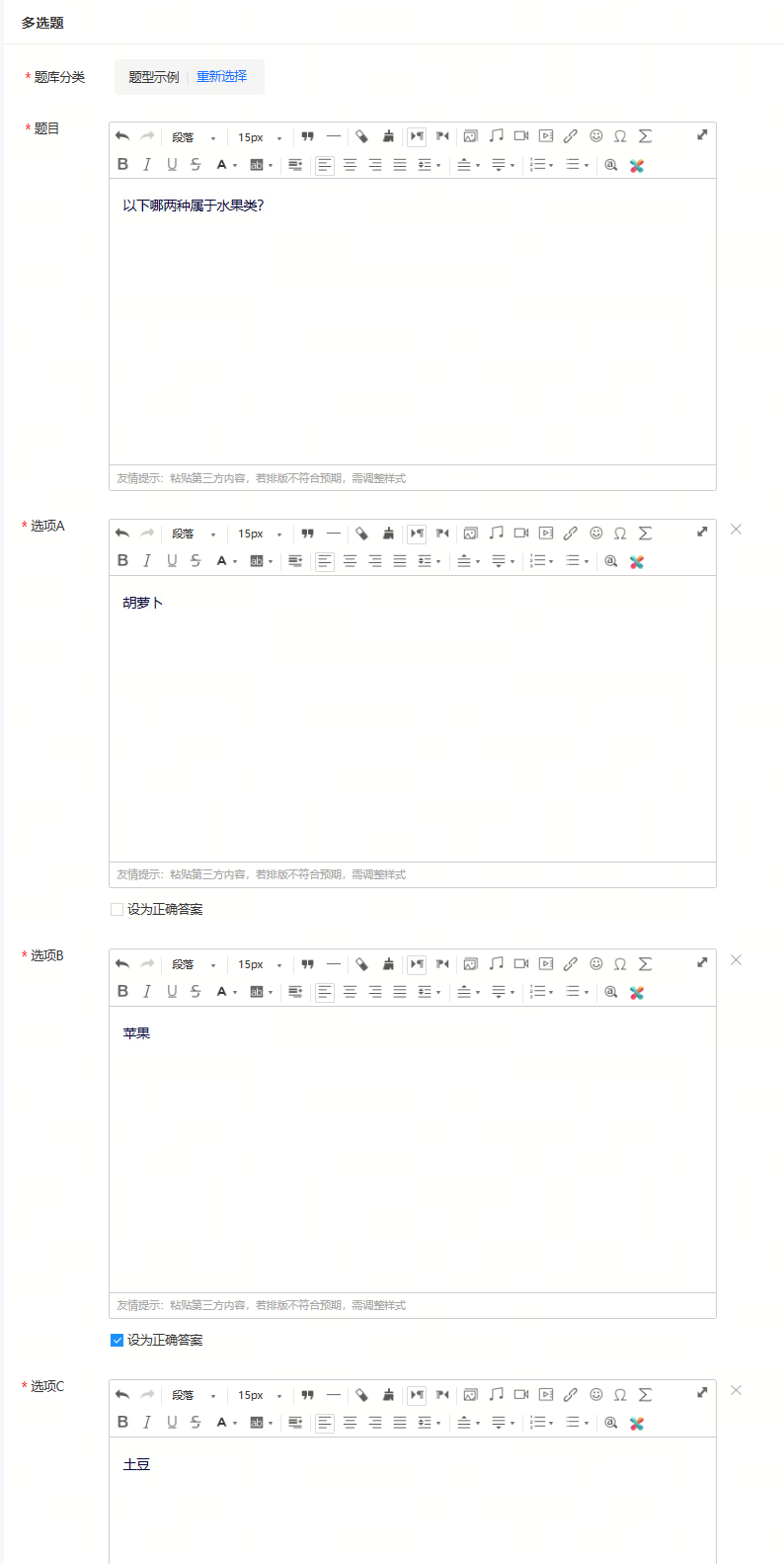

(Management console - Add multiple-choice questions) (Display on the learner's end)
7. Single-choice questions:A type of question with only one correct option.
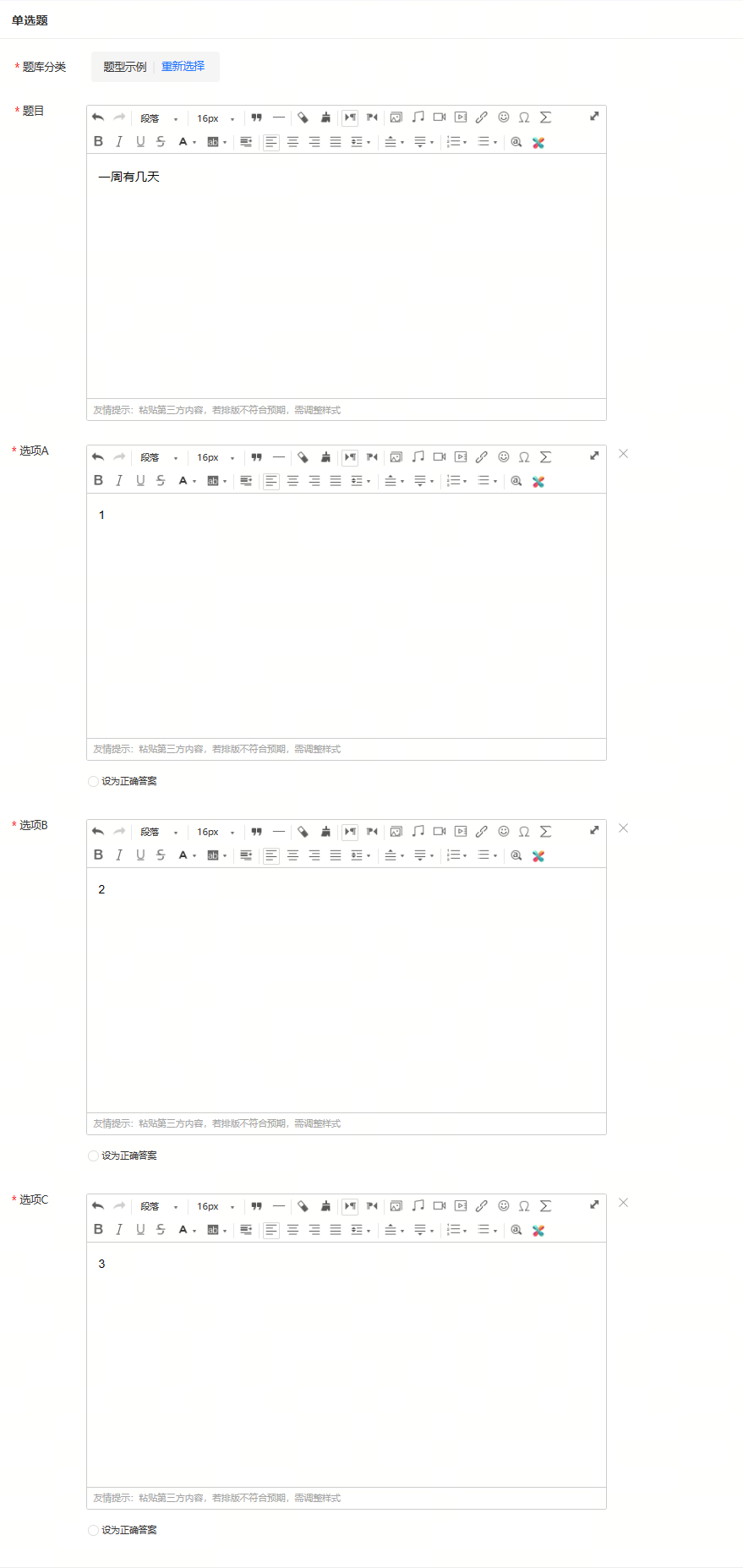

(Management console - Add single-choice questions) (Display on the learner's end)
How many levels of classification does the category management in the question bank support?
The classification management in the question bank supports up to five levels of classification. You can create the required classification structure in advance, such as the 'Subject - Chapter - Section' structure. In
When creating questions, select a classification to implement the classification management of questions.