# 更换店铺管理员使用教程

<div data-elink-language-switch="1" id="bkmrk-english" style="border:1px solid #d6d9de;border-radius:6px;padding:10px 12px;margin:0 0 18px 0;background:#f8fafc;font-size:14px;">[English](/books/home-page/page/tutorial-on-changing-the-store-administrator)</div><span style="font-size:17px;">**一、功能介绍**</span>

<span style="font-size:15px;">店铺在经营过程中会遇到管理员（负责人）变动的情况，以往需要找客服走流程，现在可以自助更换店铺管理员。</span>

<span style="font-size:17px;">**二、使用目的**</span>

<span style="font-size:15px;">当店铺需要更换管理员时，可自助更换，安全又高效</span>

<span style="font-size:17px;">**三、操作路径**</span>

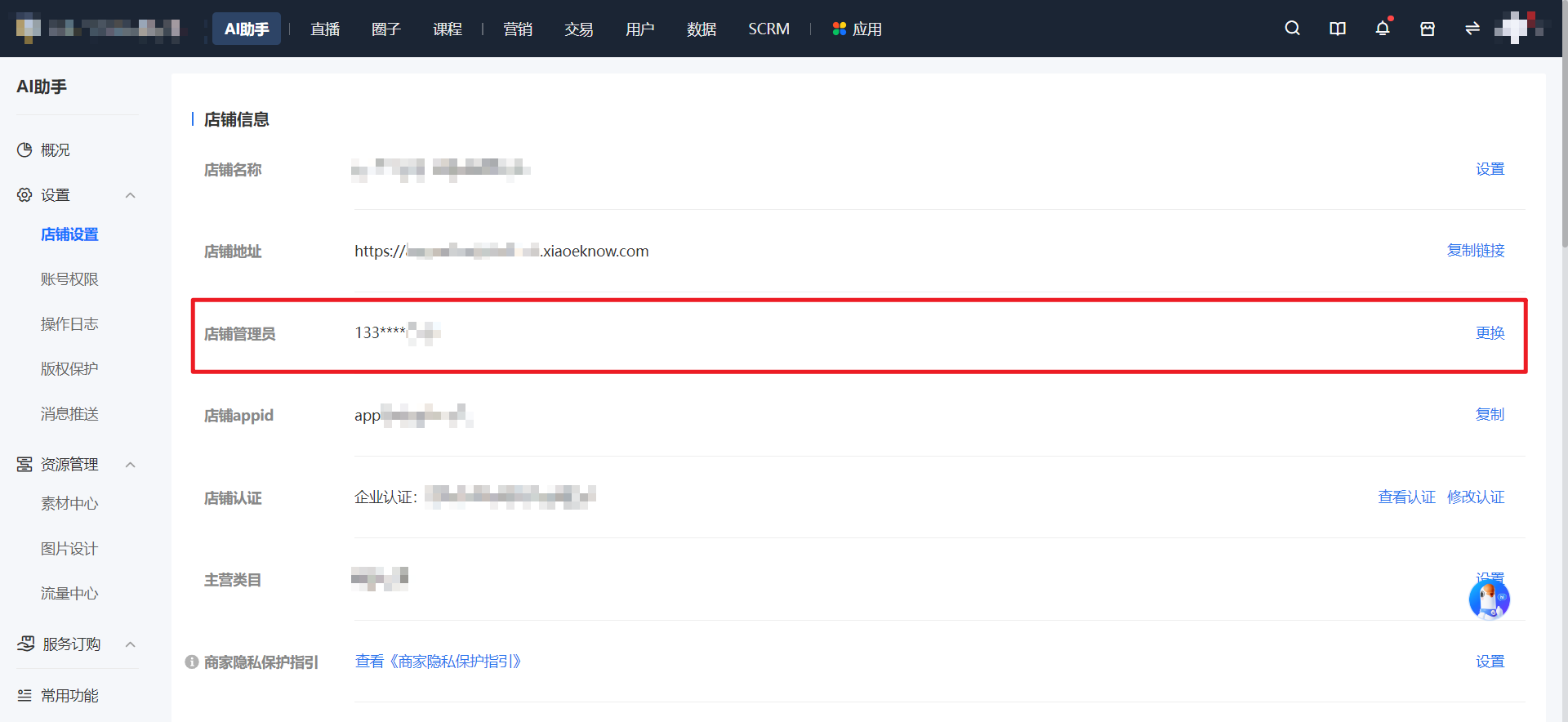
<span style="font-size:15px;">商家端：商家后台 AI助手<span style="font-size:15px;"> → 设置 </span>→ 店铺设置 → 店铺管理员</span>

<span style="font-size:15px;">![image (4).png](https://wechatapppro-1252524126.file.myqcloud.com/help_document/image/ueditor/21520800_1644373566.png ".png")</span>

<span style="font-size:17px;">**四、使用教程**</span>

**<span style="font-size:15px;">第一步：</span><span style="font-size:15px;">店铺设置页点击更换按钮</span>**<span style="font-size:15px;">*（管理后台）*</span>

<span style="font-size:15px;">在店铺设置页找到店铺管理员，点击【更换】按钮。</span>

**<span style="font-size:15px;">\*\*特别注意：</span>**

<span style="font-size:15px;">1、需要原店铺管理员验证通过才允许更换</span>

<span style="font-size:15px;">2、30天内仅允许更换1次</span>

<span style="font-size:15px;">3、老账号会有弹框提示，账号升级后才可更换</span>

![image.png](https://wechatapppro-1252524126.file.myqcloud.com/help_document/image/ueditor/54159700_1695031118.png ".png")

**<span style="font-size:15px;">第二步：管理员身份验证</span>**<span style="font-size:15px;">*（H5店铺）*</span>

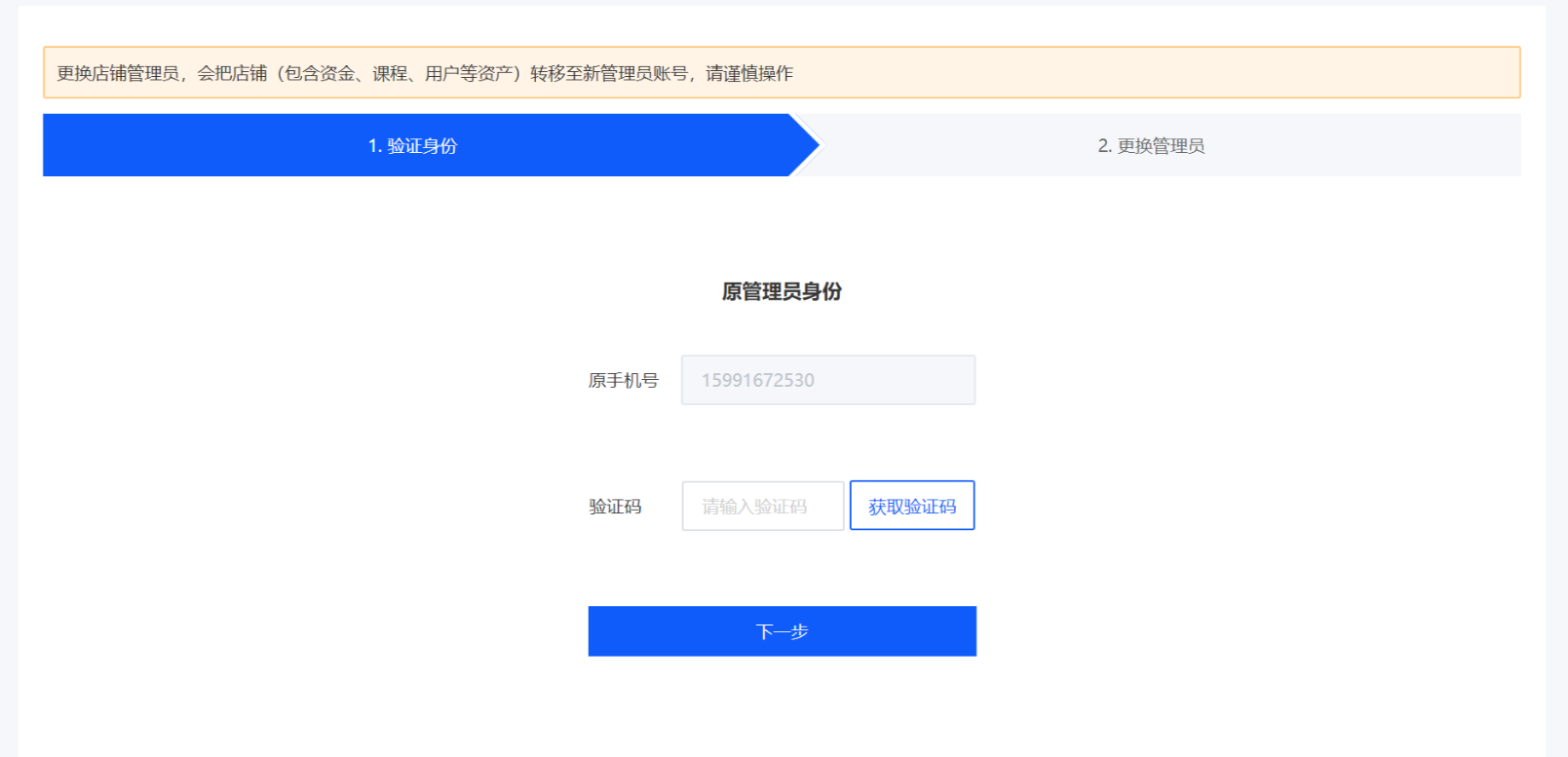
<span style="font-size:15px;">1、原店铺管理员的身份验证，需要填入手机验证码</span>

![image.png](https://wechatapppro-1252524126.file.myqcloud.com/help_document/image/ueditor/31679400_1695031151.png ".png")

<span style="font-size:15px;"> （验证身份步骤） </span>

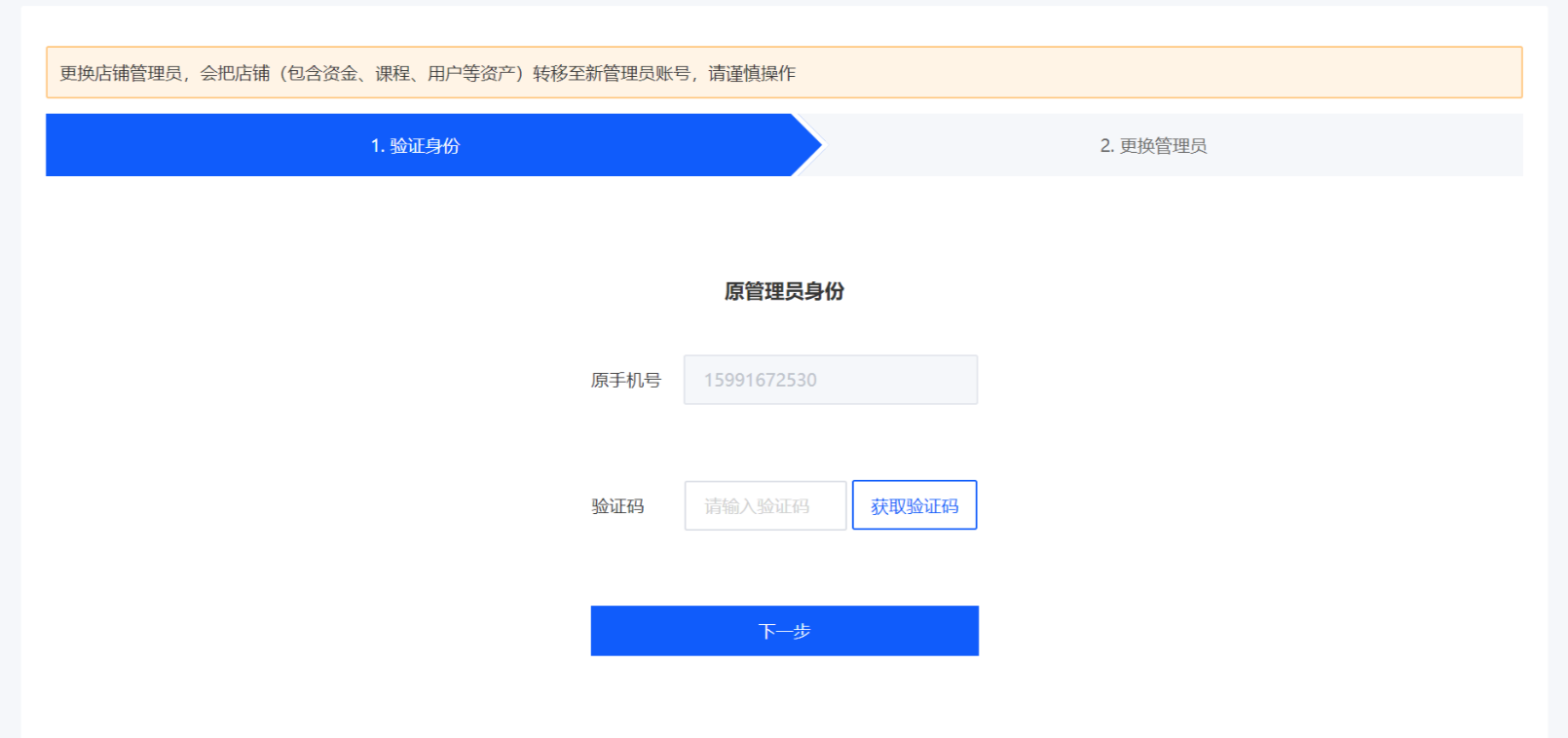
<span style="font-size:15px;">2、新店铺管理员的身份验证，需要填入手机验证码</span>

**<span style="font-size:15px;">\*\*特别注意：</span>**<span style="font-size:15px;">新店铺管理员的手机号，必须已经在小鹅通注册，若未注册请提前注册</span>

![image.png](https://wechatapppro-1252524126.file.myqcloud.com/help_document/image/ueditor/10952100_1695031180.png ".png")

<span style="font-size:15px;"> （更换步骤）</span>

**<span style="font-size:15px;">第三步：需与流程图中的名称保持一致</span>***<span style="font-size:15px;">（H5店铺）</span>*

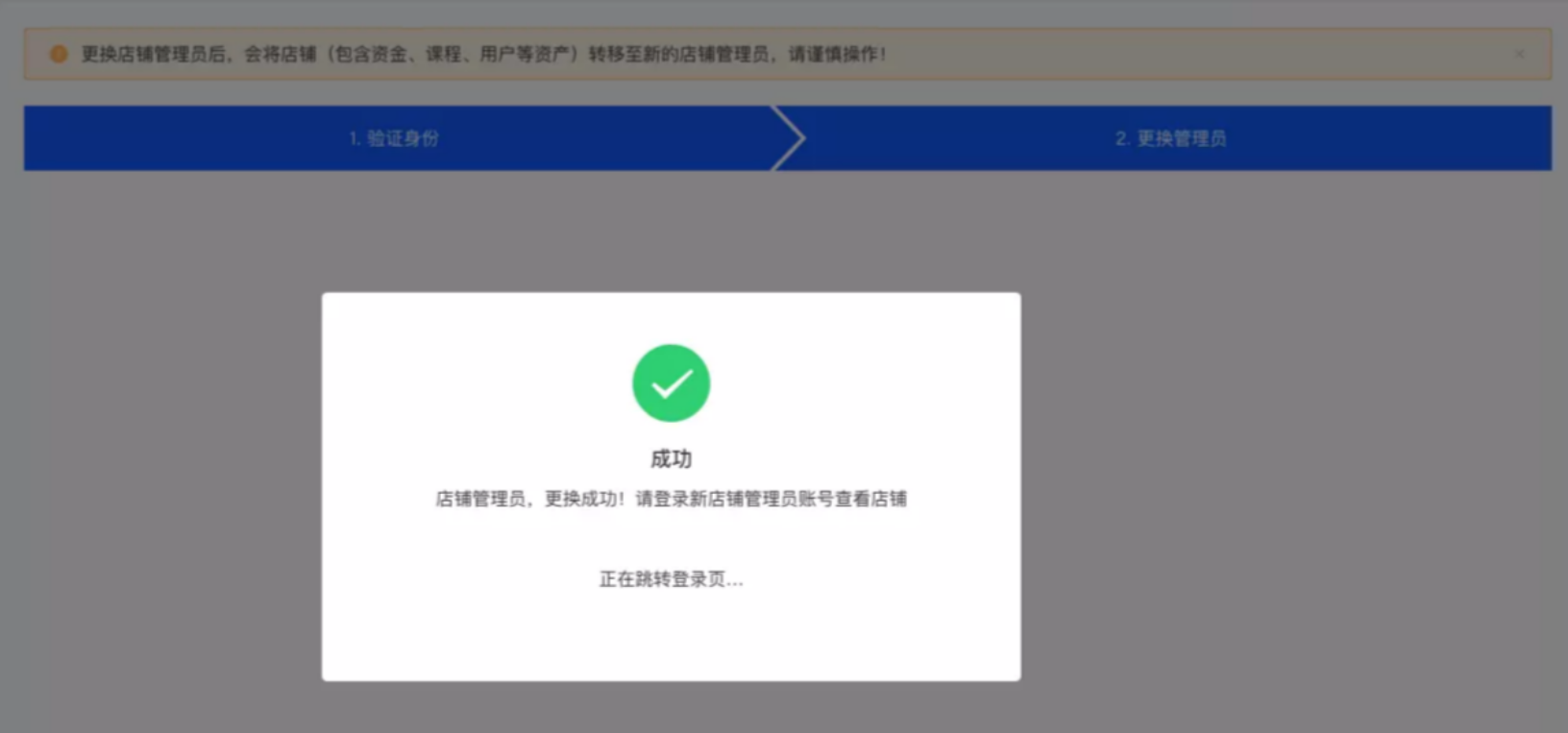
<span style="font-size:15px;">更换成功后，系统自动跳转至登录页面，此时可用新店铺管理员账号登录查看店铺；</span>

![image.png](https://wechatapppro-1252524126.file.myqcloud.com/help_document/image/ueditor/67482100_1695031213.png ".png")

<span style="font-size:15px;"> （更换成功弹框）</span>